
Text-to-image generation
Turn written prompts into images directly in the browser, with controls for prompt length, aspect ratio, number of images, and quality selection.

DreamPixel AI is a web-based AI image generator for text-to-image and image-to-image creation, with photo editing and enhancement tools, a free tier, and paid plans for higher-resolution output.
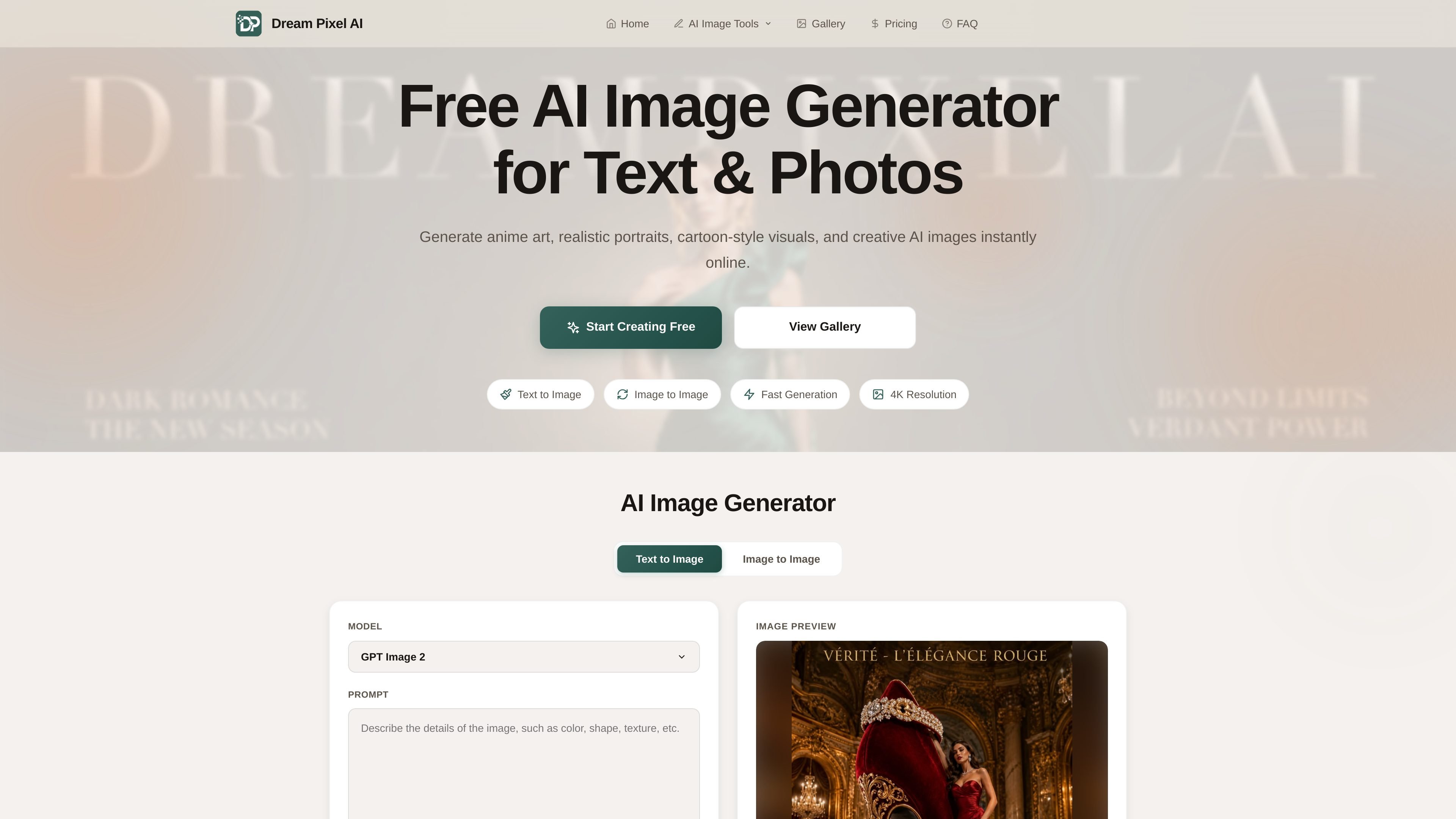
DreamPixel AI is a web-based AI image generator that supports both text-to-image and image-to-image creation. Users can enter prompts to generate new visuals or upload existing photos and transform them with a described style, edit, or effect.
The site positions the product for creators, developers, and businesses that need quick image generation, image enhancement, and photo manipulation tools in one browser-based workflow. It also includes a public gallery and a set of specialized AI tools such as background removal, upscaling, restoration, headshot generation, and compositing.
Turn written prompts into images directly in the browser, with controls for prompt length, aspect ratio, number of images, and quality selection.
Upload up to five images and use a prompt to transform them, with a before-and-after preview on the image-to-image page.
Choose from Standard, HD, and 4K quality options, with higher resolutions tied to paid plans and plan-specific availability shown on the site.
Edit images with separate AI tools listed on the homepage, including watermark removal, background changes, background removal, image editing, upscaling, restoration, headshots, compositing, and photoshoot generation.
Browse a community gallery, copy prompts from examples, and open text-to-image or image-to-image examples for reuse and inspiration.
The site states that results are delivered quickly and that generated images can be downloaded in high quality, with a global CDN mentioned in the feature list.
Generate original visuals from a short written prompt when you need concept art, social posts, illustrations, or other AI-created imagery without opening a desktop design app.
Upload an existing photo and describe a transformation, such as a style change or enhancement, to produce a new version with a different look.
Use the specialized tools to clean up a photo, remove a background, restore an old image, or upscale a picture for sharper output.
Create polished profile photos or business-ready headshots from uploaded images using the headshot-generation flow listed on the homepage.
Browse the gallery to study example outputs, copy prompts, and adapt them for your own creative experiments or content production.
DreamPixel AI generates images from text prompts or uploaded images. The generate page shows separate text-to-image and image-to-image workflows, and the image-to-image flow lets you upload up to 5 images before adding a prompt and choosing settings.
The rendered FAQ states that free accounts can generate up to 512x512 images, while Starter, Pro, and Unlimited plans support Standard, HD, and 4K quality. The generate page also shows aspect ratio, number of images, and quality controls.
Yes. The FAQ says users retain full ownership of the images they create and can use them for personal or commercial purposes, while free accounts are for personal, non-commercial use only. Pro and Enterprise plans include commercial licenses.
Pricing is shown as a free plan plus paid subscriptions on the pricing page. The plan details shown include Starter, Pro, and Unlimited subscriptions, each with monthly credits and faster generation options.
The pricing FAQ says subscriptions can be canceled at any time from the account settings, and the plan remains active until the end of the billing period. Unused credits reset each billing cycle and do not roll over.
Traffic data is for reference only.

pixlr.com
Pixlr is a browser-based AI photo editor and image generator for editing photos, creating images and videos, and handling everyday cleanup such as background removal, with free and paid plans.

deepai.org
DeepAI is a browser-based AI platform for image creation, photo editing, chat, video, music, and image APIs, with free exploration and a paid Pro plan.

fluxai.studio
FLUX AI is a web-based image generation platform for creating and editing visuals with the Flux model family from Black Forest Labs. It offers a free credit tier plus paid plans with private generations and commercial usage rights.

photoeditor.ai
PhotoEditor.ai is a browser-based AI photo editor and image generator with 30+ tools for cleanup, background removal, restoration, upscaling, and text-to-image workflows. It works without signup for free tools and supports desktop and mobile browsers.

vivago.ai
vivago.ai is a web-based AI platform for creating images and videos, with generation, enhancement, and editing tools. New accounts get 30 free credits, plus text-to-image, image-to-image, image-to-video, and 4K upscaling workflows.

photoeditorai.io
PhotoEditorAI is a browser-based AI photo editor for prompt-driven image editing and generation, with free, one-time credit, and enterprise plans.