
AI editing tools
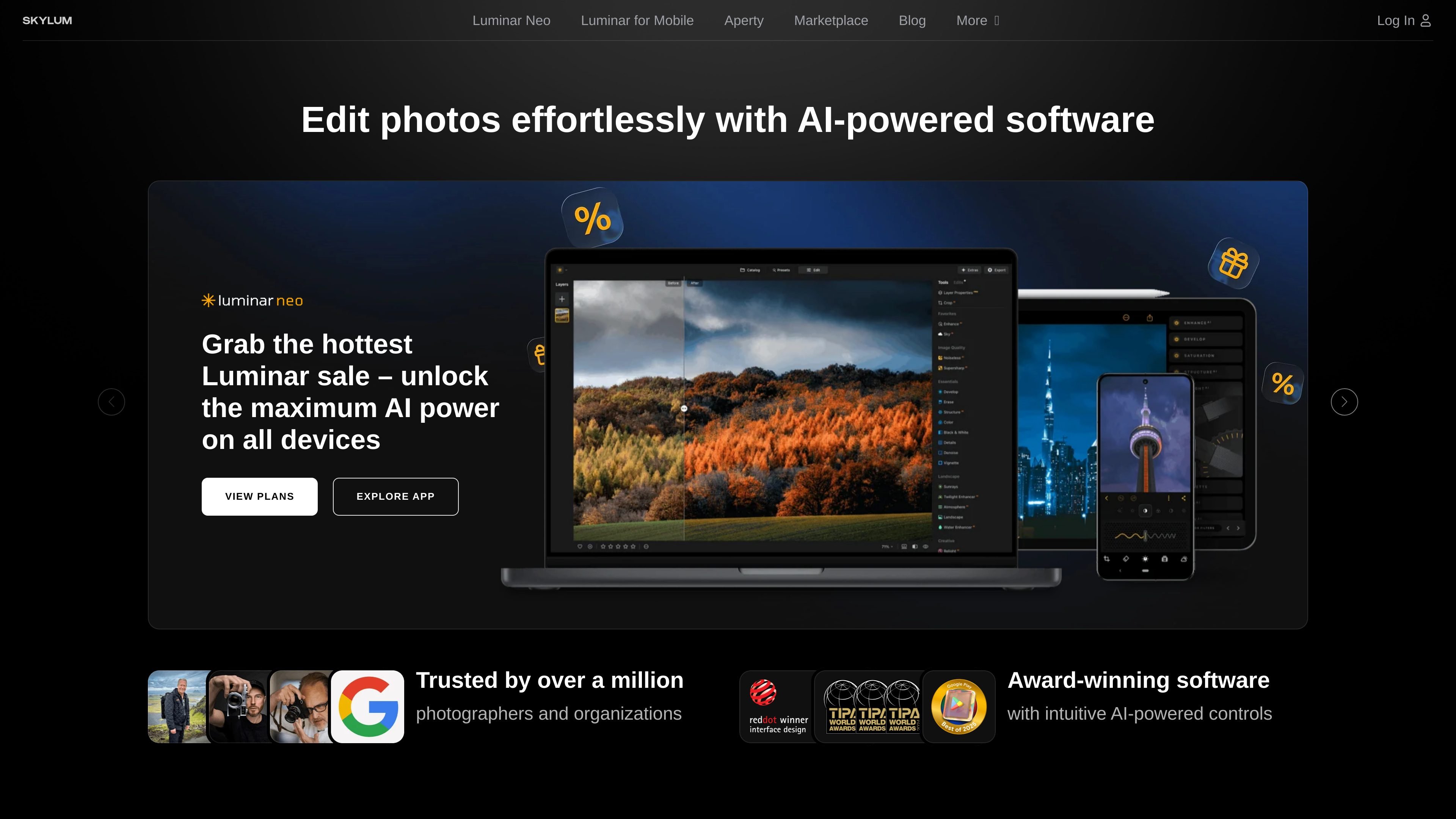
Luminar Neo includes AI photo editing tools such as Sky AI and Enhance AI, which automate common adjustments like sky replacement and one-slide image enhancement.

Skylum makes Luminar photo editing apps for desktop and mobile, including Luminar Neo, Luminar Mobile, and Aperty, with AI-assisted editing.
Skylum develops Luminar, a photo editing product family built around desktop and mobile apps for Mac, Windows, iPhone, iPad, Android, and ChromeOS. The main Luminar Neo desktop app focuses on AI-assisted editing, while Luminar Mobile brings a lighter touch-first workflow to phones and tablets, and Aperty serves portrait photographers with dedicated retouching tools.
Across the site, Skylum positions these apps as tools for making complex photo editing faster and easier without removing control. The desktop product can run as a standalone editor or plugin, and higher-tier plans add cross-device editing, web galleries, and access to creative assets such as presets, LUTs, overlays, and tutorials.
Luminar Neo includes AI photo editing tools such as Sky AI and Enhance AI, which automate common adjustments like sky replacement and one-slide image enhancement.
The pricing page lists Pro Tools alongside AI tools, indicating support for more advanced desktop editing tasks beyond basic adjustments.
Luminar Neo can be used as a standalone app on macOS and Windows or as a plugin in Adobe Photoshop, Adobe Lightroom Classic, and Photos for macOS.
Luminar Mobile includes Sky AI, Skin AI, Body AI, Relight AI, Erase, Crop, Filters, Develop, and Curves for touch-first editing on phones and tablets.
The mobile product page highlights RAW support, Auto Masking, Portrait Bokeh, Skin Retouch, and Cloud Sync for editing on the go.
The pricing page describes a Luminar Ecosystem with cross-device editing, allowing users to start on mobile and continue on desktop or tablet on supported plans.
Use Luminar Neo when you want a desktop editor for detailed photo work on macOS or Windows, including AI tools and broader desktop workflows.
Use Luminar Mobile when you need to edit photos quickly on a phone or tablet, with touch-friendly tools and cloud sync for work on the go.
Use a cross-device plan when you want to start an edit on mobile and finish it later on desktop or tablet, especially if you move between devices during a project.
Use Aperty when your main workload is portrait retouching and you want software aimed at photographers who work on people-focused images.
Use Luminar Neo as a plugin if you already work in Adobe Photoshop, Adobe Lightroom Classic, or Photos for macOS and want Luminar tools inside that workflow.
Luminar Neo is a desktop photo editor for Windows and macOS, and Luminar Mobile extends editing to iPhone, iPad, Android, and ChromeOS on supported plans. The pricing page also notes that Luminar Neo can work as a standalone app or as a plugin in Adobe Photoshop, Adobe Lightroom Classic, and Photos for macOS.
The pricing page says Luminar Neo does not have a permanently free version, but it does offer a 7-day free trial with full access to all tools and features. Luminar Mobile also offers trial options on its pricing page.
Yes. The pricing page says cross-device editing is included in the Perpetual Cross-Device License and Perpetual Max License, and that you can begin on mobile and continue on desktop or tablet. It currently works one way from mobile to desktop.
Luminar Mobile is described as an AI-powered photo editing app with tools such as Sky AI, Skin AI, Body AI, Relight AI, Erase, Crop, Filters, Develop, and Curves. The product page also notes RAW support and cloud sync.
The pricing page says Luminar Neo includes AI photo editing tools and Pro Tools, while the mobile page highlights fast AI-driven editing on device. Aperty is a separate product focused on portrait retouching for professional photographers.
Traffic data is for reference only.

polarr.com
AI-assisted photo editing, reusable filters, and selective adjustments across mobile and desktop photo tools.

pixcakeai.com
AI photo editing for commercial photography with RAW color grading, retouching, background repair, and batch delivery across desktop and mobile.

airbrush.com
Airbrush is an AI photo editor for portraits and image cleanup, offering retouching, object removal, background changes, and enhancement on web, desktop, and mobile with credit-based pricing.

photoeditor.ai
PhotoEditor.ai is a browser-based AI photo editor and image generator with 30+ tools for cleanup, background removal, restoration, upscaling, and text-to-image workflows. It works without signup for free tools and supports desktop and mobile browsers.

vance.ai
VanceAI is an AI-powered photo enhancement and editing platform for upscaling, sharpening, denoising, background removal, restoration, and other image workflows. Use it online or on PC, with local batch processing via its desktop app.

pixlr.com
Pixlr is a browser-based AI photo editor and image generator for editing photos, creating images and videos, and handling everyday cleanup such as background removal, with free and paid plans.