
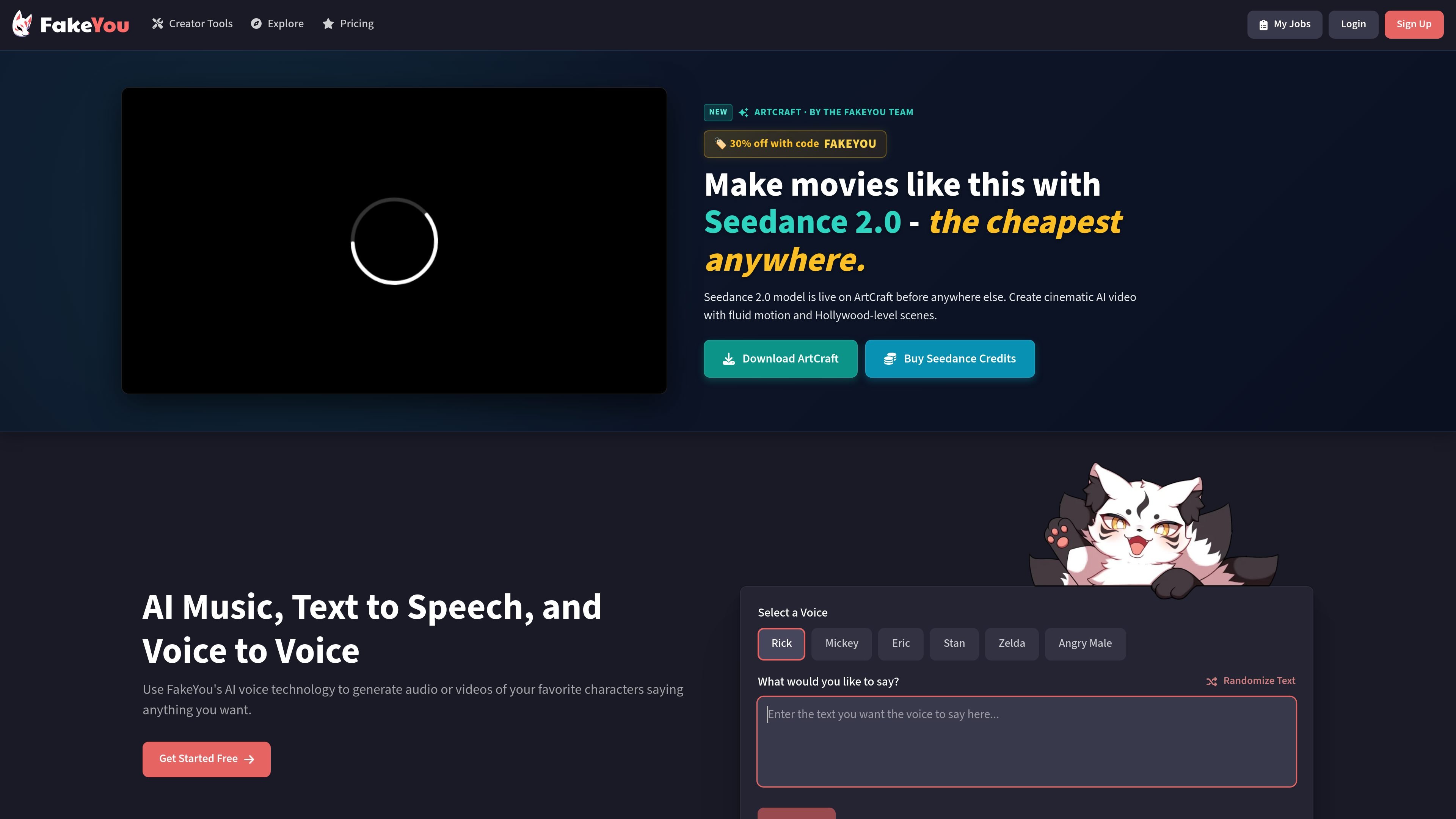
Text-to-speech generation
Generate audio from text using the site’s text-to-speech workflow. The pricing page says generation is unlimited on all listed plans, with audio length limits varying by plan.

FakeYou is an AI voice and video generator that turns text into speech, transforms voices, and supports custom voice models and community contributions.
FakeYou is an AI voice and video generator that turns text into speech, transforms voices, and supports custom voice models and community contributions.
The product focuses on generating character-style audio from text or speech. The home page highlights text-to-speech, voice-to-voice, and voice design tools, while the site also points to video creation and model contribution workflows.
FakeYou positions itself as a creative tool for generating voices and videos, with a guide aimed at improving output quality and a contribution area for users who want to upload models, weights, or workflows. The about page says FakeYou is one component of a broader set of production and creative tooling.
Generate audio from text using the site’s text-to-speech workflow. The pricing page says generation is unlimited on all listed plans, with audio length limits varying by plan.
Convert speech into another voice through the voice-to-voice workflow. Paid plans raise the maximum audio duration and add private-model upload options.
Create your own AI voice through the Voice Designer area. The site presents this as a separate tool alongside TTS and voice-to-voice.
Follow the guide’s practical tips for pronunciation and pacing, including punctuation, commas, spelling variations, and emotional conditioning.
Contribute new models and workflows, including TTS voices, vocoders, Stable Diffusion weights, LoRA weights, and workflow submissions.
Use premium plans to increase processing priority and unlock longer audio limits, with the highest listed tier adding private-model sharing.
Turn written lines into spoken audio using the TTS workflow, then refine the result with punctuation, spelling variations, or emotional lead-in text when pronunciation needs help.
Recast existing speech into another voice using the voice-to-voice tool. This fits quick voice transformations where the goal is a different vocal style rather than a new script.
Build a custom voice asset with Voice Designer or by contributing a new model, weight, or workflow, which is useful for creators who want more control over the available voices.
Use premium plans when you need faster processing, longer audio output, or private model uploads. The plan comparison is centered on workflow limits rather than full platform access.
Explore the site’s video-related tooling and ArtCraft promotion alongside the voice tools when you are assembling AI-assisted creative content across audio and video.
Yes. The pricing page says FakeYou’s features are free to use, with premium plans for faster processing and higher output limits.
The guide recommends adding punctuation, commas, misspellings, or emotional lead-in text to improve pronunciation and pacing. It also notes that some models support Arpabet phonetic annotation.
The source highlights text-to-speech, voice-to-voice, and voice design. The site also references video generation and video templates, but the most concrete workflows shown are audio generation and model uploads.
The contribute page says users can upload new TTS voice models, voice-to-voice weights, vocoders, Stable Diffusion weights, LoRA weights, workflows, and suggested categories.
Traffic data is for reference only.

voicegenerator.io
Voice Generator is a free browser-based text-to-speech app that turns typed text into spoken audio, with playback, downloads, pitch, speed, and offline use.

text-to-speech.online
Free Text to Speech Online is a web-based AI voice generator that converts text into speech, supports many languages, and lets users preview and download audio.

luvvoice.com
Luvvoice turns typed text and uploaded documents into spoken audio with 70+ languages, multiple voices, MP3 downloads, browser playback, API access, and voice cloning.

aivoicecloning.io
AI Voice Cloning is a web app that clones voices from short audio samples and generates synthetic speech. Supports English, Mandarin Chinese, Japanese, Korean, and MP3 or WAV downloads, with free and paid Pro plans.

ttsmaker.com
Free text-to-speech and AI voice generator in 100+ languages

text-speech.net
Text-speech.net turns typed or pasted text into speech in your browser, with speed, language, and voice controls—no signup required.