
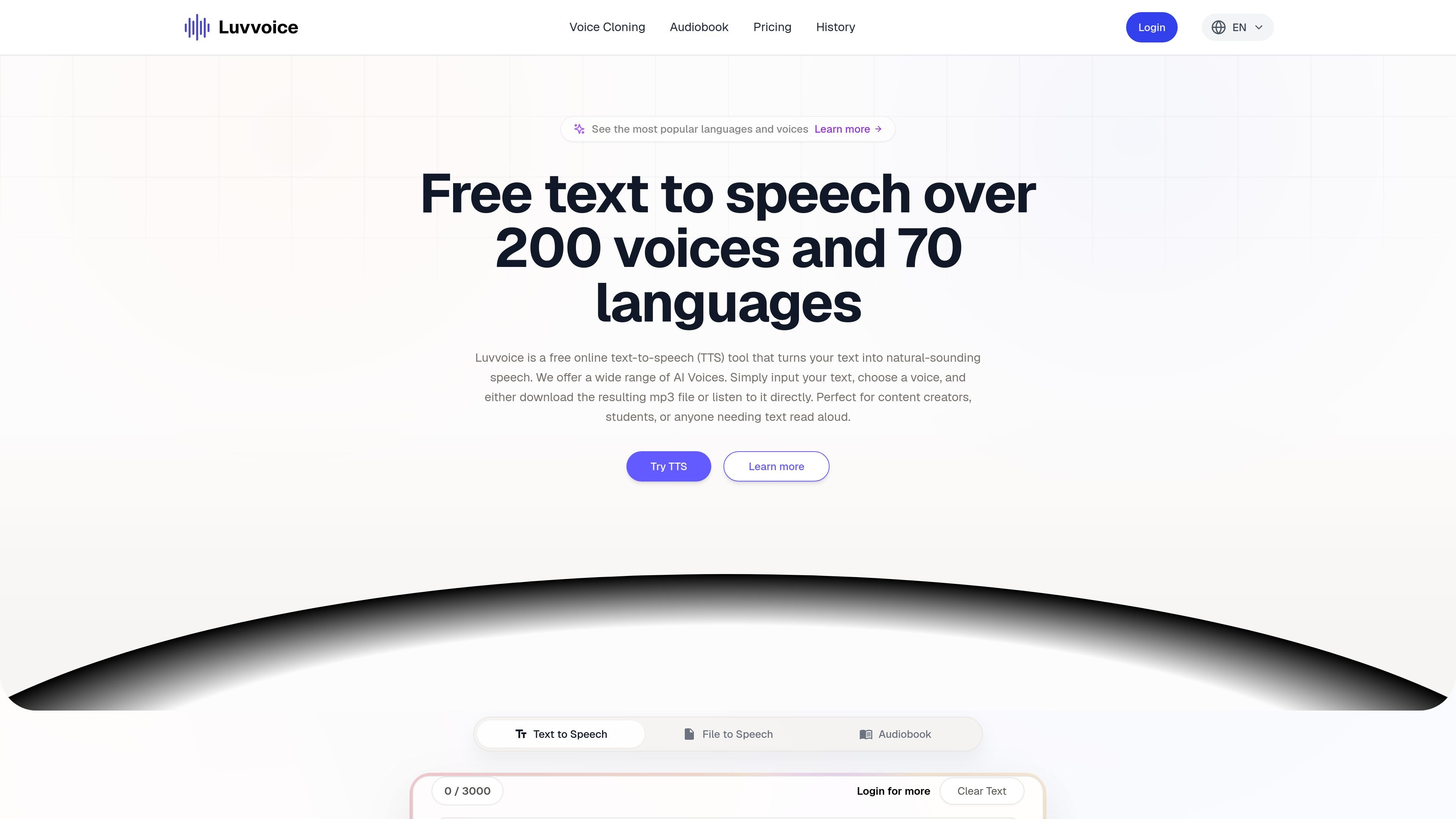
Text-to-speech generation
Enter or paste text, choose a voice, and generate speech directly in the browser. The site supports both typed text and file-based workflows.

Luvvoice turns typed text and uploaded documents into spoken audio with 70+ languages, multiple voices, MP3 downloads, browser playback, API access, and voice cloning.
Luvvoice is a web-based text-to-speech tool that turns typed text or uploaded documents into spoken audio. It is designed for people who want to listen online or download MP3 files without a stated word limit on the public homepage.
The site emphasizes a large voice library, support for 70+ languages, and simple browser-based generation. It also extends the same core workflow through an API, voice cloning page, and ebook-to-audiobook flow for users who need more than basic TTS.
Enter or paste text, choose a voice, and generate speech directly in the browser. The site supports both typed text and file-based workflows.
Luvvoice says it supports 200+ voices across 70+ languages on the website, with the API docs listing a larger voice inventory. Users can choose voices by language and style.
The site supports PDF and TXT uploads for document-to-voice conversion, making it useful for longer reading tasks instead of only short prompts.
Logged-in and paid users can generate up to 20,000 characters at once, and the pricing page shows monthly character quotas for each plan.
Speech rate and pitch can be adjusted from the interface, and the API documentation also exposes rate, pitch, and volume parameters.
Luvvoice can save generated audio for 72 hours and download it in MP3 format; the API documentation also returns direct audio URLs for generated files.
Turn articles, drafts, or scripts into speech for review or listening without leaving the browser. This suits solo creators and students who want a quick read-aloud workflow.
Convert PDFs and TXT files into audio when you need a document read aloud instead of copied into a separate tool. The site specifically highlights document-to-voice support.
Use the voice library to produce narrated clips for YouTube, TikTok, podcasts, or promotional content. The homepage and pricing page both point to content creation use cases.
Use the API to integrate text-to-speech into a product or workflow that needs programmatic audio generation. The documentation describes a Bearer-token-authenticated endpoint with MP3 output.
Create customized speech with cloned voices when you need a more personal or branded voice output. The voice cloning page describes uploading or recording a sample, then generating speech in that voice.
Users can paste text into the editor, choose a voice and language, and generate speech for playback or MP3 download. The site also supports document uploads in common formats such as PDF and TXT.
The homepage states that logged-in and paid users can generate up to 20,000 characters at once. The pricing page also shows a free plan and paid plans with higher quotas.
Generated audio can be downloaded in MP3 format. The API documentation also says the response can include a direct audio URL or base64-encoded MP3 data.
The pricing page lists API access on Plus and Enterprise plans, and the API documentation describes Bearer token authentication with a text-to-speech endpoint.
The site says generated audio files are available for 72 hours, and the homepage FAQ says audio can be used commercially as long as usage complies with local laws and regulations.
Traffic data is for reference only.

voicegenerator.io
Voice Generator is a free browser-based text-to-speech app that turns typed text into spoken audio, with playback, downloads, pitch, speed, and offline use.

ttsmp3.com
Online text-to-speech with multilingual voices, browser playback, MP3 downloads, and API access.

crikk.com
Crikk turns text, PDFs, images, and documents into natural-sounding audio, with read-along highlighting and playback controls on web, Android, and iOS.

aivoicecloning.io
AI Voice Cloning is a web app that clones voices from short audio samples and generates synthetic speech. Supports English, Mandarin Chinese, Japanese, Korean, and MP3 or WAV downloads, with free and paid Pro plans.

text-speech.net
Text-speech.net turns typed or pasted text into speech in your browser, with speed, language, and voice controls—no signup required.

www.getliso.app
Turn web text into natural-sounding audio and listen to articles, newsletters, blog posts, or pasted text instead of reading on screen. Includes browser text highlighting, direct paste, offline downloads, and playback controls for personal listening.