
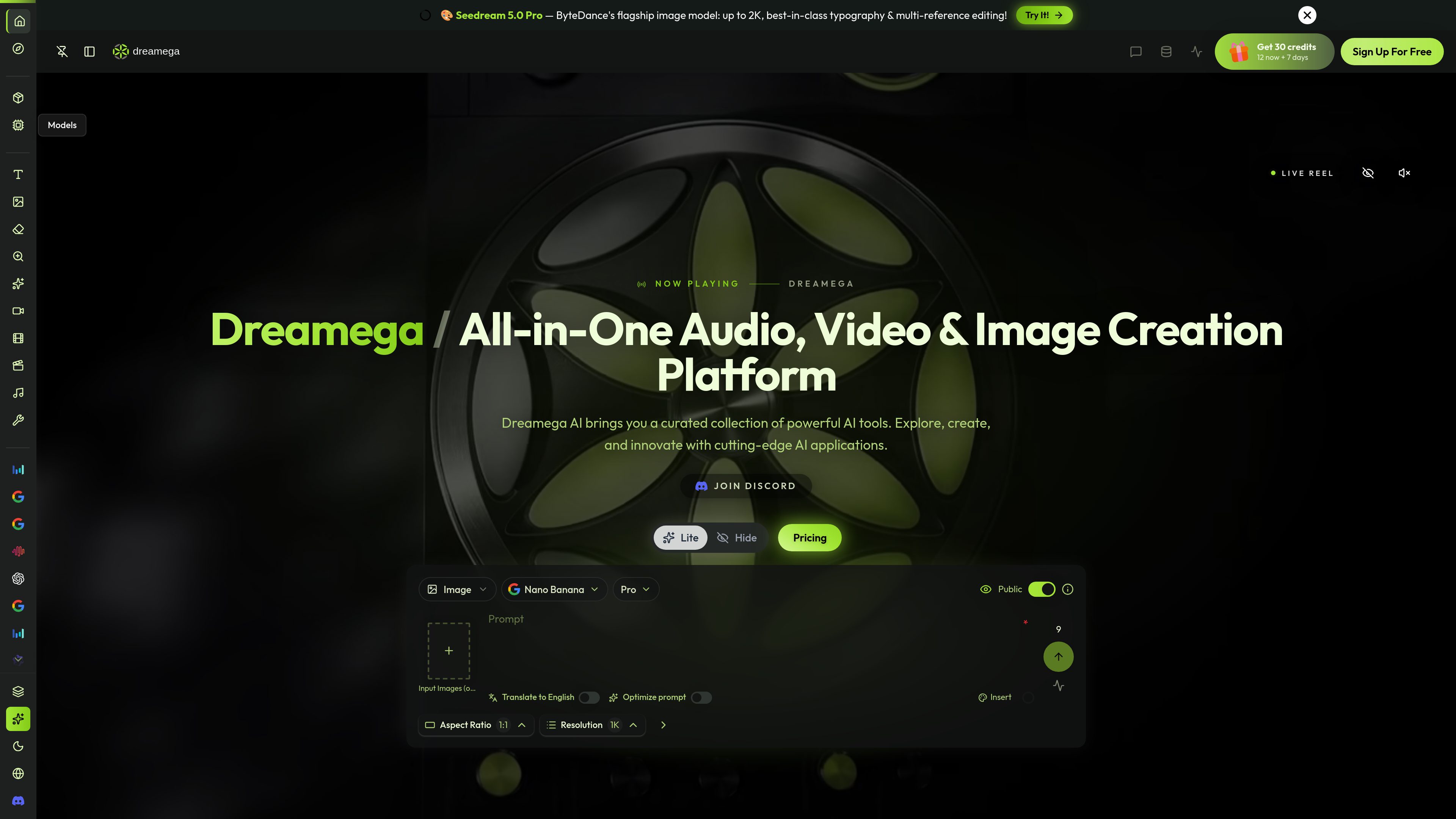
Multi-model creation workspace
Access image, video, and music models from categories including text-to-image, image-to-image, text-to-video, image-to-video, video-to-video, and text-to-music.

Dreamega is an online AI creation platform that brings image, video, and music generation into one interface, with access to more than 50 models. It supports text-to-image, image editing, text-to-video, image-to-video, video-to-video, and text-to-music workflows.
Dreamega is an online AI creation platform for generating and transforming visual and audio content. Its model collection covers text-to-image, image-to-image, text-to-video, image-to-video, video-to-video, and text-to-music workflows. Users can select models from different providers rather than working with a single generation system.
The image tools support both prompt-based creation and editing from uploaded references. Text-to-image models can turn descriptions into new artwork, while image-to-image workflows can change a background, restyle a portrait, adjust clothing or lighting, place a product in a new setting, or translate text inside an image. Supported models can accept multiple reference images, and output resolution depends on the account, model, and plan.
Dreamega also provides AI video workflows for turning scripts or text into videos and animating still images. The site describes options for synchronized audio on selected video models, motion transfer from reference videos, and video-to-video generation. A text-to-music category is also included in the platform’s model lineup, although the available controls and output specifications vary by model.
The service uses credits for generations. A free tier provides 32 points, up to three videos, and up to 32 images; paid monthly plans provide larger credit allowances and features such as parallel tasks, faster generation, no-watermark outputs, private video visibility, and priority support. Image-to-image pricing is shown before generation, failed generations are refunded automatically, and paid-plan creations have full commercial rights according to the cited page. Free-tier content is subject to a more limited license.
Access image, video, and music models from categories including text-to-image, image-to-image, text-to-video, image-to-video, video-to-video, and text-to-music.
Turn written descriptions into images using models such as Nano Banana, GPT-Image, Seedream, FLUX, Qwen Image, Ideogram, and others listed on the platform.
Upload JPG or PNG images, with WebP supported on most models, and describe changes in plain language. Supported edits include background replacement, style transfer, lighting changes, object edits, product scenes, and text translation.
Several image models support combining references such as a person, outfit, product, and location; the cited image-to-image page reports support for up to 14 inputs on Nano Banana 2.
Create videos from text or images, animate still images with natural motion, and use motion transfer from reference videos on supported workflows.
Model costs are displayed in credits before running a job. Image-to-image generations range from 1–2 credits on lighter models to roughly 10–20 credits on premium models, while available resolution and features vary by model and plan.
Use image-to-image editing to remove or replace backgrounds, place products in lifestyle scenes, and create variations for ecommerce listings, ads, and social posts.
Transform an existing portrait into anime, watercolor, oil-painting, 3D, pixel-art, or vintage-film styles while retaining the original subject and composition.
Turn a written scene or story idea into a video, with selected models providing synchronized audio for more complete narrative drafts.
Start with an illustration, photograph, or designed frame and create a moving clip with AI-generated motion or motion transferred from a reference video.
Combine generated images, videos, and music in one model catalog when developing campaign concepts, social content, visual experiments, or other early creative work.
Signing up is free, and the platform provides free credits, including a daily check-in and a first-day bonus according to the image-to-image page. The pricing page lists a free option with 32 points, up to three videos, and up to 32 images. Generations consume credits, and paid plans provide larger allowances and additional features.
JPG and PNG files work with every image-to-image model listed on the cited page, while WebP is supported on most models. The output is 1K by default; supported models can provide 2K or 4K output under the stated plan and model conditions.
You can describe edits in plain language, choose among supported models, select an aspect ratio on most models, and use one or more reference images where available. The interface also exposes options such as prompt translation and prompt optimization on the cited image tools.
The cited image-to-image page states that paid-plan users own the images they create and have full commercial rights. Free-tier content is covered by a more limited license in the Terms and Conditions. Users should only upload photos and other source material they have the right to use.
Most image edits finish in under a minute, although premium models and 4K output can take longer. Several jobs can be queued at once, and failed generations are automatically refunded according to the cited image-to-image page.
Traffic data is for reference only.

dzine.ai
Dzine is a web-based AI image and design tool for generating, editing, and exporting visuals, with additional AI video workflows. It is aimed at users who want more direct control over composition, styling, and prompt-based edits than text-only generation typically allows.

blackforestlabs.ai
Black Forest Labs builds FLUX image-generation models for visual intelligence, with API access and open-weight licensing for controlled creation, editing, or self-hosting.

vivago.ai
vivago.ai is a web-based AI platform for creating images and videos, with generation, enhancement, and editing tools. New accounts get 30 free credits, plus text-to-image, image-to-image, image-to-video, and 4K upscaling workflows.

deepai.org
DeepAI is a browser-based AI platform for image creation, photo editing, chat, video, music, and image APIs, with free exploration and a paid Pro plan.

jimeng.jianying.com
即梦AI is an all-in-one AI creation platform for generating and editing visual content with text-to-image, text-to-video, image-to-video, and an intelligent canvas, plus a creative community for inspiration.

app.reve.com
Reve is an image generation and editing product that combines natural-language edits with a drag-and-drop editor, giving users more control over composition, layout, and high-resolution output than prompt-only tools.