
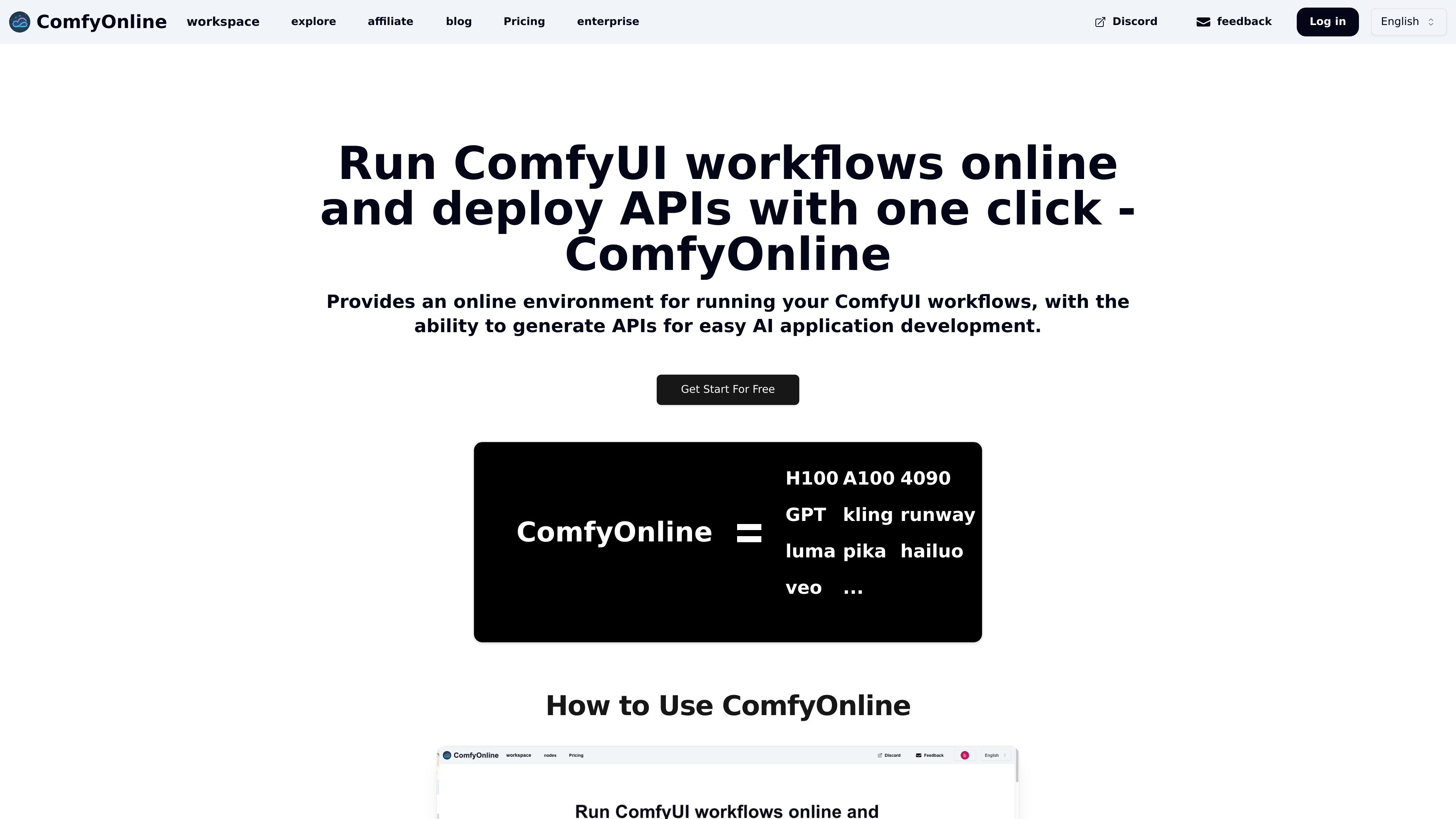
Online ComfyUI workspace
Run ComfyUI in an online environment instead of provisioning and maintaining your own GPU machine.

Run ComfyUI workflows and build AI apps without managing GPUs
ComfyOnline is an online platform for running ComfyUI workflows and deploying APIs from them. It is aimed at people who want to build AI applications with ComfyUI without managing their own GPU setup or infrastructure.
The product emphasizes a managed workflow runtime: it handles installation and model downloads, charges for runtime rather than idle usage, and can generate APIs so workflows can be integrated into downstream applications. The site also presents examples and templates across image generation, video generation, audio, and LLM use cases.
Run ComfyUI in an online environment instead of provisioning and maintaining your own GPU machine.
Skip dependency setup and model downloads so you can focus on building workflows rather than configuring the runtime.
Generate APIs from workflows with one click, which lets you turn a ComfyUI workflow into a callable backend for an app.
Pay only while workflows are running, with no idle GPU charge while you are editing or not actively using the runtime.
Scale automatically when traffic increases, so the platform can handle larger demand without manual infrastructure changes.
Work with supported AI services and custom nodes spanning video, image, audio, and LLM workflows.
Use the web workspace to build and iterate on ComfyUI workflows without renting and configuring a separate GPU instance.
Turn a workflow into an API so another app or service can trigger it without manually opening the ComfyUI editor.
Explore image, video, audio, and language-model workflow examples to understand what kinds of outputs the platform supports.
Use the runtime-based model when you want to avoid paying for idle compute while you are editing or waiting between runs.
Start with preset examples and templates when you want to adapt an existing ComfyUI workflow instead of building everything from scratch.
ComfyOnline is an online environment for running ComfyUI workflows in the browser and generating APIs from those workflows for application development.
The site positions ComfyOnline as a way to run ComfyUI without buying dedicated GPU hardware, handling dependency installation and model downloads for you.
The workflow editor is free to use, and billing is based on runtime. The pricing page also shows credit-based paid plans and monthly unlimited plans.
The explore page shows examples across image, video, audio, and LLM workflows, including ComfyUI workflows and app templates.
The site lists workflow privacy as a common question, but the provided source text does not include the answer, so privacy details should be checked on the product site before use.
Traffic data is for reference only.
| Jun | 61835 |
|---|---|
| Jul | 49675 |
| Aug | 38358 |
Traffic analytics are not available yet.

cloud.comfy.org
Comfy Cloud runs ComfyUI in your browser with cloud GPUs, enabling workflow building and image or video generation without local installation. Work anywhere with models described as verified for commercial licensing.

flow.google.com
Google Flow is an AI creative studio for generating and refining images and videos with Google’s generative models. It also lets creators build, share, and remix custom tools for specific creative workflows.

liblib.art
AI creative platform for image generation, model sharing, and online training, with webUI and ComfyUI workflows.

shakker.ai
Web-based AI image generator for creating and refining visuals from text prompts, with ComfyUI and A1111 workflows.