AnyAIHub logo

AnyAIHub

Freemium
Visit

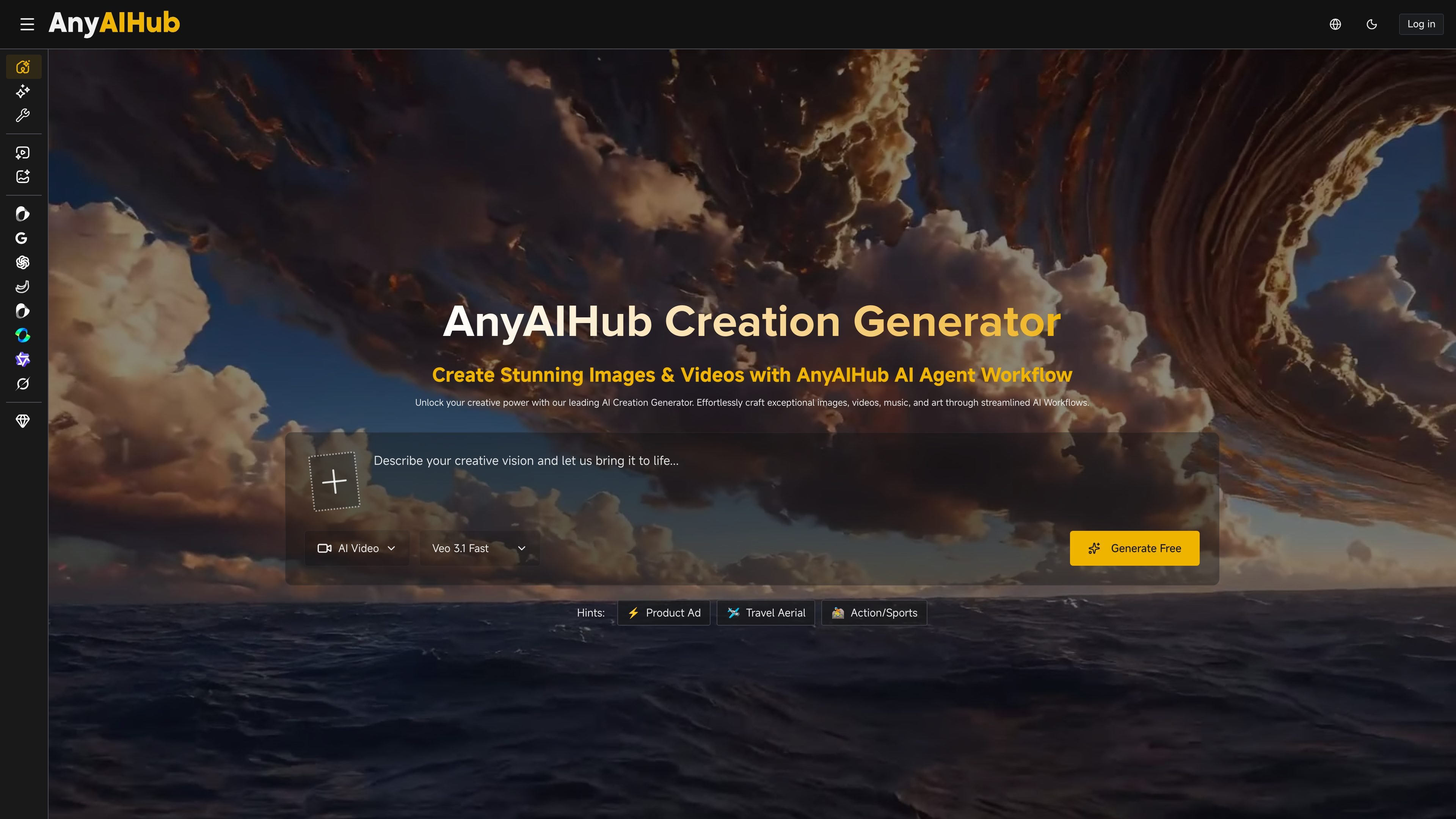
AnyAIHub is a browser-based AI image and video generator with multiple models, free entry, and paid credit plans for heavier creative use.

What is AnyAIHub?

AnyAIHub is an AI multimedia creation platform for generating images and videos in a browser. The site positions it as an all-in-one workspace for text-to-video, image-to-video, text-to-image, and related creation tasks, with multiple models available for each workflow.

The home page says users can start for free and no login is required, while the pricing page adds subscription plans and one-time credit packages for more frequent use. The product also highlights a workflow that moves from prompt input to generation, enhancement, and publishing, so users can keep creation and finishing steps in one place.

What can AnyAIHub do?

Multi-model video generation

Generate videos from text prompts or static images with multiple video models, including Veo 3.1, Seedance 2.0, Kling, and Grok Imagine Video. The site also highlights text-to-video, image-to-video, and video-to-video workflows.

AI image creation

Turn text prompts into images with several image models, including Nano Banana, GPT Image 2, Seedream 5.0 Lite, Z-Image, and Grok Imagine Image. The platform also mentions style options such as realistic and anime transformations.

End-to-end creation workflow

Move between prompting, generation, enhancement, and publishing in one workflow. The home page describes an AI agent workflow that covers script creation, scene generation, voiceover, background music, sound effects, and editing before export.

Tools and effects library

Use templates and effects from the site’s tools and effects libraries, including AI effects such as Ghibli-style, action figure, face swap, and image upscaler tools listed on the pricing page.

Credit-based paid plans

Choose from subscription plans or one-time credit packages. The pricing page also lists private generation, faster generation speed, and HD, no-watermark downloads on paid plans.

Use Cases

“Marketing content production”

Create ad visuals, branded videos, and campaign assets from prompts or source images when you need a single tool for both image and video production.

“Creator and YouTube workflows”

Produce thumbnails, short clips, and visual references for posts or video scripts, using the platform’s text-to-video and image-to-video options.

“Design exploration”

Generate concept art, mood boards, and design variations quickly when you want to explore ideas without switching between separate tools.

“Social media content”

Make animated posts, short-form video assets, and image variations for social platforms that need fresh content on a regular schedule.

“Education and training materials”

Build training visuals, e-learning materials, and explanatory videos from text prompts to support lessons and presentations.

Frequently Asked Questions

Do I need an account to try AnyAIHub?

AnyAIHub is designed as a browser-based AI image and video creation platform. The site says users can start for free and that no login is required on the home page, while the pricing page also offers paid subscriptions and one-time credit packages for heavier use.

What kinds of content can I create?

The site presents separate image and video generation workflows. The home page says you can generate images and videos with multiple AI models, and the video page shows options for text-to-video and image-to-video creation.

How does pricing work?

The pricing page says subscriptions provide monthly credits and one-time credit packages are available for occasional use or topping up. It also says subscription credits reset each billing cycle and do not roll over.

Can I use the output for professional work?

The pricing page says generated downloads can be HD and without a watermark on paid plans, and the home page describes the platform as supporting professional-quality output. The available evidence does not show a detailed quality guarantee beyond that.

Can I change or cancel my plan?

The pricing page says subscriptions can be upgraded, downgraded, or canceled at any time, and it offers a 14-day money-back guarantee for new subscriptions.

Quick Facts

Category
AI image and video generation
Platform
Web app
Primary users
Creators, marketers, designers, and educators
Pricing shape
Free start plus subscriptions and one-time credit packages
Domain
anyaihub.com
Notable workflow
Prompt, generate, enhance, and publish

AnyAIHub Traffic Analysis

Traffic data is for reference only.

Domain Rating
30

AnyAIHub Alternatives

Vheer logo

Vheer

vheer.com

Vheer is a browser-based AI image and video generator with free no-signup creation, watermark-free exports, and paid plans for higher usage.

GenImg AI logo

GenImg AI

janusproai.org

GenImg AI is a web-based AI image generator for creating images from text or other images with FLUX.1 models. It offers free credits for registered users, paid credit plans, and model-specific pages for generation and editing workflows.

Super Banana Pro logo

Super Banana Pro

superbananapro.com

Super Banana Pro is a free AI image and video generator for text or reference images, model comparison, and card-free starts; paid plans add credits and commercial licensing.

GenImg AI logo

GenImg AI

flux1.ai

Web-based AI image generator with FLUX text-to-image and image-to-image workflows, free sign-up credits, and paid plans.

Gab AI logo

Gab AI

gab.ai

Gab AI is a web-based AI workspace for text, image, video, music, code, and file analysis, with free, paid, and Enterprise plans.

EaseMate AI logo

EaseMate AI

easemate.ai

EaseMate AI is an all-in-one AI assistant for chat, study, research, writing, image generation, and video creation, with free and paid plans.