
No-login text-to-speech generation
Paste text into the web app to generate speech audio without creating an account or signing in.

Voice Generator is a free browser-based text-to-speech web app that turns typed text into spoken audio. It lets you play or download the result, with pitch and speed controls and offline use when compatible voices are installed.
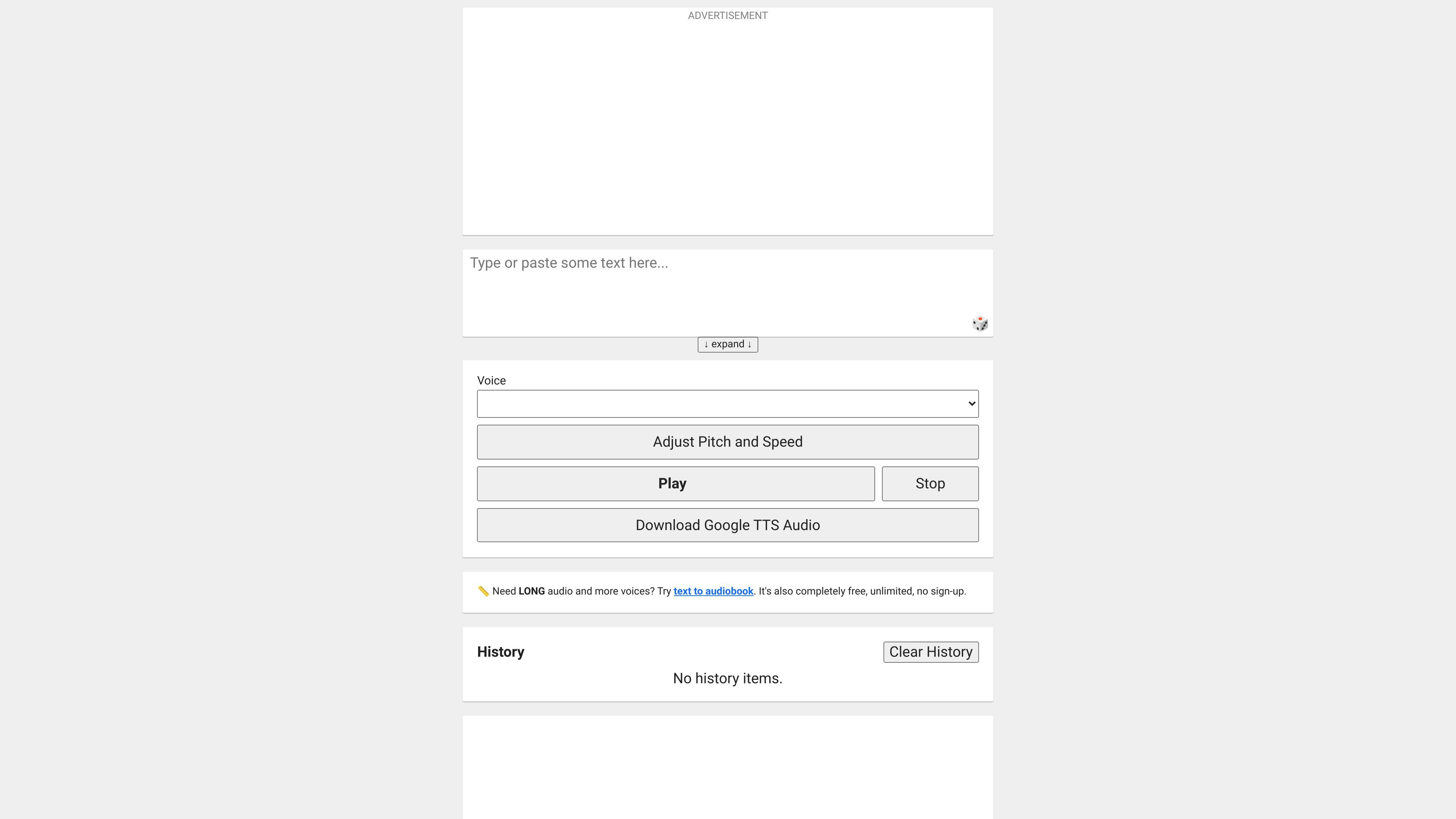
Voice Generator is a browser-based text-to-speech tool that turns typed text into spoken audio. The homepage says it is online, free, and available without sign-up, with output that can be played in the browser or downloaded as an audio file.
The product uses the browser's built-in voice synthesis technology, so the set of available voices depends on the browser and device. It also supports pitch and speed adjustment, and it can work offline when compatible voices are already installed on the device.
Paste text into the web app to generate speech audio without creating an account or signing in.
Change pitch and speed to make the voice sound higher, lower, faster, or slower before playback or download.
Play the generated voice directly in the browser or download it as an audio file for later use.
Uses your browser's built-in speech synthesis voices, so the available voices depend on the browser and device.
Supports offline use when compatible text-to-speech voices are already installed on the device.
Keeps a history area for generated items, with controls to clear history.
Turn a typed script into spoken audio when you need a quick narration track and do not want to record your own voice.
Experiment with pitch and speed to create different speaking styles for a clip before saving the output.
Generate speech on a device with compatible offline voices installed when internet access is limited or unavailable.
Produce audio that can be downloaded and then reused in another editing or recording workflow.
Use the browser version as a lightweight text-to-speech utility without creating an account or setting up software.
No. The homepage says the app is completely free and requires no login.
The page says it uses your browser's built-in voice synthesis technology, so the voices available to you depend on the browser and device you are using.
Yes, if you have offline-compatible voices installed on your device, the web app works offline.
You can play the generated speech in the browser or download the audio as a file.
The homepage says you can adjust voice pitch and speed before generating or playing the audio.