
Document to podcast
Upload PDF, Word, Markdown, or TXT files and turn them into audio episodes. The homepage describes the workflow as document to podcast, with the system organizing the source material automatically.

Inpodcast AI is a browser-based AI podcast studio for turning documents, scripts, and text into podcast-style audio with voice cloning and text to speech.
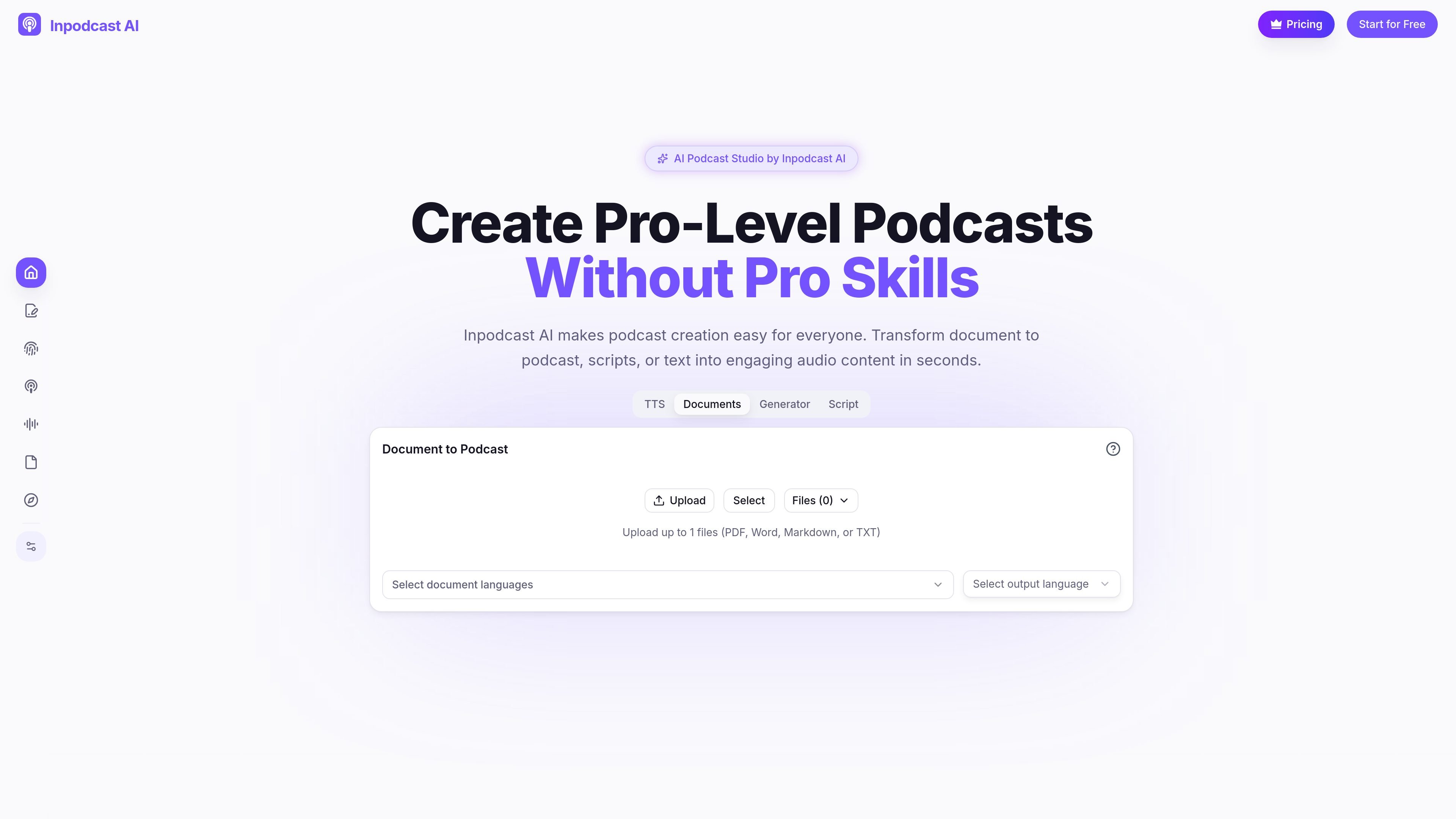
Inpodcast AI is a browser-based AI podcast studio for converting documents, scripts, and plain text into podcast-style audio. The site positions it as a tool for people who want to create podcast content without recording equipment or advanced editing skills.
Its main workflows are document to podcast, script to podcast, voice cloning, text to speech, and a dedicated editor for building episodes from scratch. The product also offers downloadable audio and a credit-based pricing model, with a free registration allowance for new users.
Upload PDF, Word, Markdown, or TXT files and turn them into audio episodes. The homepage describes the workflow as document to podcast, with the system organizing the source material automatically.
Start from a draft script and guide pacing with tone, pauses, and emphasis. This is useful when you already know what the episode should say and want more control over the delivery.
Clone a voice from a short audio sample. The homepage says the sample can be 10-90 seconds long, and the voice cloning page says the feature works in 13 languages.
Use the text-to-speech workflow to create spoken audio from text in more than 70 languages. The homepage also says it offers hundreds of unique voices.
Open the podcast editor to build a show from scratch, define speakers, revise scripts, add voiceovers, and export the result.
Adjust the generated podcast by choosing language, podcast duration, voice style, and background music settings where supported by the workflow.
Turn PDFs, Word documents, Markdown notes, or TXT files into podcast-style audio for listening on the go. This fits articles, research papers, lecture notes, and internal reports.
Draft an episode in the editor, define speakers, revise the script, and generate voiceovers without recording a live conversation. This is a practical workflow for creators who want a structured episode from a blank slate.
Create a personal voice model from a short sample so the same voice can be used in different languages. This is useful for creators who want a recognizable speaking style across multilingual content.
Convert text into speech with a large language and voice selection when the goal is narration rather than a full podcast episode. This works for simple voice content and broader audio generation tasks.
The source states that new users receive 4,500 credits upon registration, and the product is open for registration and use. It also says there is no credit card required to start creating for free.
Yes. The pricing page says generated podcast audio can be downloaded to a local device.
The homepage says the generated podcast duration is not fixed and typically ranges from 5 to 20 minutes.
The homepage says the current version does not support directly adding background music, although that feature is planned for a future version.
The voice cloning page says you can clone a voice with a short audio sample, and the homepage says it uses a 10-90 second sample and supports 13 major languages.