
Snippet and template shortcuts
Save repeated text as snippets or templates and trigger them with keyboard shortcuts so you can insert standard responses quickly.

Text Blaze is a Chrome text expander for reusable snippets, templates, and macros. Speed up repetitive typing with shortcuts, dynamic commands, forms, and shared templates.
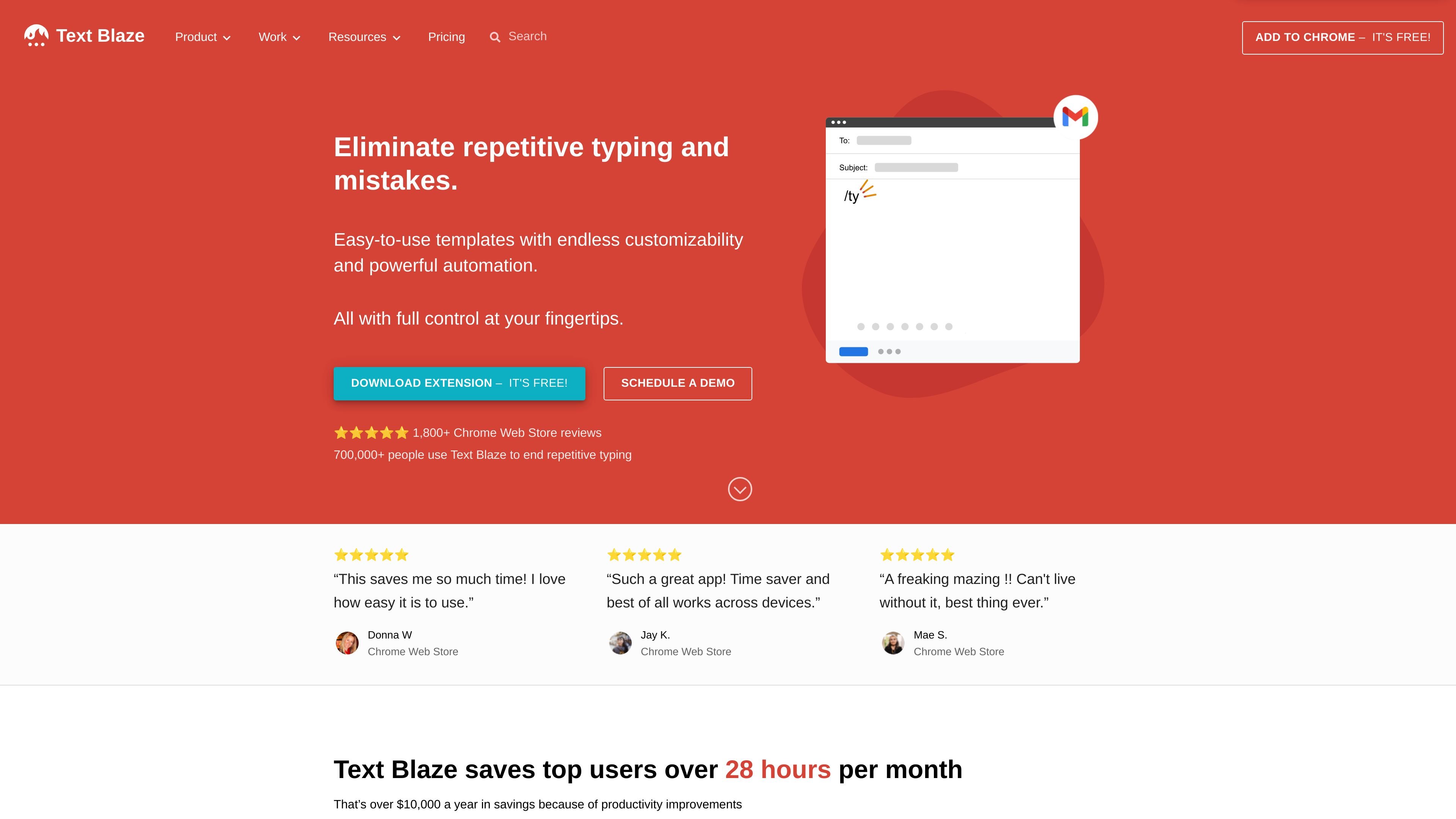
Text Blaze is a text expander for Chrome that helps people replace repetitive typing with saved snippets, templates, and macros. The product is positioned for users who want to create messages once and reuse them anywhere they work in Chrome.
The site emphasizes customizable templates, dynamic commands, forms, formulas, and sharing features. It also says the product works as a Chrome extension and offers macOS and Windows apps, with support for common work tools such as Gmail, Google Docs, LinkedIn, Salesforce, Office 365, Blackboard, and Epic.
Save repeated text as snippets or templates and trigger them with keyboard shortcuts so you can insert standard responses quickly.
Use commands such as {time}, {site}, {cursor}, {link}, and {if} to insert dynamic values or actions when a snippet runs.
Build fillable snippets with text fields, paragraphs, toggles, menus, and date inputs to customize content before insertion.
Apply formulas, rules, and data pulled from websites to calculate values or adapt snippet output to the context you're working in.
Share snippets with colleagues so edits update automatically across the team, keeping common messages aligned.
Use the extension in Chrome and the supported desktop apps mentioned on the site for macOS and Windows.
Create shortcuts for responses you send frequently, such as acknowledgements, follow-ups, and support replies, so you can insert them with a few keystrokes.
Build templates with fillable fields, menus, and toggles when each message needs small changes, such as names, dates, or option-based content.
Use dynamic commands and formulas to insert current dates, compute values, or change output based on the active page or selected inputs.
Share snippet folders with a team so common language stays consistent and updates propagate automatically when the text changes.
Use the extension in supported web apps like Gmail, Google Docs, Salesforce, Office 365, Blackboard, and Epic to reduce repetitive typing across work surfaces.
Text Blaze works as a Chrome extension, and the site also says it has macOS and Windows apps. The extension is designed to insert saved snippets and templates wherever you type in Chrome.
The source shows Text Blaze has a free Chrome add-on flow and also a pricing page link, but the pricing page itself returns a 404 in the collected evidence. It does confirm that forms are available only on paid plans, with limited trial use on the free plan.
Text Blaze inserts snippets and templates by shortcut. The guides show dynamic commands, form fields, formulas, and shared snippets for creating more adaptive text and repeatable workflows.
Yes. The home page says snippets can be shared with colleagues, updated automatically, and even edited together, and the templates page describes shared snippets for team communication and workflows.