
Native Office integration
Work directly in Microsoft Word, Excel, PowerPoint, Outlook, and OneNote without switching to a separate writing app.

AI Perfect Assistant is a ChatGPT-based productivity add-in for Microsoft Office and related apps. Draft, summarize, rewrite, reply, and work with formulas in-app.
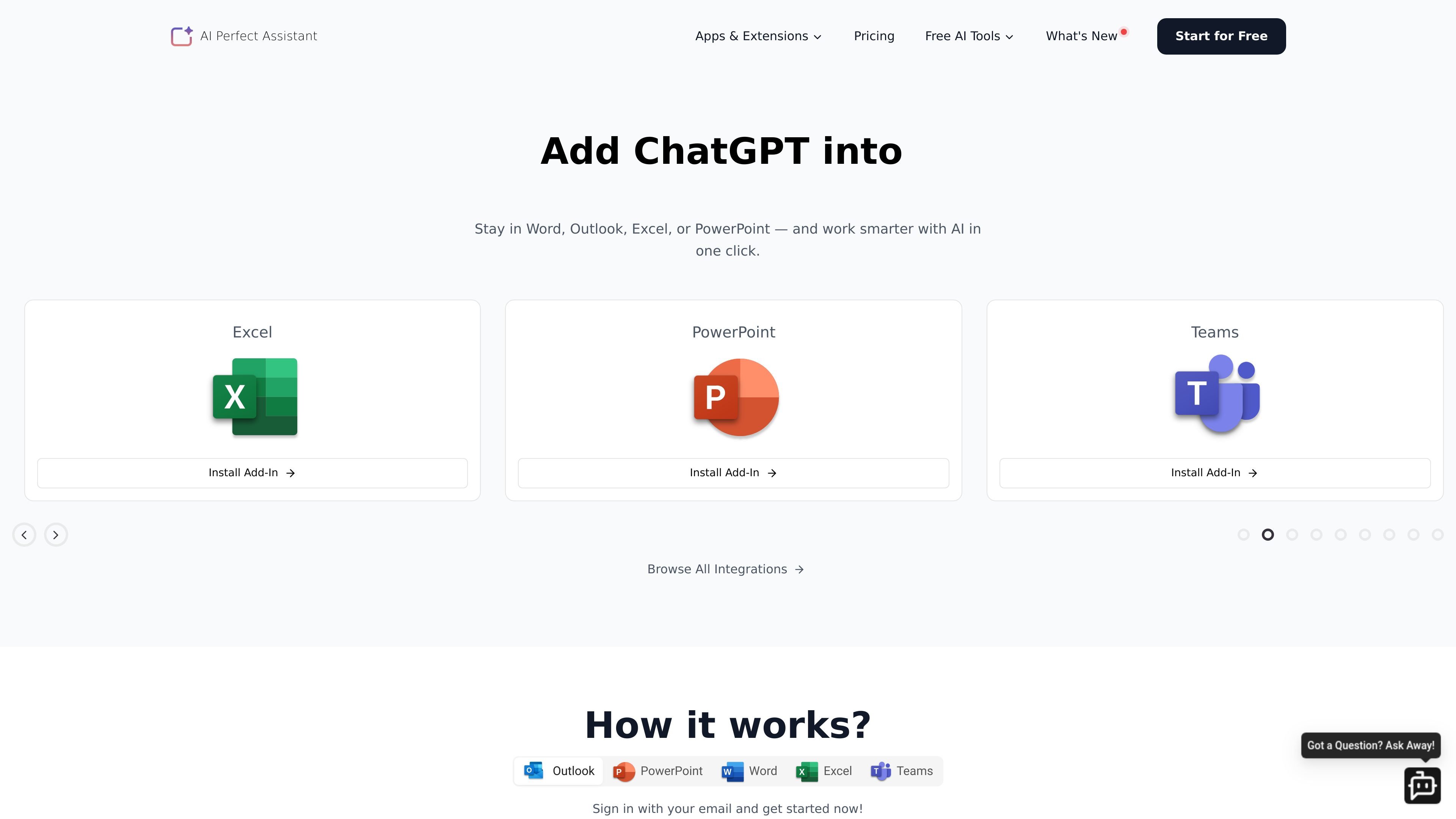
AI Perfect Assistant is a set of ChatGPT add-ins and related integrations for Microsoft Office and other productivity surfaces. It is designed to help people write, summarize, translate, rewrite, and generate content without leaving the app they are already working in.
The product centers on Word, Excel, PowerPoint, Outlook, and OneNote, and the site also lists integrations for Teams, Gmail, Chrome, Telegram, Google Docs, Google Sheets, Google Slides, and mobile apps. In practice, it targets office workflows where users want AI help for drafting, editing, reply generation, slides, notes, and spreadsheet tasks.
Work directly in Microsoft Word, Excel, PowerPoint, Outlook, and OneNote without switching to a separate writing app.
Use more than 60 AI tools for common office tasks such as writing replies, summarizing text, improving drafts, translating, and generating outlines.
Generate content for emails, documents, presentations, meeting notes, and business writing from selected input or prompts.
Create or refine Excel formulas and explain formulas in plain language to help with spreadsheet work.
Use the product across connected integrations listed on the site, including Teams, Gmail, Chrome, Telegram, Google Docs, Google Sheets, and Google Slides.
Choose between the free and premium tiers, with the premium plan unlocking unlimited token use and broader model selection according to the pricing page.
Draft or polish content directly in Word using prompts, templates, or rewrite tools when you need reports, blog posts, letters, or client-ready documents.
Summarize notes, turn rough outlines into slides, and create presentation structure without manually rebuilding content for PowerPoint.
Generate reply drafts, subject lines, and message rewrites in Outlook or Teams when handling internal communication or customer emails.
Clean up notes in OneNote, then turn them into organized text suitable for sharing or follow-up.
Generate and explain Excel formulas when working with spreadsheets that need faster setup or easier review.
The site says to raise a support request at help.perfectassistant.ai if the add-in cannot be installed.
Yes. The pricing page says subscriptions can be canceled at any time, with step-by-step instructions linked from the site.
The site accepts credit and debit cards, including Mastercard, Visa, and American Express, as well as PayPal.
The pricing page states that all sales are final and does not offer refunds for subscription payments, with a separate refund policy page for details.
Yes. The FAQ states that AI Perfect Assistant is GDPR compliant, with encrypted data, minimal data collection, and no storage of Office documents or emails.