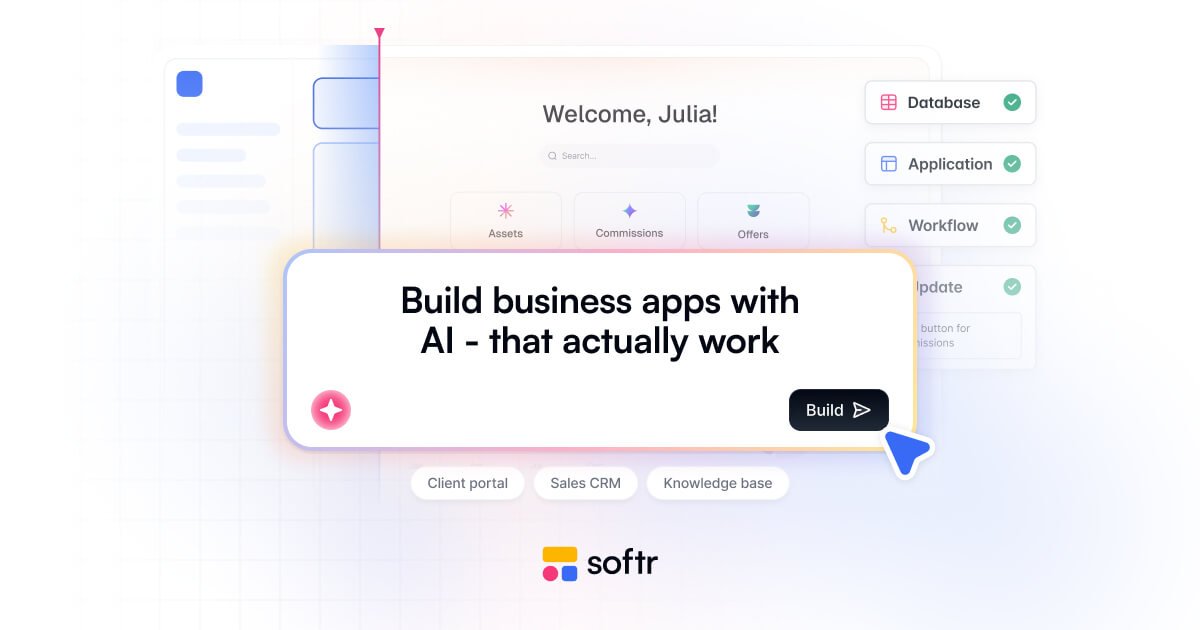
Softr is a no-code platform for AI-powered business apps, portals, and internal tools. Build from prompts or templates, connect data, and manage access without code.

Softr preview

Overview

Softr is a no-code platform for building custom business apps, portals, and internal tools, with an emphasis on AI-assisted creation. The site positions it as a way to build software your business runs on without writing code, from client portals and sales CRMs to knowledge bases and inventory tools.

Its core workflow is to start from a prompt or template, let Softr assemble the interface, database, and workflows, and then refine the result visually. The platform also supports connecting existing data sources and external services, so teams can build around the systems they already use while controlling roles, permissions, and access rules.

Core capabilities

AI-assisted app generation

Describe the app you need and let Softr generate the application structure, including the interface, database, and workflows. The product page says the AI Co-Builder can generate portals, internal tools, and trackers from a prompt.

Visual editing and iteration

Build and modify applications through a visual interface after the initial AI setup. The home page emphasizes drag-and-drop building and the ability to iterate with AI or visually.

Business app templates and use cases

Choose from business app patterns such as client portals, CRM, inventory management, intranets, dashboards, ERP systems, knowledge bases, and project trackers. The site presents these as ready-made use cases and starting points.

Broad integration support

Connect apps to data sources and external systems such as Airtable, Notion, Google Sheets, HubSpot, monday.com, ClickUp, Supabase, PostgreSQL, REST APIs, and third-party automation tools.

Access control and security settings

Control access with user roles, permissions, security settings, and app-level features such as sign-in, user groups, filtered user sync, and domain-restricted sign-up where supported by plan.

Workflows, forms, and AI features

Use built-in workflows, forms, and AI features to add actions, collect data, and automate processes. The pricing page shows workflows, forms, AI credits, and AI agents as part of the platform.

Common use cases

  • Client portals

    Create secure client-facing spaces for updates, files, and project information without relying on long email chains.

  • CRM systems

    Build tools for tracking leads, pipelines, and customer relationships with data-driven access and workflows.

  • Company intranets

    Centralize internal documents, team updates, and self-serve workflows in a private workspace for employees.

  • Inventory management

    Organize inventory, suppliers, orders, or other operational records in a structured app instead of scattered spreadsheets.

  • Knowledge management

    Publish and maintain guides, SOPs, and FAQs in a searchable knowledge base that is easy to update over time.

Pros and Cons

Pros

  • Combines AI-assisted app generation with visual editing, so teams can start quickly and still refine details.
  • Covers a wide range of business app patterns, including portals, CRMs, intranets, dashboards, and knowledge bases.
  • Connects to many common data sources and automation tools, reducing the need to move data manually.
  • Includes built-in workflows, forms, and AI features rather than requiring separate point tools for each step.
  • Offers a free plan and a clear tiered pricing structure for smaller teams and larger deployments.

Cons

  • The source does not provide full detail on every feature area, so some capabilities need confirmation before purchase.
  • Enterprise-level controls and support are available, but they are custom and not publicly priced.
  • The site indicates limits on users, records, workflow actions, and AI credits that vary by plan.

FAQ

What is Softr used for?

Softr is a no-code platform for building AI-powered business apps such as client portals, internal tools, CRM-style apps, dashboards, and knowledge bases. The source pages describe it as something you can start with a template or generate from a prompt, then refine visually.

Does Softr have a free plan and paid tiers?

The pricing page shows a Free plan and paid plans, with higher tiers adding more AI credits, app users, database records, workflow actions, and security/support features. Enterprise uses custom pricing and adds options such as SSO, audit logging, and a dedicated success manager.

Can teams collaborate and control access in Softr?

The source says Softr can co-build with AI or be edited visually, and that you can invite team members, clients, or partners right away. It also mentions roles, permissions, and security controls for managing access.

What kind of apps can you build with Softr?

The source highlights portals, internal tools, CRMs, dashboards, ERP-style systems, knowledge bases, and similar business apps. It does not describe strict output limits beyond the plan-based limits shown on the pricing page.

What integrations are mentioned on the site?

The integrations page shows connections for common data sources and tools such as Airtable, Notion, Google Sheets, HubSpot, monday.com, ClickUp, Supabase, MySQL, PostgreSQL, REST APIs, OpenAI, Anthropic, Google Gemini, Zapier, Make, n8n, DocuSign, Stripe, Slack, Gmail, Google Calendar, Calendly, Intercom, Xero, and Google Maps.

Quick Facts

Category
No-code business app platform
Primary use
Portals, internal tools, CRMs, dashboards, and knowledge bases
Build style
AI co-builder plus visual editing
Pricing
Free plan available; paid plans shown on the site; Enterprise is custom
Integrations
Airtable, Notion, Google Sheets, HubSpot, monday.com, ClickUp, Supabase, PostgreSQL, REST API, and more
Website
softr.io