
Prompt-based app building
Describe an app or business workflow in plain language and BuildAI turns it into a working app without coding.

BuildAI is a no-code platform for building AI apps and business tools from plain-language prompts, with digital employees for leads, content, support, and follow-ups.
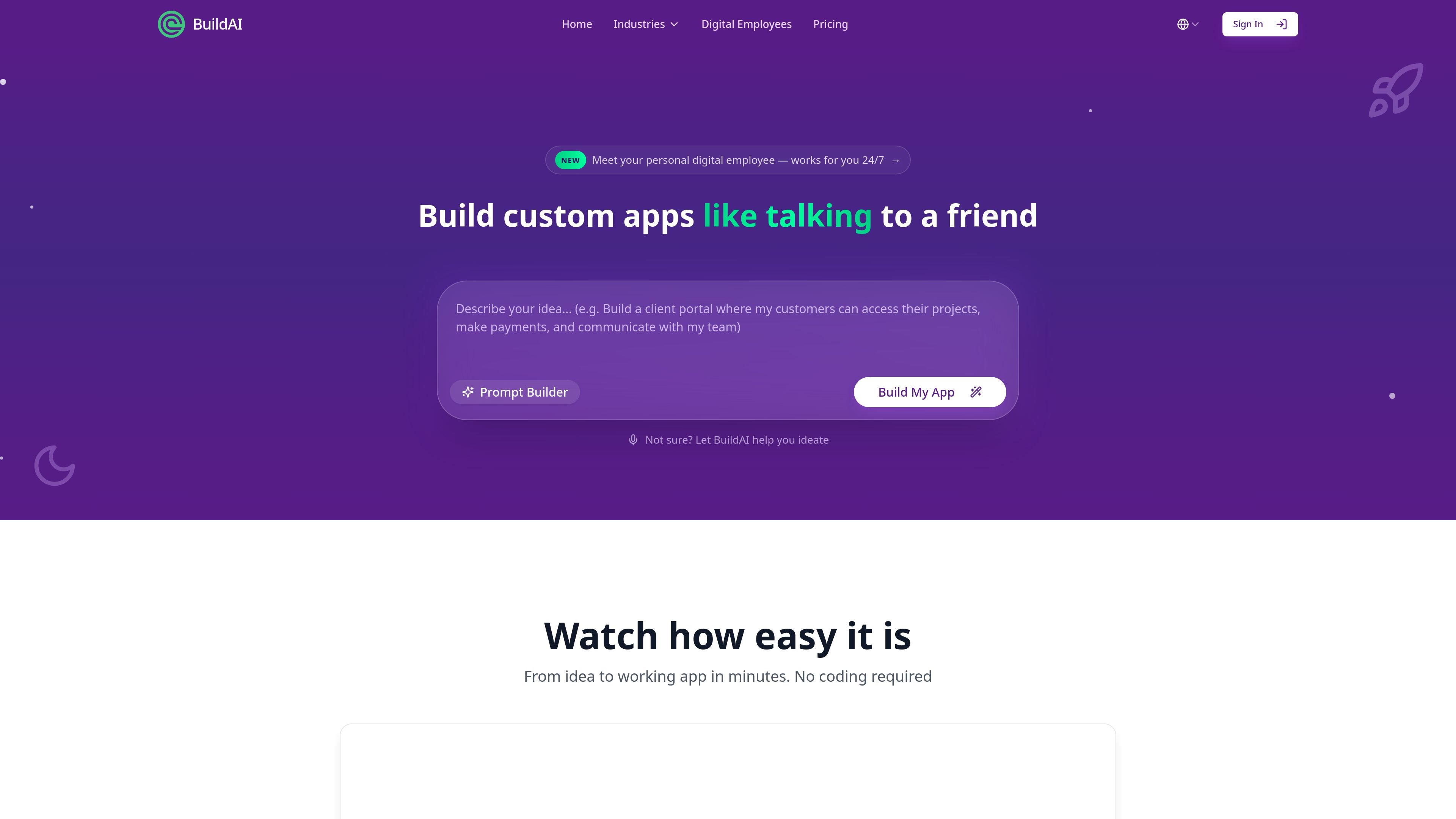
BuildAI is a no-code platform for creating AI apps, products, websites, and internal business tools. The site positions it as a way to turn a plain-language description into a working app, with built-in support for databases, authentication, deployment, and user management.
The product also extends into “digital employees,” which are AI teammates designed to handle tasks such as leads, content, support, meetings, follow-ups, and admin work. BuildAI presents this as a way for founders and businesses to launch software quickly, automate recurring work, and publish branded apps on their own domain.
Describe an app or business workflow in plain language and BuildAI turns it into a working app without coding.
BuildAI says it handles databases, authentication, and deployment so users can move from idea to live app in three steps.
Paid plans include payments and subscriptions, letting users create monetized apps and recurring revenue flows.
The product includes AI-powered features and “digital employees” that work from a business’s content and knowledge.
The site says it connects to many tools and services so users can automate workflows across existing apps.
Users can publish apps on their own domain and apply full branding to match their business.
Create customer-facing AI apps or services without hiring a technical co-founder or starting from a blank engineering team.
Build client portals, dashboards, intake forms, and workflow tools that match your own process instead of forcing generic software.
Set up digital employees for tasks like lead follow-up, newsletter drafting, customer support, and scheduling so recurring work keeps moving.
Publish branded apps and service experiences on a custom domain, with monetization features such as payments and subscriptions on paid tiers.
Yes. The site positions BuildAI for launching products, serving customers, and running internal operations for businesses that need custom software without coding.
The source says BuildAI can handle apps, websites, client portals, workflows, dashboards, intake forms, and AI-powered experiences, but it does not spell out technical limits for complex builds.
Pricing includes plans with custom domain support on paid tiers, and the homepage says you can launch on your own domain.
BuildAI's pricing page includes a free tier and paid plans, so you can start without paying and upgrade as your usage grows.
The source does not provide a detailed implementation guide, but it says you describe what you want and BuildAI handles databases, authentication, and deployment.