
Multi-tool writing workflow
Smodin includes tools for AI writing, AI content detection, AI humanization, plagiarism checking, text rewriting, summarization, translation, and AI chat in one product line.

Smodin is an AI writing assistant and plagiarism checker for drafting, rewriting, humanizing AI text, and checking originality in one workflow.
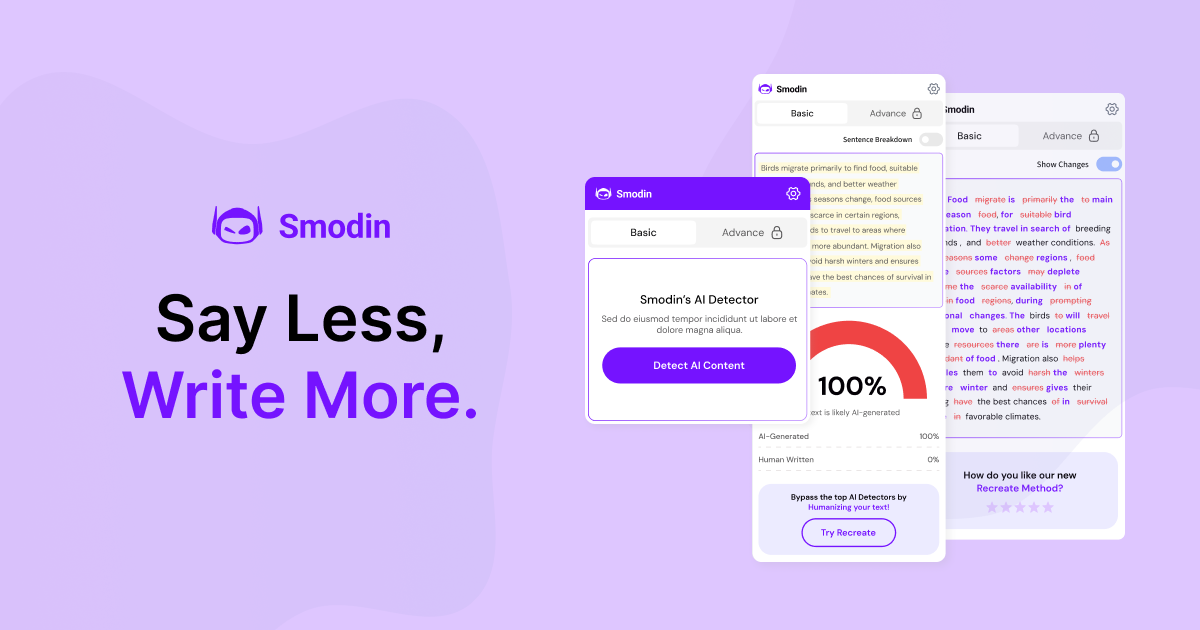
Smodin is an AI writing assistant and plagiarism checker built around a set of writing, detection, and revision tools. The site positions it as a way to write, rewrite, humanize AI text, check plagiarism, and analyze content for AI generation in one product.
The pricing page presents Starter and Premium plans, while the detector page shows a dedicated AI content checker with support for pasted text and uploaded documents. Taken together, the product is aimed at users who need to draft content, evaluate originality, and refine text in a single workflow.
Smodin includes tools for AI writing, AI content detection, AI humanization, plagiarism checking, text rewriting, summarization, translation, and AI chat in one product line.
The AI detector page says Smodin can analyze pasted text or uploaded files and return probability scores for AI versus human-written content.
The detector supports more than 100 languages and is positioned for checking content in languages such as Spanish, Portuguese, Swedish, Norwegian, and Dutch.
The pricing page lists plagiarism checking and AI humanizer features, indicating support for both originality checks and text revision workflows.
The pricing comparison includes Starter and Premium tiers, with Premium showing unlimited writing output, extended AI chat memory, Chrome Extension access, API access, bulk processing, and custom AI templates.
The detector page says results are provided quickly and include detailed probability scores and sentence-level breakdowns.
Draft essays, articles, or other long-form text using the AI writer and then refine the output with rewriting or humanization tools before sharing it.
Check documents for likely AI-generated passages, review probability scores, and use the results to verify authenticity before grading or publishing.
Run plagiarism checks on text alongside AI detection to assess originality in a single workflow, especially when handling academic or editorial submissions.
Use the AI detector to analyze content in more than 100 languages when working with multilingual documents or international teams.
Share a referral link with friends or classmates to give them a discount and earn account credit toward a future Smodin subscription.
Smodin’s pricing page presents Starter and Premium plans. The page indicates that Starter gives access to the tools, while Premium adds unlimited access, advanced chat features, Chrome Extension use, and other expanded capabilities.
The pricing page says both Starter and Premium include tools for AI writing, AI content detection, AI humanization, plagiarism checking, text rewriting, AI chat, summarization, translation, and AI models, with Premium showing broader access in several areas.
The AI detector accepts pasted text or uploaded files, including .txt, .doc, .docx, and .pdf files, and it supports 100+ languages.
The referral page says users can share a referral link to give friends 50% off their first month or year and earn credit toward a free month after qualifying referrals.
The source pages do not provide detailed setup or platform documentation beyond mentioning a Chrome Extension on Premium and API access in the plan comparison.