
Automatic music video creation
Upload a song, choose clips, and let Rotor auto-generate a cut that matches the music. The source says the engine analyzes the music and selected clips and produces a video in minutes.

Rotor Videos is a video creation tool for musicians and creators to make music videos, Spotify Canvas, Apple Music Album Motion, lyric videos, and promo formats.
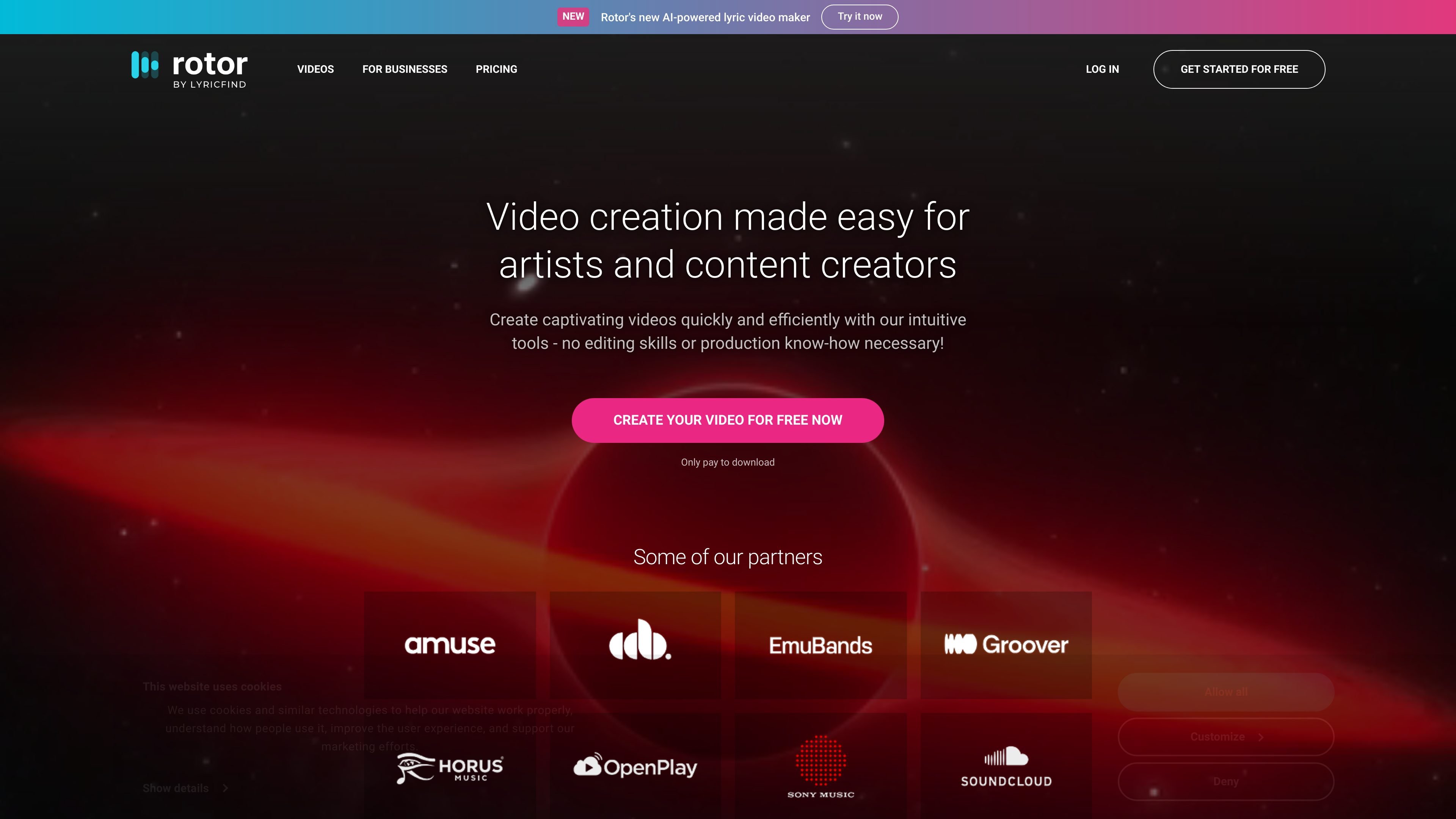
Rotor Videos is an online video creation tool for musicians and content creators who want to make music videos, promo videos, Spotify Canvas videos, lyric videos, and related promotional formats without traditional editing skills. The site positions it as a way to produce video content for new releases and back catalogue promotion across streaming platforms, social media, YouTube, and similar channels.
The workflow is built around simple input and automated editing: upload a song, choose or upload clips, pick a style, and then let the system assemble a finished video. Rotor also supports short-form outputs such as Spotify Canvas and Apple Music Album Motion, plus album artwork and lyric video formats for promotional use.
Upload a song, choose clips, and let Rotor auto-generate a cut that matches the music. The source says the engine analyzes the music and selected clips and produces a video in minutes.
Browse a library of more than 9 million stock clips, or upload your own footage. The pricing page also notes that users can choose from stock clips or upload original content.
Select from more than 150 video edit styles designed by music video directors and visual artists. The site also highlights filters, textures, light leaks, highlights, and other style options.
Resize videos for square or vertical social formats and add promotional text overlays. The product page also mentions pre-set cropping tools and formatting for Spotify Canvas and promotional content.
Create short looping Spotify Canvas videos, Apple Music Album Motion videos, album artwork videos, lyric videos, and full music videos from the same platform.
Use credit bundles for download-based pricing, with non-expiring bundles shown on the pricing page and a separate business solutions contact flow.
Generate Apple Music Album Motion output from 1:1 artwork, with two formats said to match Apple Music app specifications.
Create a full music video from a song and a selected set of clips when you need a polished visual to support a release or catalog track.
Produce a 3-8 second looping Spotify Canvas video that fits the platform’s short-format viewing context and supports track promotion.
Animate square artwork into Apple Music Album Motion output that matches the app’s format requirements and turns static art into motion.
Turn an album cover into a shareable video for Instagram, YouTube, and other promotional channels when you want a simple visual asset from existing artwork.
Create lyric-led promotional videos with text overlays, filters, and style presets when the goal is to put words and music together in a straightforward format.
Yes. The site says you can create videos for free and only pay to download, and the pricing page lists credit-based bundles for downloads and premium content.
The source shows tools for Spotify Canvas videos, Apple Music Album Motion, music videos, album artwork videos, and lyric videos.
For music videos, you upload a song, choose clips, pick a video style, resize for social formats, and add text overlays before downloading the finished video.
The source does not list detailed export formats or platform integrations beyond the supported video types and sharing use cases on Spotify, Apple Music, Instagram, YouTube, and similar platforms.
The pricing page presents separate solutions for artists and businesses, and also mentions business solutions with a sales contact form.