
Browser-based video editing
Use the online video editor to trim, crop, split, resize, rotate, flip, merge, and re-order clips without installing desktop software.

Clipfly is a browser-based AI creative platform for editing videos and generating videos, images, and music with drag-and-drop tools and watermark-free export.
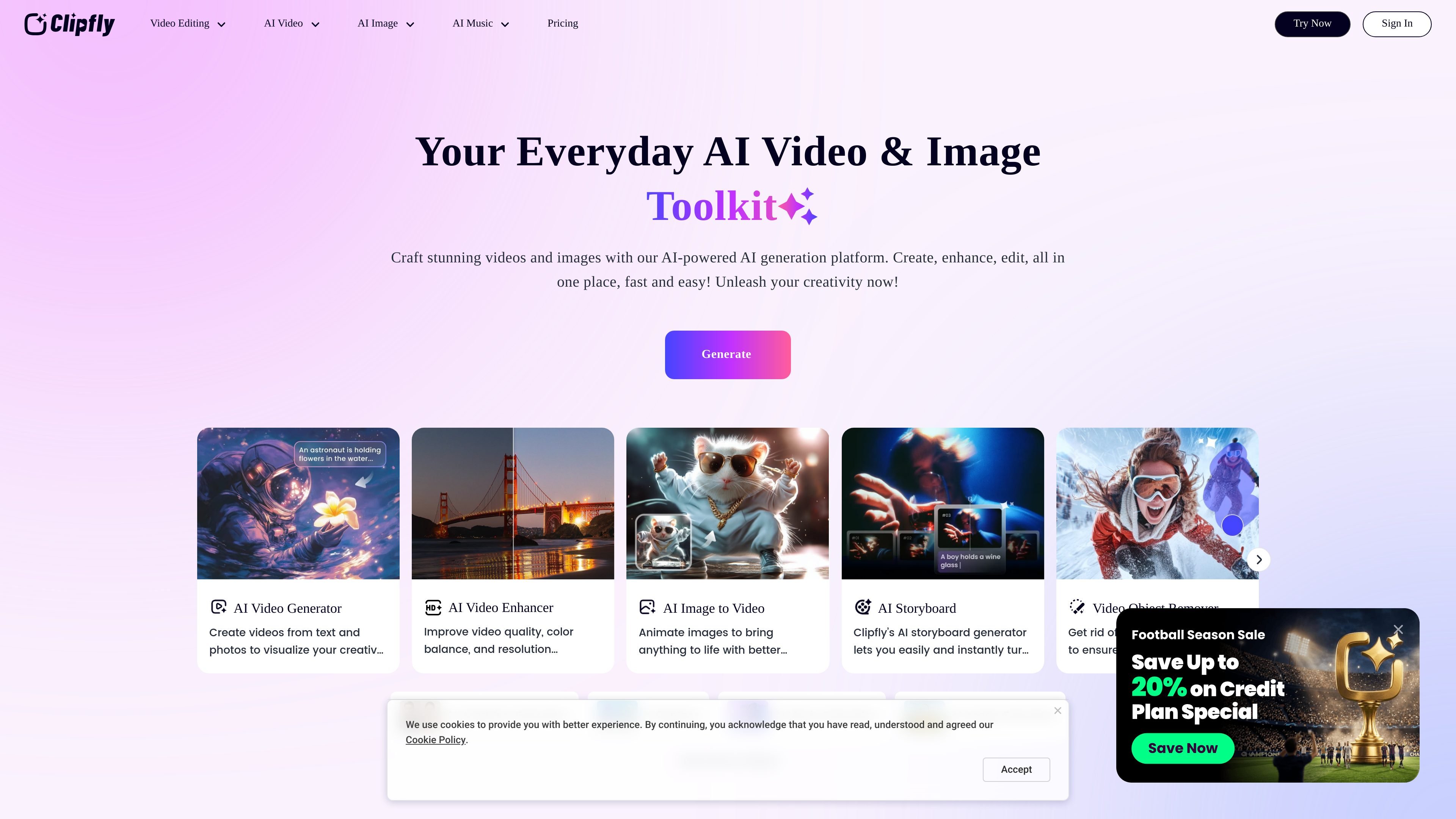
Clipfly is an AI creative platform that combines online video editing with AI tools for generating videos, images, and music. The site positions it as a browser-based workspace for people who want to make and refine content without using separate desktop editing software.
The video editor page describes a drag-and-drop editor for common edits like trimming, cropping, splitting, merging, captions, transitions, and effects. The broader site also includes AI tools for text-to-video, image generation, image enhancement, photo animation, watermark removal, and music creation, so users can move between editing and generation in one product family.
For video workflows, Clipfly supports uploads from common formats such as MP4, MOV, AVI, and WebM, and says exported videos can be downloaded in MP4 with up to 4K resolution and no watermarks added. The pricing page shows both plan-based access and credit bundles, indicating that some tools are tied to subscription or credit consumption.
Overall, Clipfly is aimed at creators who want a single web platform for quick edits, AI-assisted generation, and lightweight media production tasks. Its value is in combining many short-form creative workflows under one interface rather than requiring separate tools for video, image, and music work.
Use the online video editor to trim, crop, split, resize, rotate, flip, merge, and re-order clips without installing desktop software.
Add subtitles, text, stickers, images, overlays, transitions, animations, and video effects to shape the final edit.
Work with audio tools such as audio extraction, joining, muting, speed changes, and adding audio to video or image projects.
Use AI tools to generate video from text, convert image to video, animate photos, create talking avatars, and apply AI video effects.
Generate and edit images with text-to-image, image-to-image, photo enhancement, background removal, and other AI image tools.
Create AI music from prompts or lyrics with tools for songs, lofi, phonk, chant, and birthday music generation.
Edit footage in the browser by trimming clips, changing layout, adding captions, and applying transitions or effects before exporting a finished MP4.
Turn written prompts into videos or convert images into video-based content using the platform’s AI video generator and related tools.
Clean up or repurpose existing media by removing watermarks, objects, text, backgrounds, or blur and then exporting the updated result.
Generate social-ready visuals by creating AI images, enhancing photos, removing backgrounds, or switching between image styles.
Create music clips from text or lyrics for short-form content, background tracks, or simple demo audio using the AI music tools.
Clipfly’s site presents it as an AI creative platform with tools for video editing, video generation, image generation, and AI music creation. The video editor page also supports common editing tasks such as trimming, cropping, splitting, adding captions, and exporting without watermarks.
The video editor page says you can upload MP4, MOV, AVI, or WebM files, or start from templates. Clipfly also offers separate AI tools for text-to-video, image-to-image, image generation, and music generation on its site.
The video editor page states that exported videos can be downloaded in MP4 format with up to 4K resolution and no watermarks added. The pricing page also mentions an export-to-GIF option at 640p on paid plans.
Clipfly’s pricing page lists a Premium Plan and a Credits Plan, with monthly and yearly billing options shown in the interface. The page also shows credit bundles for buying additional credits, but the exact usage of every feature depends on the tool.
The sources do not show a dedicated integrations page. The video editor page does mention a stock library of videos, images, stickers, royalty-free music, sound effects, and overlays, and supports uploading common video file formats.