
AI task handling
AI agents can handle repetitive recruiting tasks such as resume formatting, candidate submissions, and email replies, helping teams reduce manual work and keep the workflow moving.

Recruit CRM is AI-first recruitment software for agencies and executive search firms. It combines ATS and CRM workflows, automation, and outreach tools to help teams manage candidates, jobs, and pipelines in one place.
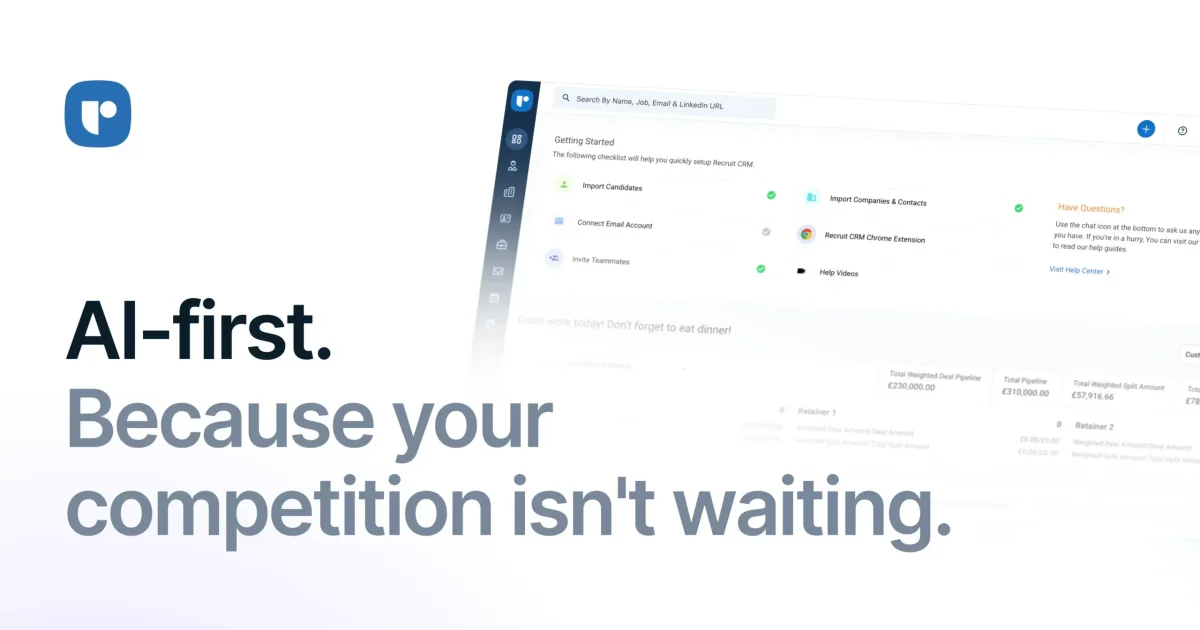
Recruit CRM is AI-first recruitment software built for recruitment agencies and executive search firms. It combines an ATS and CRM with AI agents, automation, and workflow tools so recruiters can manage sourcing, candidate data, communication, jobs, and pipelines in one place.
The product is positioned for teams that want to reduce manual recruiting work and keep hiring activity organized across the full process. The site also says it supports contract staffing firms, in-house recruiting teams, and freelance recruiters, with capabilities such as resume parsing, job board integrations, LinkedIn messaging, mobile access, and reporting.
AI agents can handle repetitive recruiting tasks such as resume formatting, candidate submissions, and email replies, helping teams reduce manual work and keep the workflow moving.
Recruit CRM combines ATS and CRM functions so teams can manage candidates, clients, jobs, and pipelines in one system instead of switching between separate tools.
The platform supports custom workflow design, including Kanban views, multiple hiring pipelines, and automated email sequencing for repeatable recruiting processes.
Recruit CRM includes sourcing and outreach tools such as a Chrome sourcing extension, job multiposting, LinkedIn messaging integration, email templates, bulk texting, and calling/recording features.
Reporting and analytics features include complete reporting, executive search reports, advanced analytics on higher plans, smart alerts, and shareable dashboards.
The platform offers add-ons and integrations such as data enrichment, API access, MCP, partner integrations, and a website builder called Recruit Craft.
Run agency recruiting in one system by tracking candidates, clients, jobs, and pipelines together while using AI agents and automation to cut repetitive admin work.
Support high-volume hiring with job posting, multiposting, pipeline tracking, and resume parsing so recruiters can process incoming applicants more consistently.
Handle outreach from sourcing through follow-up with email templates, automated sequences, bulk texting, calling, and LinkedIn messaging integration.
Manage billing-related work for contract staffing with the Bill & Pay tool, which is described as simplifying invoicing, timesheets, and payroll management.
Build more structured team processes with custom roles, multiple hiring pipelines, audit logs, and SSO on higher plans for organizations that need tighter control.
Recruit CRM offers a free trial so users can explore the platform before choosing a plan. The pricing page says the free trial provides hands-on access to key features, but certain usage limits may apply during the trial.
The source describes Recruit CRM as being built for recruitment agencies and executive search firms, and also says it can support contract staffing firms, in-house recruiting teams, and freelance recruiters.
Recruit CRM supports custom recruitment workflows, a Kanban view, automated email follow-ups, bulk texting, job posting, and ATS + CRM workflows for managing candidates, clients, jobs, and pipelines in one place.
The pricing page shows monthly and annual billing, with an option to save up to 20% on annual billing. It also shows Pro, Business, and Enterprise plans, with demo and walkthrough flows for higher tiers.
Yes. The source says Recruit CRM is GDPR compliant and includes security and compliance pages, along with features such as IP whitelisting, audit logs, and single sign-on on higher plans.