
Multiple input sources
Turn text, topics, documents, or video links into presentations with a workflow that starts from a prompt, pasted content, or file upload.

MagicSlides is an AI presentation generator that turns prompts, documents, web pages, and media links into slide decks. Draft presentations fast in Google Slides with PowerPoint export and multi-language support.
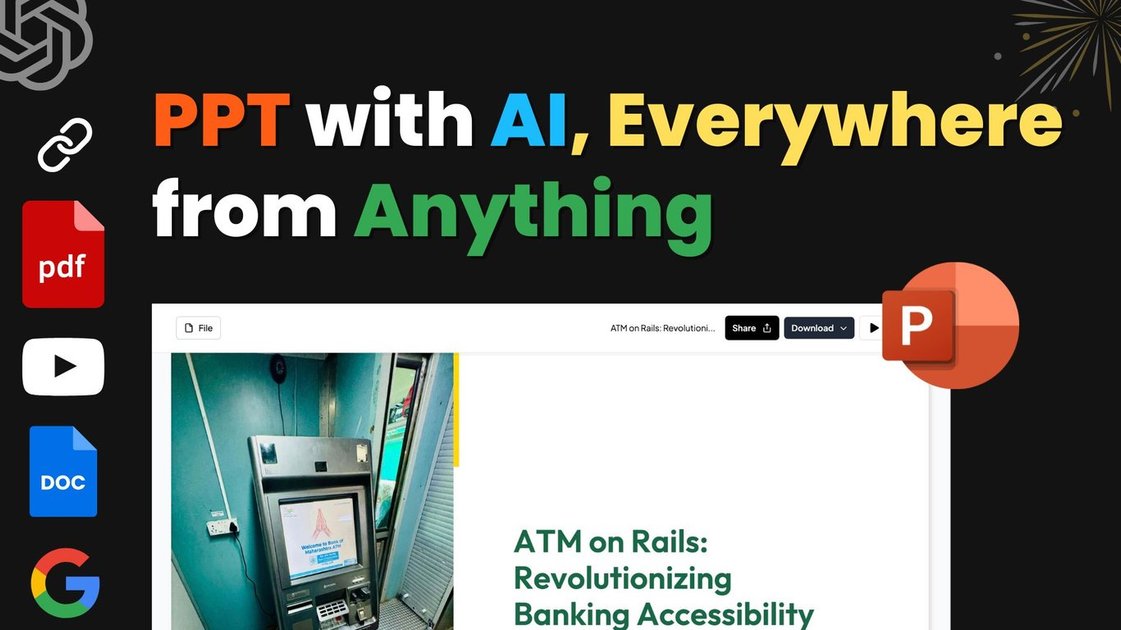
MagicSlides is an AI presentation generator that turns prompts, topics, documents, web pages, and media links into slide decks. The homepage says it can create a presentation from a single input in seconds, and the feature pages show workflows for text, YouTube, PDF, URL, image, audio, and video sources.
It is built for people who need a fast draft of a presentation without starting in a blank deck. Generated presentations open in Google Slides by default, can be downloaded as PowerPoint files, and can then be edited in MagicSlides or in standard presentation tools.
Turn text, topics, documents, or video links into presentations with a workflow that starts from a prompt, pasted content, or file upload.
Convert YouTube videos, PDFs, DOCX files, URLs, JPG/PNG images, MP4, and MP3 files into slide decks, with the feature pages calling out structured extraction from several content types.
Generate slides in more than 136 languages, with the pricing page also describing AI assistant workflows in 100+ languages.
Use AI Chat to create from scratch, add slides, clone slides, edit content, and get design recommendations directly in the presentation workflow.
Apply smart templates for common slide types such as timelines, SWOT analysis, bullet points, and pros/cons slides, or reuse an existing PowerPoint as a template.
Send the output to Google Slides by default, then export to PowerPoint or work directly in MagicSlides; the pricing page also lists PDF export on paid plans.
A founder or salesperson can turn a pitch outline, market notes, or product brief into a deck for investor meetings or customer conversations, then refine the draft through AI chat.
Teachers and trainers can convert lesson material, YouTube videos, PDFs, or web pages into structured slides for classroom use or internal training.
Consultants and analysts can pull together research, case studies, and client documents into presentation-ready slides without building layouts from scratch.
Students can convert notes, papers, and study resources into presentation decks for assignments, thesis updates, or group projects.
Teams can update an existing presentation by pasting new content, uploading source material, or cloning slides to keep formatting consistent across revisions.
MagicSlides creates presentations in Google Slides by default, and you can download them as a PowerPoint (PPTX) file. The source also says you can edit the slides after generation, including layout, content, and design.
The site says MagicSlides supports 136+ languages for presentation generation. The pricing page also describes AI assistant features in 100+ languages for certain workflows.
MagicSlides uses a per-user licensing model tied to a Google Account email address. The pricing page also notes free and paid plans, plus an enterprise option with custom quote and sales contact.
The feature pages describe conversions from text, YouTube videos, PDF files, URLs, and existing presentations. The homepage and pricing page also mention chat-based editing and Google Slides integration.
The pricing and FAQ text say support is available by email while the support period is valid, and it covers installation, licensing, and usage. It does not include customisation or new custom features.