
Omni-channel messaging
Manage website chat, email, WhatsApp, and other messaging channels from one shared workspace so requests do not sit in separate inboxes.

Lime Connect is an AI customer service platform that combines chat, messaging, and automation across channels like email and WhatsApp. It helps teams handle support, workflows, and proactive customer communication from one place.
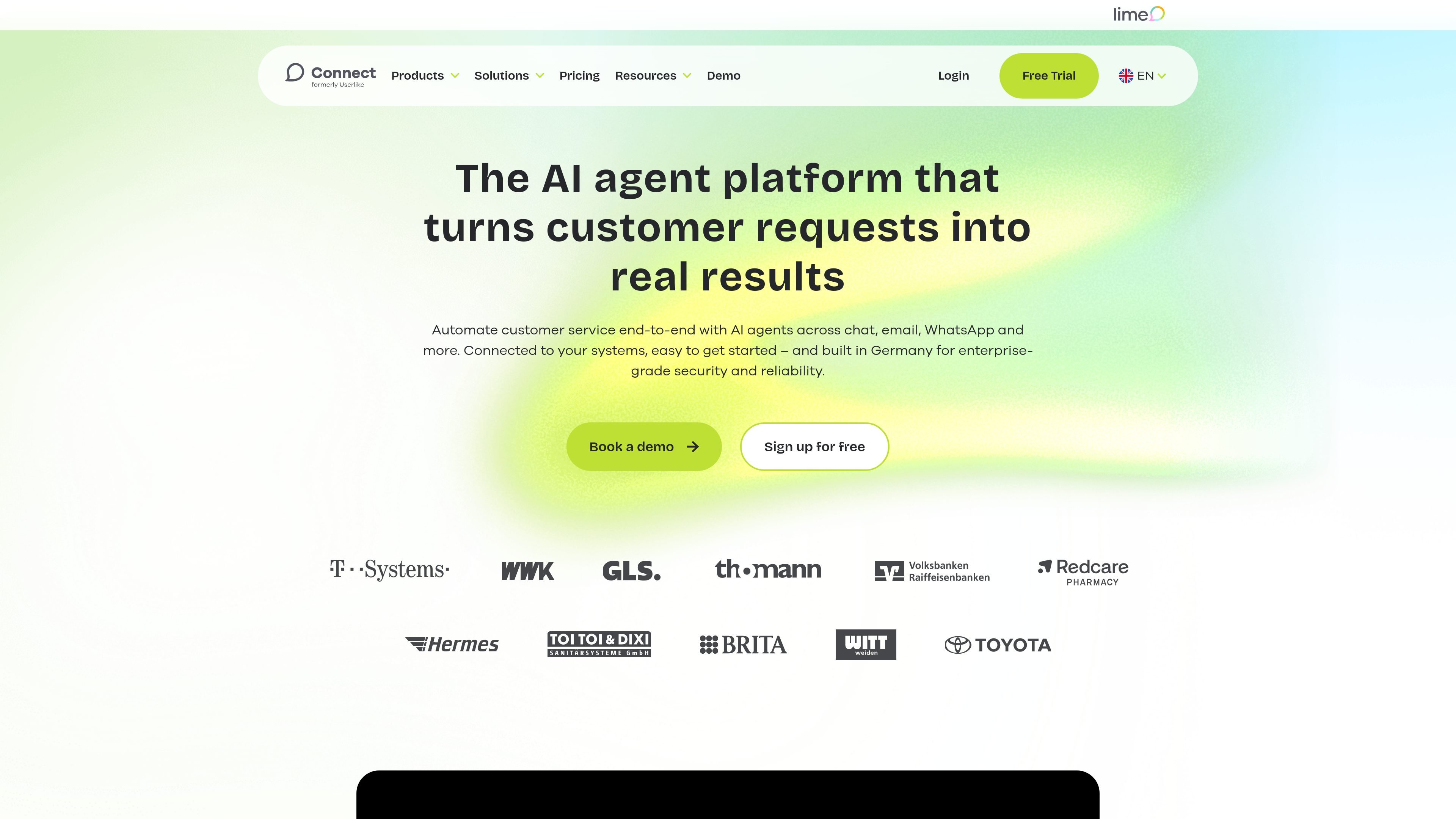
Lime Connect is an AI agent platform for customer service and customer communication. It combines chat, messaging, and AI so teams can automate support across channels such as chat, email, and WhatsApp while still involving human agents when needed.
The homepage positions the product as suitable for both support and revenue-related communication. It emphasizes quick setup from websites, help centers, or documents, deep system connections, and enterprise-grade security and reliability with hosting in Germany.
Manage website chat, email, WhatsApp, and other messaging channels from one shared workspace so requests do not sit in separate inboxes.
Use AI agents to resolve customer requests automatically and assist your team with responses and handoff when needed.
Automate multi-step processes across connected systems, with support for workflows that range from standard to more complex tasks.
Send targeted WhatsApp messages for updates, reminders, and newsletters through the WhatsApp Campaigns add-on.
Connect CRM, ERP, and other internal tools so customer conversations can trigger work in the systems your team already uses.
Use built-in analytics, live translation, video calls, screen sharing, and conversation tools that support day-to-day service work.
Support teams can route incoming questions from chat, email, and WhatsApp into one workspace, then let AI resolve routine requests before handing more complex cases to operators.
Teams can turn website content, help-center articles, or internal documents into an AI agent that answers common questions and helps visitors find information faster.
Operations teams can connect Lime Connect to CRM, ERP, or other internal tools and use workflows to automate steps that would otherwise require manual follow-up.
Marketing or retention teams can send targeted WhatsApp updates, reminders, and newsletters to customers already using the channel.
Sales and service teams can manage conversations across channels in a shared inbox while using analytics and conversation tools to follow up consistently.
Lime Connect combines website chat, email, WhatsApp, and other messaging channels in one platform. The pricing page also lists features such as AI agents, AI Copilot, workflows, and add-ons for WhatsApp campaigns.
The homepage says you can turn your website, help center, or documents into an AI agent, and the pricing page says Connect AI Agent is available as an add-on. That suggests setup starts from existing content rather than a blank configuration.
The pricing page shows a Free plan, a Pro plan, and an Enterprise plan. It also says some add-ons are available at extra cost, while Enterprise pricing is available on request.
The pricing page states that channels can include messaging apps such as Facebook Messenger, WhatsApp, Instagram, Telegram, SMS, or a custom channel, and that the WhatsApp channel is available from the Team plan onwards.