
Script import and long-form handling
Import a finished script from Word, Google Docs, Notion, or another writing tool, then let Lazybird split long scripts into blocks and sections so you can work through large projects more easily.

Lazybird is an AI voiceover and text-to-speech studio for turning scripts into downloadable narration. Create voice audio in a web app or via API.
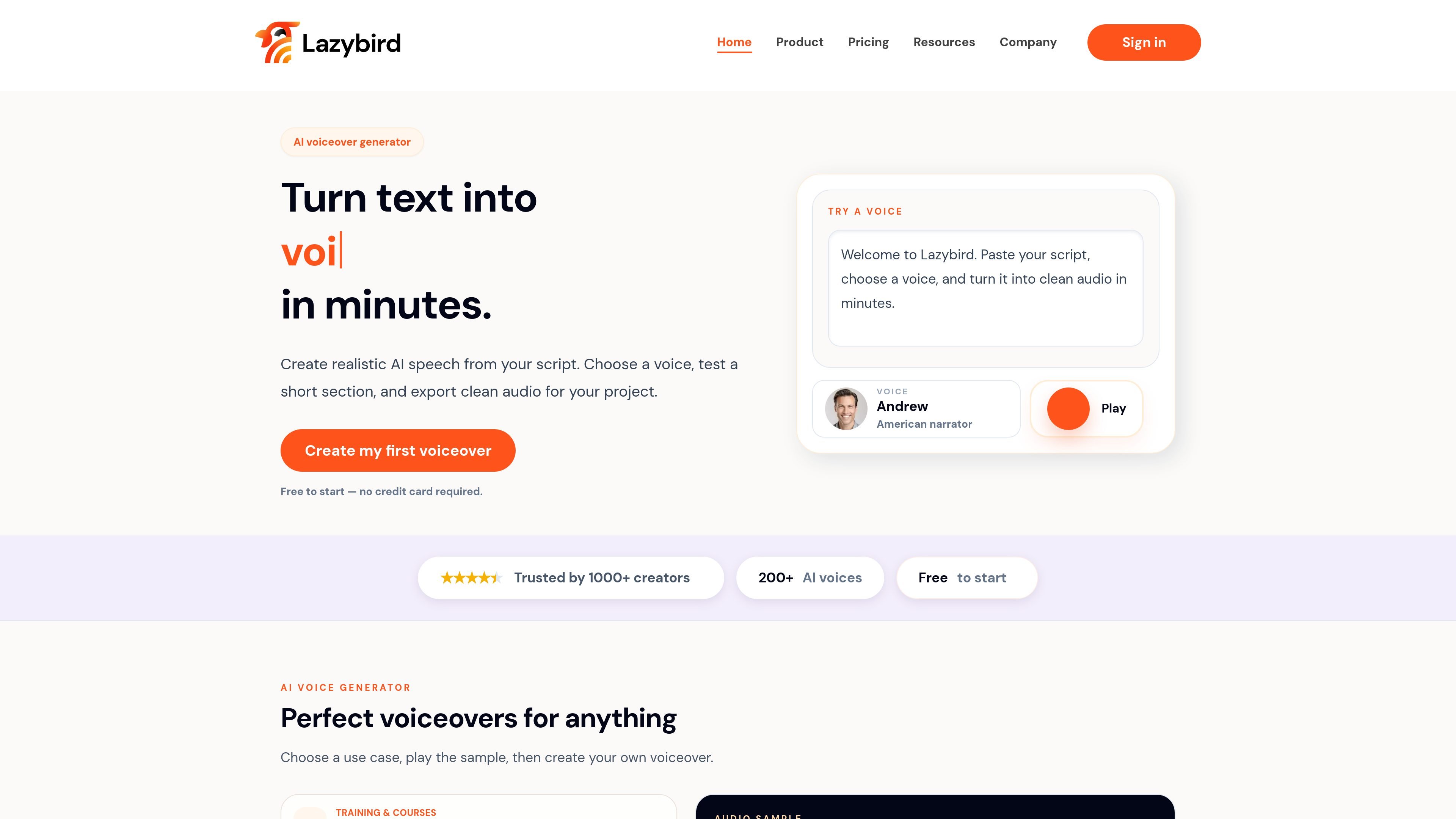
Lazybird is an AI voiceover studio that turns written scripts into downloadable speech. The core workflow is simple: paste or import a script, choose a voice, test a short section, and generate the finished audio.
The product is built for creators, educators, marketers, and teams that need realistic voiceovers without recording from scratch. Its site and documentation show support for long scripts, voice cloning, multilingual voices, and an API for embedding text-to-speech into other products or workflows.
Import a finished script from Word, Google Docs, Notion, or another writing tool, then let Lazybird split long scripts into blocks and sections so you can work through large projects more easily.
Preview a short section before generating the full voiceover, then adjust the voice or pacing if the sample does not fit the project.
Use the voice library for steady narration, warmer storytelling voices, character-style options, or multilingual voices, depending on the content you are producing.
Create recurring narration with your own cloned voice when the same speaker needs to appear across projects.
Download the finished audio and reuse it in video editors, courses, podcasts, audiobooks, phone systems, or apps.
Use the platform API to generate speech from text or SSML, list voices, authenticate requests, and automate narration in your own product or workflow.
Turn onboarding scripts, SOPs, and lesson text into narrated training content without booking a studio session.
Create voiceovers for demos, feature walkthroughs, and product update videos, then download the audio for editing elsewhere.
Narrate chapters, dialogue, and short-form stories for audiobook-style projects or spoken storytelling.
Produce translated speech for audiences that need the same script delivered in another language or accent.
Embed text-to-speech into an app or internal workflow using the API when you need repeatable narration at scale.
Lazybird is a text-to-speech and AI voiceover studio. The Studio workflow covers creating a project, selecting voices, cloning voices, importing scripts, customizing pronunciation, and exporting audio.
The site says you can start free without a credit card. The pricing page also shows a Free plan with 3,000 credits per month, plus paid Creator and Pro plans.
The documentation says the platform can export audio, and the API reference mentions generating MP3 speech from text or SSML. The home page says finished audio can be downloaded for use in other tools.
The docs and pricing page both indicate voice cloning is supported. The pricing page lists cloning your own voice on Creator and Instant Voice Cloning on Pro.
Lazybird’s docs describe a Studio user guide and a separate Platform API reference. The API page says the API can be used inside your own application or workflow, while the Studio is for creating and exporting voiceovers manually.