
Multiple FLUX.1 model options
Generate images with the site's FLUX.1 model lineup, including pro ultra, pro, dev, and schnell variants. The product positions these models for different tradeoffs such as realism, speed, and customization.

Flux AI Lab is a web-based AI image platform built around the FLUX.1 model family, with tools for generation, reference-guided editing, relighting, background changes, and image-to-prompt conversion.
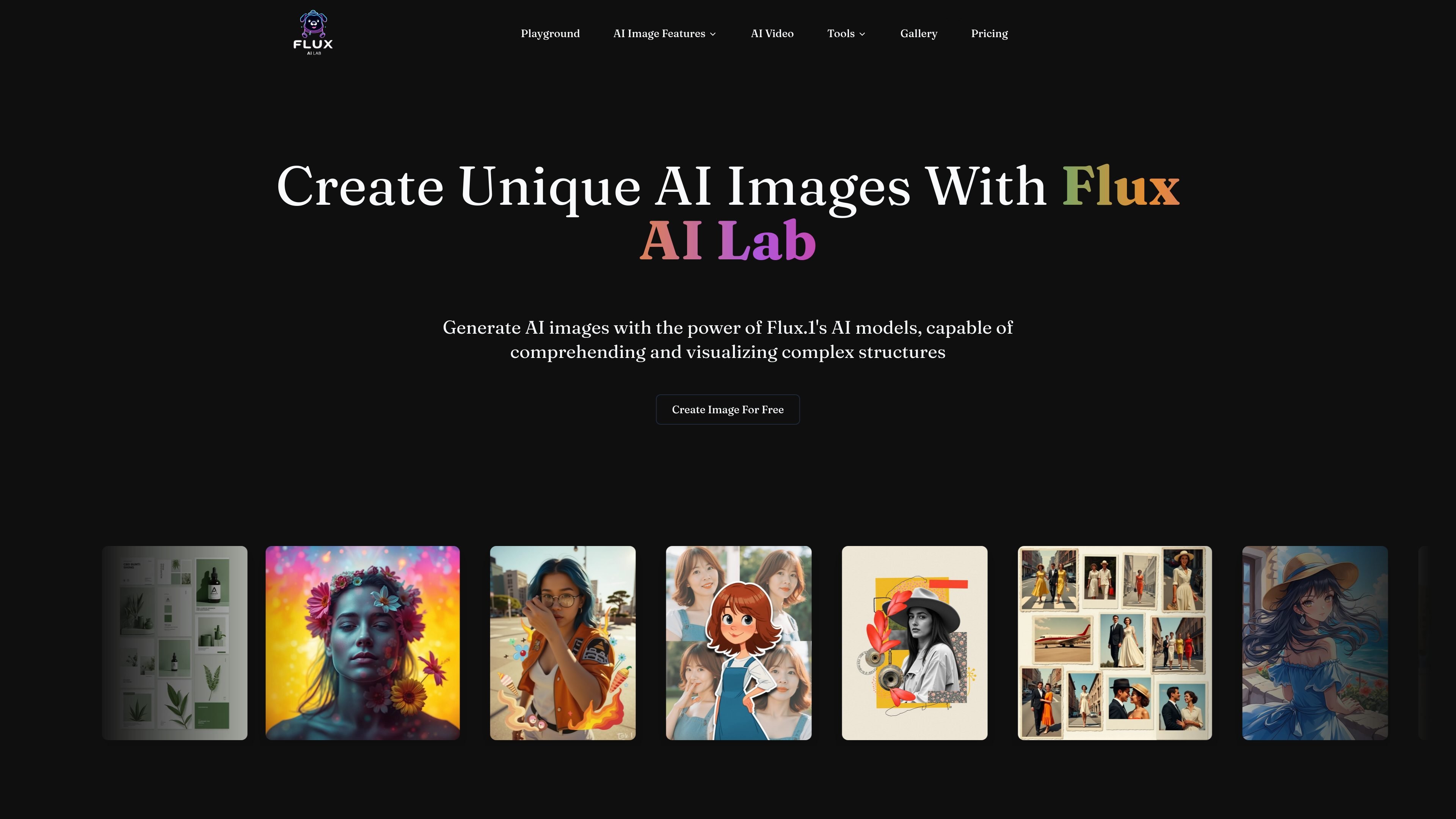
Flux AI Lab is a web-based AI image generation platform centered on the FLUX.1 model family. The home page presents it as a place to create unique AI images and to choose between model variants such as FLUX.1 pro ultra, pro, dev, and schnell.
Beyond text-to-image generation, the site also surfaces related image workflows including character generation from a single photo, image relighting, custom background creation, image-to-prompt conversion, and controlled editing tools such as inpainting, outpainting, depth, canny, and redux.
Generate images with the site's FLUX.1 model lineup, including pro ultra, pro, dev, and schnell variants. The product positions these models for different tradeoffs such as realism, speed, and customization.
Create character-consistent images from a single photo, which the home page describes as turning one photo into many scenes and styles.
Modify lighting or background by uploading an image and applying AI relighting or custom background changes.
Use reference images to guide structure and style so the output follows the uploaded source more closely.
Work with image-editing modes such as redux, inpainting, outpainting, depth, and canny for different types of controlled generation and editing.
Turn uploaded images into detailed text prompts with the image-to-prompt tool, which supports free-tier batch queuing and multiple output description styles.
Use the FLUX.1 model options to generate standalone AI images and compare variants that emphasize realism, speed, or balance.
Upload a portrait or character image and generate consistent variations across different scenes or styles.
Relight a photo, replace the background, or edit parts of an image with inpainting and outpainting when you need controlled revisions.
Guide output with a reference image, then use depth or canny controls when composition and structure matter.
Convert an image into a detailed text description for prompt building, documentation, or creative reuse.
The site describes FLUX.1 as an AI image model for generating images from prompts and for image workflows such as LoRA, depth, canny, fill, redux, inpainting, and outpainting. The home page also highlights image tools like character generation, relighting, and background changes.
The home page names FLUX.1 pro ultra, FLUX.1 pro, FLUX.1 dev, and FLUX.1 schnell, and also references LoRA and image toolbox features.
The pricing page shows that the product has a pricing section and a support email, but the rendered text does not expose specific plan names, prices, or limits.
The image-to-prompt tool says uploads are supported, and that the free tier can queue up to 1 image per batch. The page also notes an upgrade path to 6 concurrent images.
The source includes a FAQ question about commercial use, but the rendered text does not provide the answer. The site also surfaces a question about NSFW or adult content without showing the answer in the collected text.