
Sketch-to-render generation
Convert hand-drawn or digital sketches into photorealistic architectural and interior renders.

Spacely AI is an AI rendering platform for architects, interior designers, realtors, and creative teams. Turn sketches into photorealistic renders, with precise image editing and virtual staging.
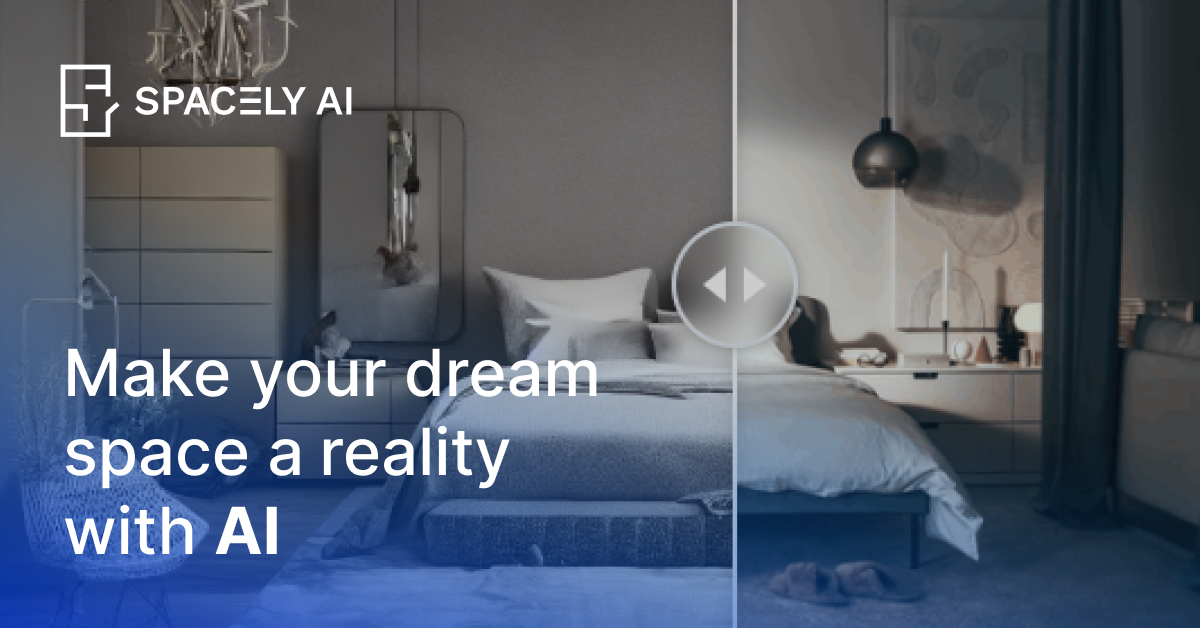
Spacely AI is an AI rendering platform for architects, interior designers, realtors, and related creative teams. The site presents it as a design automation solution focused on interior design rendering, sketch-to-render workflows, precise image editing, and virtual staging.
The product pages highlight a practical workflow: users can turn hand-drawn or digital sketches into photorealistic architectural and interior renders, then use those visuals to streamline schematic design, presentation, and client communication. The pricing page also indicates that Spacely AI offers flexible plans for designers, architects, and creative teams.
Convert hand-drawn or digital sketches into photorealistic architectural and interior renders.
Produce realistic render outputs intended for design review and presentation workflows.
Support precise image editing for design visuals, as described on the homepage metadata.
Create visualizations for staging use cases, also described in the homepage metadata.
Adapt concepts quickly for client communication, including turning feedback into revised visuals.
Turn schematic or hand-drawn concepts into photorealistic renders for early design reviews and visual exploration.
Generate professional interior visuals and adapt them after feedback to help clients compare options more quickly.
Create realistic staging visuals for property listings and sales materials where a furnished look is needed.
Refine design images with precise editing when a project needs targeted visual changes rather than a full redraw.
Use flexible rendering tools to support team workflows across design, presentation, and revision cycles.
Spacely AI is positioned as an AI rendering and design tool for architects and interior designers. Its pages describe workflows such as turning sketches into photorealistic renders and adapting client feedback in seconds.
The source pages emphasize sketch-to-render workflows for architecture and interior design, along with precise image editing and virtual staging on the homepage. The rendering pages focus on photorealistic architectural and interior outputs.
The product pages present Spacely AI as suitable for architects, interior designers, realtors, and creative teams. The use-case pages specifically call out architects and interior designers.
The pricing page says Spacely AI has flexible pricing plans, but the collected source text does not show plan names, prices, or usage limits.
The collected pages say free to use or free to start on selected use-case pages, but they do not provide enough detail to confirm whether every feature is available in a free tier or what limitations apply.