
Text to speech
Turn written text into spoken audio with support for natural voices, emotion control, tone, speed, and style adjustments.

FineVoice is a web-based AI voice generator and voiceover platform for text to speech, voice clones, sound effects, and transcripts. Built for creators and teams to create and export audio content fast online.
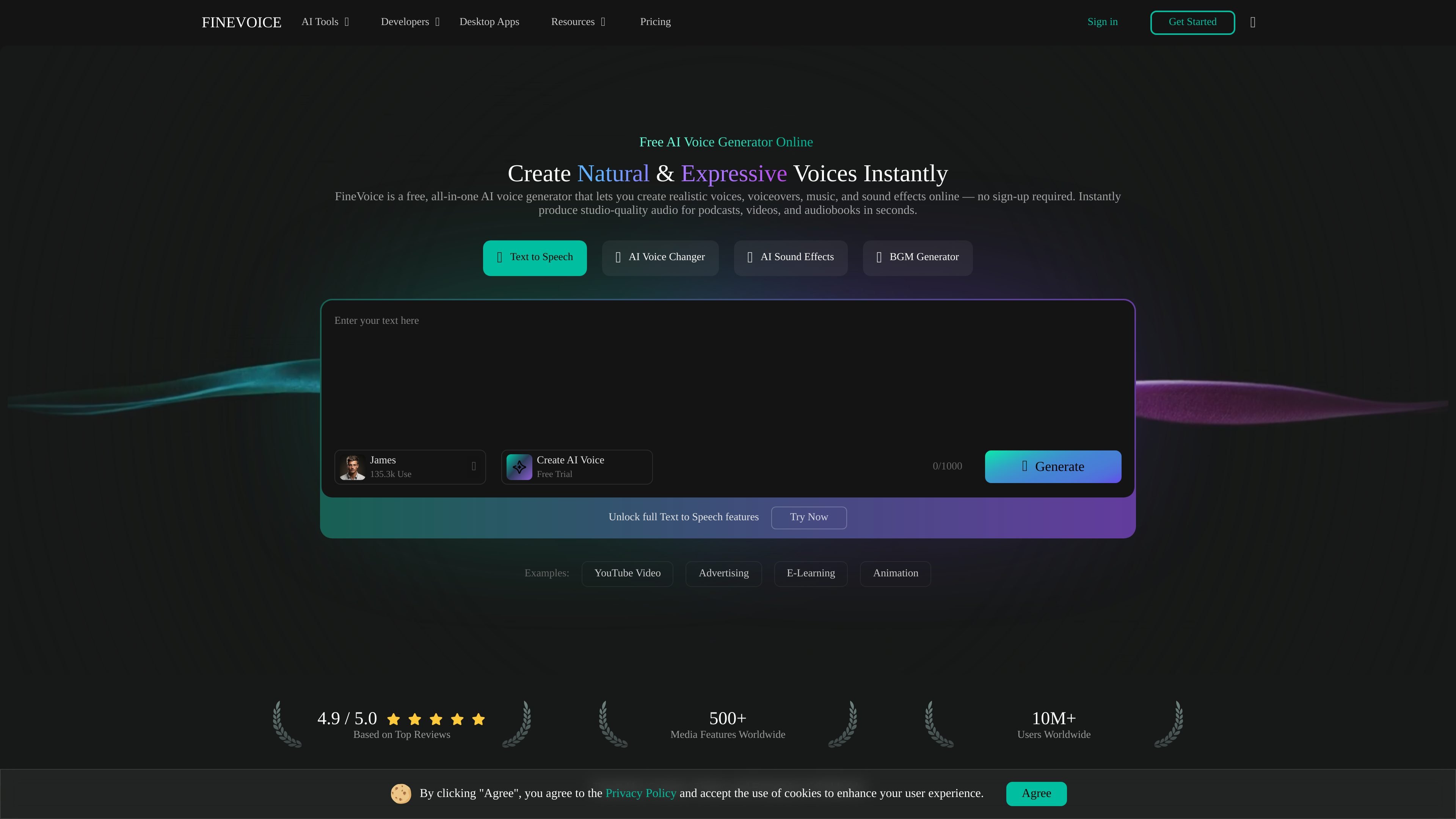
FineVoice is an AI voice generator and voiceover platform for creating text-to-speech audio, custom voices, voice clones, sound effects, background music, and speech-to-text transcripts. The site presents it as an online tool for producing audio content without sign-up for the free generator.
The product is aimed at creators, educators, and teams that need fast audio production for videos, podcasts, e-learning, advertisements, games, and related multimedia projects. Its core workflow centers on generating or transforming audio in the browser, previewing results, and exporting the finished output for use elsewhere.
Turn written text into spoken audio with support for natural voices, emotion control, tone, speed, and style adjustments.
Describe the voice you want in text prompts and generate a custom AI voice, with preview and refinement tools for adjusting pitch, timbre, pacing, and emotional delivery.
Clone voices quickly from audio, including instant voice cloning and support for uploaded voice models, so the same voice can be reused across projects.
Change voice characteristics such as pitch, age, or gender to transform existing speech into a different vocal style.
Create audio assets from text or video input, including royalty-free sound effects and AI BGM generation for video and multimedia production.
Convert audio into editable text with punctuation and language detection, then export in TXT, JSON, SRT, or VTT formats.
Create narration for videos, podcasts, audiobooks, and presentations by turning scripts into natural-sounding speech with adjustable tone and style.
Build a distinct character, brand, or campaign voice by describing the desired sound in text prompts and refining the result through instant previews.
Reuse a recognizable voice across episodes, clips, or product media by cloning an existing voice or uploading a voice model.
Generate sound effects or background music from text or video input for editing, game design, and multimedia production.
Transcribe recorded audio into editable text and export it in formats such as TXT, JSON, SRT, or VTT for captions and transcripts.
Yes. The homepage states that FineVoice can be used online with no sign-up required for the free voice generator, and the pricing page shows a free plan with limited monthly usage.
FineVoice’s pricing page shows monthly and annual plans, including Free, Basic, Pro, and Business options. The paid plans add higher usage limits and priority support, while the free plan includes limited daily or monthly quotas depending on the tool.
The source pages show export support for speech-to-text outputs such as TXT, JSON, SRT, and VTT, and the homepage notes video exports without watermarks for voiceover workflows. The pricing page also says exported audio can use all formats for speech to text.
The source pages describe text-to-speech, AI voice design, AI voice cloning, AI voice changing, AI sound effects, speech to text, AI BGM generation, and AI talking photo tools.
The pages emphasize online generation and instant previews, but they do not provide detailed information about desktop apps, browser extensions, or API access.