
Model catalog with named families
The model directory lists supported Claude and OpenAI model families, including Claude Opus, Sonnet, Haiku, GPT-5.5, and GPT-5.4, so users can see which models are available before choosing a group.

DDS Hub is an AI API platform for Claude and OpenAI-family workflows, with token-based pricing, model selection, and Claude Code setup guidance.
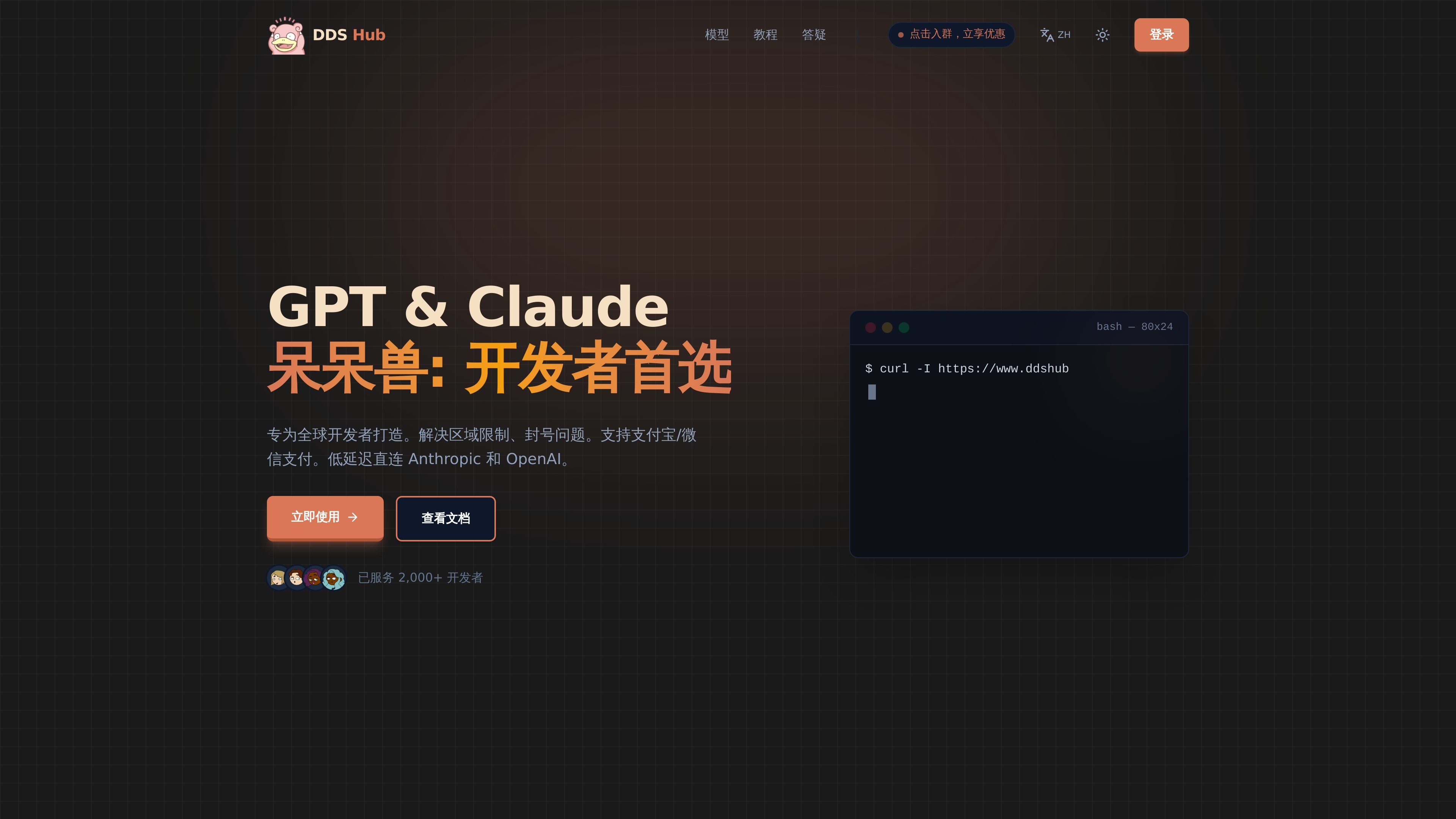
DDS Hub is a model access and API pricing site for Claude and OpenAI-family workflows. The site positions itself around stable model calling, token-based billing, and Claude Code usage, with documentation for connecting the service to the Claude Code CLI on macOS and Windows.
Its model directory lists specific Claude and GPT model entries, while the pricing page breaks access into groups with different entry conditions and usage rates. The product is aimed at developers who need API access, model selection, and setup guidance in one place.
The model directory lists supported Claude and OpenAI model families, including Claude Opus, Sonnet, Haiku, GPT-5.5, and GPT-5.4, so users can see which models are available before choosing a group.
The pricing page separates access into multiple groups such as Claude Max, Claude stable, Claude subscription, GPT CodeX base, and custom enterprise tiers, which makes the entry conditions explicit.
Pricing information is presented as token-based usage with input, completion, and cache prices, which matches API-style consumption rather than seat-based licensing.
The docs show Claude Code setup on macOS and Windows, including Node.js installation, Claude Code CLI installation, and environment variable configuration for `ANTHROPIC_AUTH_TOKEN` and `ANTHROPIC_BASE_URL`.
The FAQ page concentrates on operational errors such as upstream service failures, unavailable accounts, authentication problems, and rate-limit responses, giving users a place to diagnose common API issues.
A developer who wants to use Claude Code with a custom API endpoint can follow the docs to install the CLI, set `ANTHROPIC_AUTH_TOKEN`, and point `ANTHROPIC_BASE_URL` to DDS Hub.
A team choosing between model families can review the model page to compare Claude and OpenAI entries before starting work, instead of guessing what is available.
A user who needs predictable token costs can use the pricing page to understand input, completion, and cache pricing for the chosen model group.
An engineer running into 401, 502, 503, or 429 errors can use the FAQ to narrow whether the issue is authentication, account availability, upstream service state, or rate limiting.
DDS Hub provides API access for Claude and OpenAI model families through its platform. The docs show Claude Code setup instructions that point Claude Code at `https://www.ddshub.cc` using an API token, and the pricing page lists model groups for Claude and Codex-style use.
The docs show setup instructions for Claude Code on macOS and Windows, including installing Node.js, installing the Claude Code CLI, and configuring `ANTHROPIC_AUTH_TOKEN` and `ANTHROPIC_BASE_URL`. The Windows guide also shows using PowerShell Profile or system environment variables.
The model page lists Claude Opus, Sonnet, Haiku, GPT-5.5, and GPT-5.4 entries, plus pricing details for token input, output, and cache usage. It also indicates that some groups are available without a threshold while others are tied to higher deposits or monthly recharge thresholds.
The FAQ page focuses on common API and account errors such as 502 upstream service issues, 503 no available accounts, 401 missing API key, 403 key not assigned to any group, and 429 rate limits or daily limits. That suggests the product is aimed at API-based workflows where authentication, group assignment, and account availability matter.
The docs explicitly mention Claude Code installation and configuration; the model page and pricing page emphasize Claude and Codex-style usage. They do not show a broader list of third-party integrations beyond the base URL and API-token setup shown for Claude Code.