
Multiple AI creative tools in one place
AISaver combines video and image generation tools in one platform, including face swap, image to video, video to video, AI image generation, photo editing, and image enhancement.

AISaver is an online AI video and image creation platform for face swaps, image-to-video, editing, and enhancement. Free login access and credit plans.
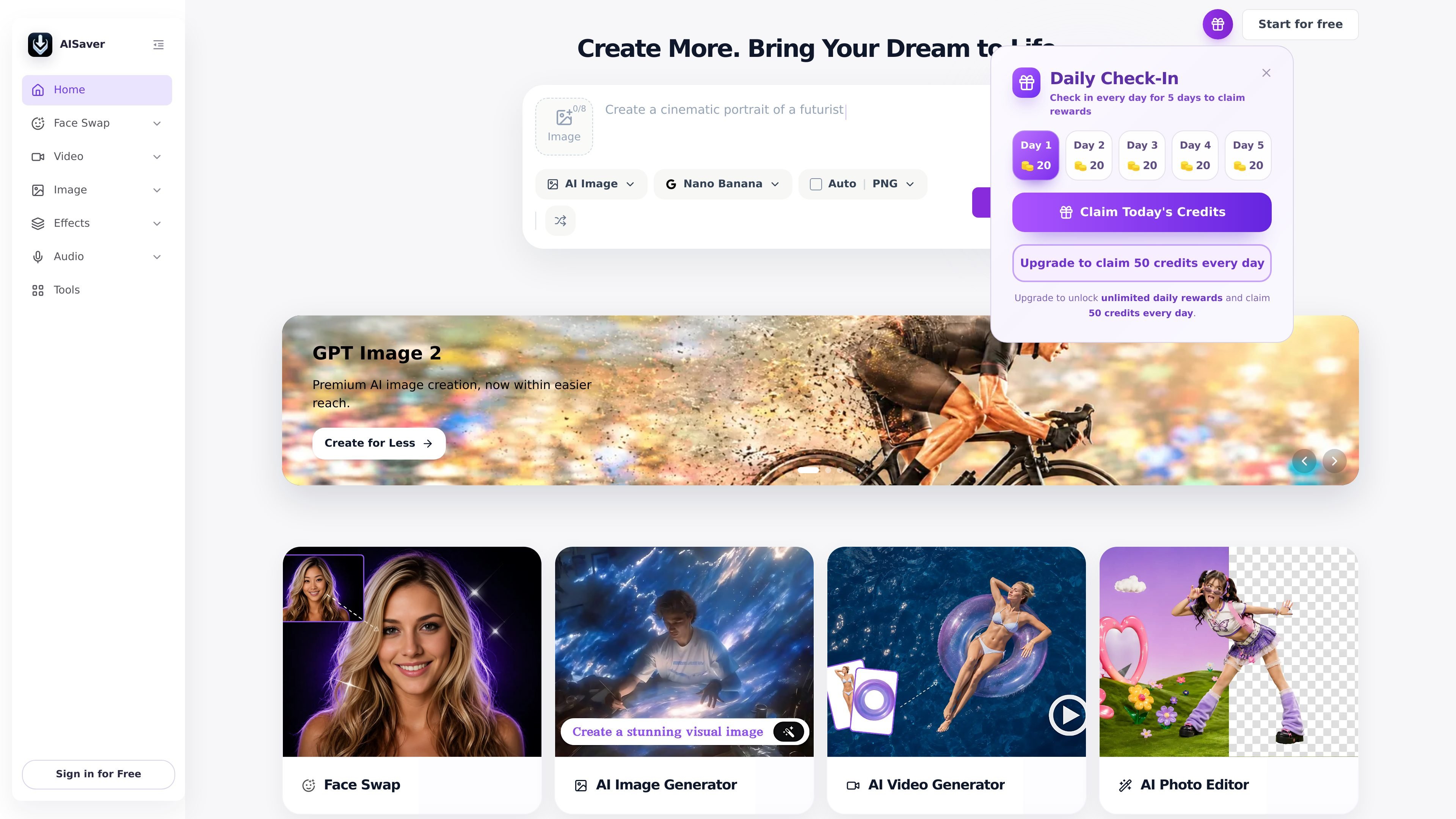
AISaver is an online AI video and image creation platform built around generation, editing, and face swap workflows. The homepage presents it as a single place to create face swaps, AI images, image edits, and AI videos without installing software.
Its toolset includes face swap for photos and videos, image to video, video to video, image enhancement, video enhancement, watermark removal, AI clothes changing, and image generation. The pricing page shows a free login-based option alongside one-time credit plans for users who need more usage or faster processing.
AISaver combines video and image generation tools in one platform, including face swap, image to video, video to video, AI image generation, photo editing, and image enhancement.
The platform supports face swap workflows for both photos and videos, with dedicated tools for image face swap, video face swap, GIF face swap, and multiple-face variations.
Image-to-video tools turn still photos into short clips, letting users animate portraits, travel photos, product images, and other static visuals.
AISaver includes editing and cleanup tools such as image enhancer, video enhancer, AI clothes changer, video watermark remover, and photo editor.
The pricing page shows free login-based access as well as one-time credit plans, with higher tiers offering priority processing and broader tool access.
The site notes that results can be downloaded after processing, and some tools indicate secure handling and automatic deletion after use.
Create face swap clips for TikTok, Instagram, YouTube, or other short-form channels using video face swap tools for entertaining posts and reaction-style edits.
Turn product photos, portraits, landscapes, or travel images into short AI clips when a still image needs motion for a post or campaign.
Swap faces in photos for memes, group edits, group photos, or visual experiments where quick image editing matters more than manual retouching.
Use enhancement and cleanup tools to improve clarity, remove watermarks, or refine visual assets before publishing them online.
Generate personalized or branded visuals for marketing, birthday messages, fan edits, and other lightweight creative projects.
AISaver is an AI video and image creation platform. It includes tools for face swap, image to video, AI image generation, photo editing, image enhancement, and related creative workflows.
The source shows free access with login, plus one-time credit plans for higher usage. The pricing page also mentions tailored credit and support options for custom needs.
AISaver’s face swap tools support common image formats such as JPEG, PNG, WEBP, and HEIC, and its video face swap page states video support is limited to MP4.
The source indicates that users upload media, start the generation or swap process, then download the result. Some tools also mention login is required to download the final output.
Yes. The site presents tools for both video and image workflows, including face swap, image to video, video to video, image enhancement, and photo editing.