
AI image generation
Create images from prompts or reference images, then continue working in the same browser workspace instead of moving between separate tools.

Браузерное рабочее пространство на базе ИИ для создания, улучшения и обработки изображений и видео.
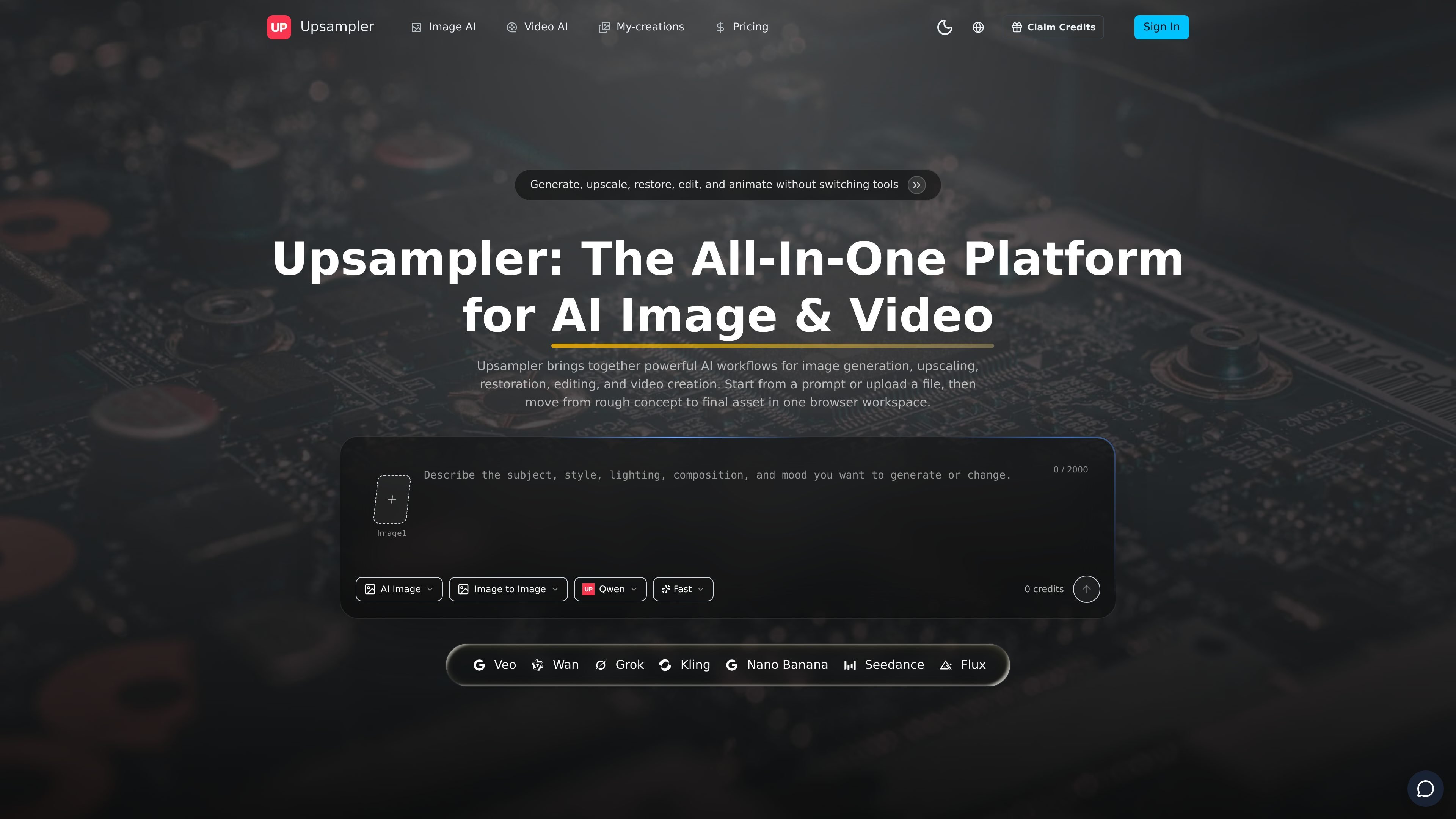
Upsampler is a browser-based AI workspace for image and video production. It combines image generation, upscaling, restoration, editing, and video creation in one place so users can move from a prompt or uploaded file to a finished asset without switching tools.
The product is positioned around practical creative workflows rather than a single model or editor. The homepage highlights image-first production, image-to-video animation, background removal, trimming, and compression, while the pricing page shows free and paid plans built around credits for generation tasks.
Create images from prompts or reference images, then continue working in the same browser workspace instead of moving between separate tools.
Improve soft, compressed, or low-resolution images before they are used in campaigns, listings, or motion workflows.
Generate short clips from text prompts or reference images for ads, teasers, demos, and social content.
Animate still product shots, portraits, illustrations, or keyframes while keeping the original composition readable.
Remove backgrounds, isolate subjects, trim clips, and compress exports for cleaner handoff and publishing.
Use one workspace to create, enhance, animate, and export assets without switching to a separate editor for each step.
Create ad concepts, thumbnails, portraits, covers, or product scenes from text prompts or reference images when you need fast visual exploration.
Prepare older, compressed, or low-resolution visuals for current channels by upscaling and restoring them before they are reused in production.
Start with a still product shot, portrait, or illustration and animate it into a short video for launches, teasers, or storytelling.
Remove backgrounds, clean distractions, trim clips, and compress files when you need polished deliverables for publishing or handoff.
Use one browser workspace to move through a repeatable production sequence from prompt to enhancement to export without jumping between separate apps.
Upsampler is a browser-based AI workspace for image generation, upscaling, restoration, editing, and video creation. The source describes it as a single place to move from a prompt or upload to a final asset.
Yes. The homepage describes workflows for AI image generation, AI video generation, image-to-video animation, and a shared browser workspace for moving between still and motion assets.
The site says you can upscale or restore images before moving into animation, which suggests image enhancement is part of the workflow before video creation.
Yes. The homepage lists background removal and cleanup, and the pricing page says generated results can be downloaded after processing. The browser workspace is presented as covering editing and finishing steps without leaving the app.
Yes. The pricing page includes both free and paid plans. It also says credits are the usage unit, with monthly plans and optional one-time credit packs.
Данные о трафике приведены только для справки.