
Broad LLM support
Aider is designed to work with cloud and local models. The site highlights Claude 3.7 Sonnet, DeepSeek R1 and Chat V3, OpenAI o1, o3-mini, and GPT-4o as strong options, while also saying it can connect to almost any LLM.
Aider is a terminal-based AI pair programming tool for editing code in a local git repository with cloud or local LLMs and git-friendly change review.
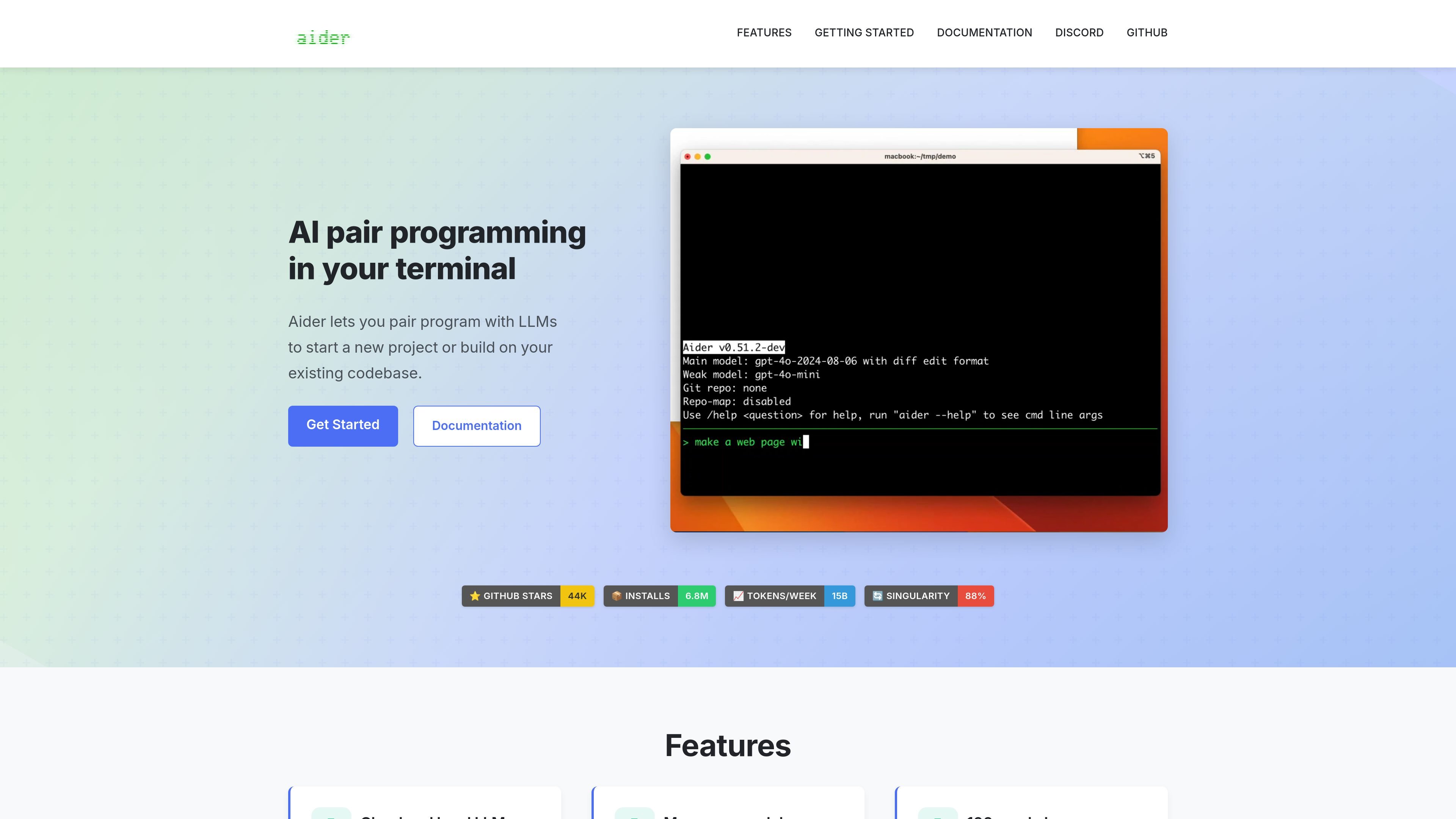
Aider is a terminal-based AI pair programming tool for starting new projects or working inside an existing codebase. It connects to large language models and helps users ask for code changes, create files, and edit source in a local git repository.
The product is built around an iterative coding workflow: you add the files you want to work on, describe the change, and Aider produces diffs, commits its edits, and can help with follow-up fixes using linting and test results. The site also positions it for use with cloud models, local models, IDEs, browser-based copy/paste workflows, images, web pages, and voice input.
Aider is designed to work with cloud and local models. The site highlights Claude 3.7 Sonnet, DeepSeek R1 and Chat V3, OpenAI o1, o3-mini, and GPT-4o as strong options, while also saying it can connect to almost any LLM.
It builds a map of the codebase so it can work in larger repositories and pull relevant context from related files.
Aider supports more than 100 programming languages, including Python, JavaScript, Rust, Ruby, Go, C++, PHP, HTML, and CSS.
It integrates with git by automatically committing changes with sensible commit messages and letting users review, diff, manage, and undo AI edits with familiar tools.
The workflow can run inside an IDE or editor, where users add comments to code and ask aider to make changes from there.
Aider can use images and web pages as context, support voice-to-code requests, and run linting and tests after changes so it can respond to detected issues.
Add source files to a chat session, describe the change, and let Aider edit the code while showing diffs and committing the result to git.
Use the codebase map, git commits, and undo flow to make changes in larger projects where context management matters.
Run Aider from an IDE or editor and request edits by writing comments into the code, keeping the workflow close to the files you are already working in.
Provide screenshots, reference docs, or web pages in chat when the task depends on visual or external context.
Use linting and test feedback to catch issues after code changes and ask Aider to fix problems it finds.
Aider is a terminal-based pair programming tool that connects to LLMs to help edit code in a local git repository. You start it with the files you want to change, then ask for code changes in the chat prompt.
Aider can be started from an existing codebase by running `aider <file1> <file2> ...` after installation. The installation docs also show `aider-install`, `uv`, `pipx`, and `pip` based setup options, plus one-line installers for macOS, Linux, and Windows.
The source says Aider works best with Claude 3.7 Sonnet, DeepSeek R1 and Chat V3, OpenAI o1, o3-mini, and GPT-4o, but it can connect to almost any LLM, including local models.
Aider automatically commits changes with sensible commit messages and supports diff-based editing, `/undo`, and git-based workflows for reviewing and managing changes.
The site includes a pricing page URL, but it currently returns a 404 page not found, so no plan details are available from the provided sources.