
File editing with repository context
Work on selected source files while using a compact repository map when the model configuration enables it.

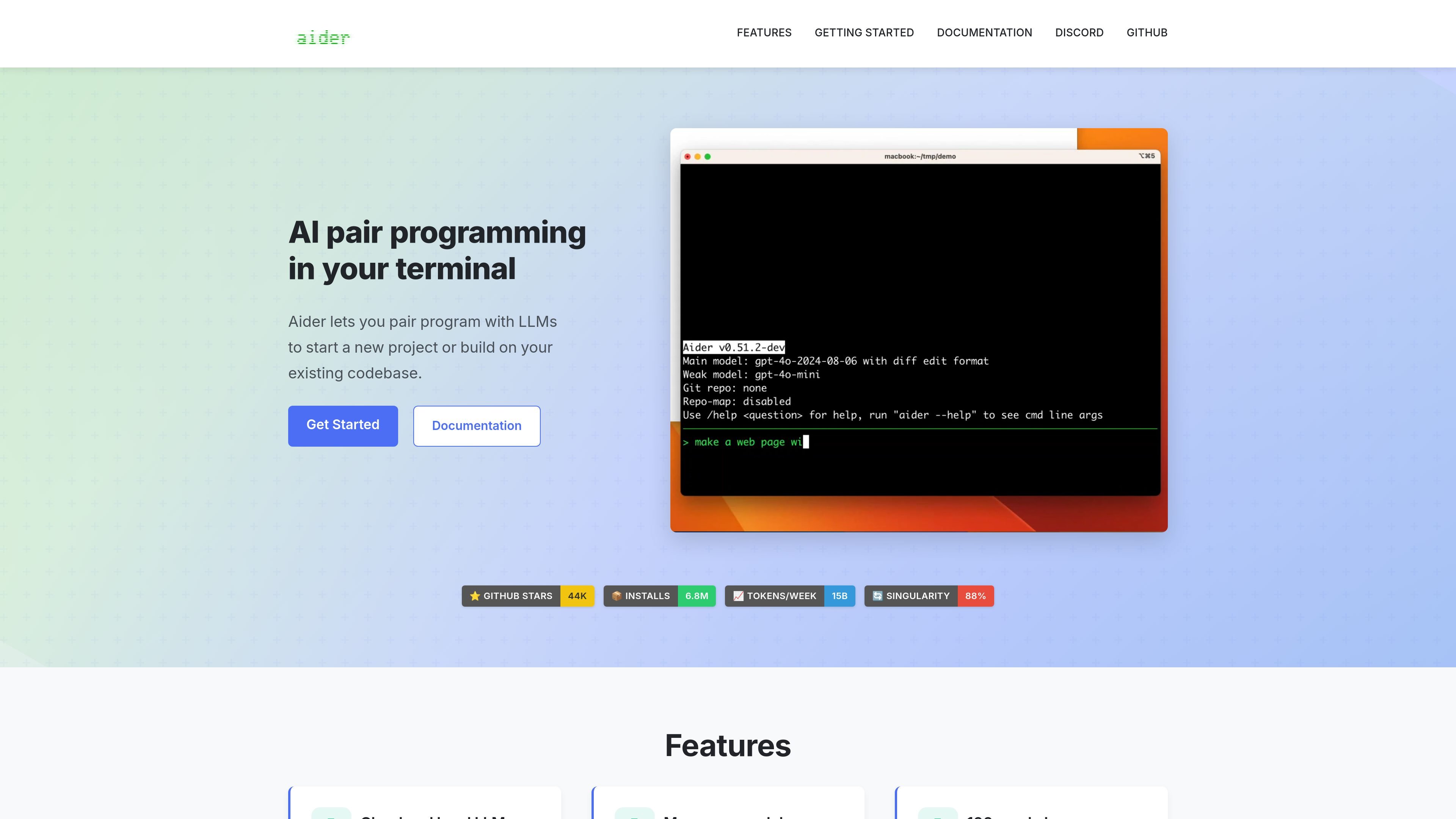
Edit a local codebase through terminal conversations with your chosen language model.
Aider is an open-source AI pair programming tool for the terminal. Start it in a project, add the files you want to edit, and describe a feature, bug fix, or other change. It applies model-generated edits to those files and shows the differences.
Git integration records changes so you can inspect or undo them. Repository context helps the model understand related code without adding every file to the conversation. Aider can connect to supported cloud APIs or local models; results depend on the model and configuration.
Work on selected source files while using a compact repository map when the model configuration enables it.
Automatically commit edits and keep preexisting changes separate. Diff and undo commands support reviewing the work.
Lint edited files automatically or use a custom linter. Configure a test command and automatic testing to feed failures back into the coding conversation.
Use compatible model services or a local backend such as Ollama rather than relying on one bundled cloud model.
Implement a feature or bug fix in the relevant files, then inspect the generated edits and validation results.
Name new files and ask for an initial implementation that you can refine through follow-up requests.
Use the same conversation workflow for tests, documentation, and configuration changes.
Install Aider using aider-install, change into your project directory, and launch it with a supported model. Supply an API key for a cloud provider, or configure a compatible local-model backend. Add the files you want to edit before describing the task.
Aider's source code is available under Apache 2.0. Cloud-model usage follows the provider's separate pricing and terms, while local inference uses your own computing resources. The software license does not include model credits.
Files and context used in the conversation are supplied to the selected model. A cloud provider processes that input; a compatible local model is a different option. Aider's optional usage analytics are separate and require opt-in.
Automatic commits can be disabled. By default, Aider skips Git pre-commit hooks; enable commit verification if you want those hooks to run.
Aider edits one repository at a time. You can supply read-only context from another repository without treating both as a single editable workspace.
トラフィックデータは参考情報としてご利用ください。

cursor.com
Cursorは、開発者を支援するAIコーディングエージェント。次のアクションの提案、エージェント型ワークフロー、クラウド上でのタスク実行で、アイデアをより速くソフトウェアへ。無料、個人、チーム、エンタープライズプランを備え、組織向けに管理・セキュリティ制御も提供します。

github.com
GitHub Copilotは開発者向けのAIコーディングアシスタント兼エージェントプラットフォームです。

claude.com
An AI coding agent that understands codebases, edits files, and runs commands for developers.

devin.ai
開発者やエンジニアリングチーム向けのAIコーディングエージェント兼ソフトウェアエンジニア。デスクトップ、CLI、IDEから利用でき、クラウドエージェントを活用したワークフローやチーム・エンタープライズ向けの管理機能を提供します。

codebuff.com
コード編集とコマンド実行に対応するターミナル型AIコーディングアシスタント

codeassist.google
チームと企業向けのGoogle AIコーディングアシスタント。コード補完、チャット、エージェントワークフロー、ターミナル支援に対応。