
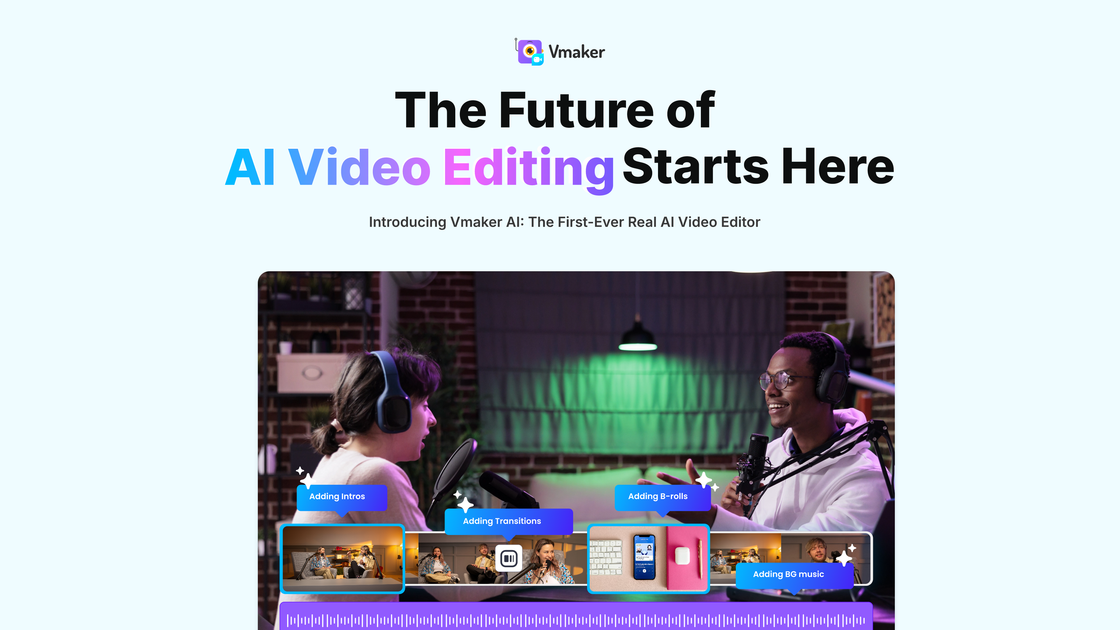
AI video editor
Upload raw footage or recordings and use AI-assisted editing to add captions, reframe speakers, and prepare videos for sharing.

AI video creation and editing platform for recording, repurposing, and publishing videos.
Vmaker AI is a video creation and editing platform for turning recordings, long-form media, text, audio, and documents into shareable videos. It combines screen and webcam recording with AI-assisted editing, subtitles, avatar-based video generation, and long-to-short conversion. Users can create product demos, tutorials, social clips, training content, and other videos, then export or publish them to social platforms.
Upload raw footage or recordings and use AI-assisted editing to add captions, reframe speakers, and prepare videos for sharing.
Analyze podcasts, webinars, interviews, educational videos, and gaming content to identify moments for short clips, with captions, animated subtitles, and AI reframing.
Record your screen and webcam with audio, including recordings at up to 4K resolution, then import them into the editor.
Generate videos from text prompts, audio, documents, or existing video using AI human avatars and supported visual elements.
Automatically generate subtitles in more than 35 languages, choose from more than 10 animation styles, and translate subtitles into more than 100 languages.
Create product demos with annotations, mouse emphasis, transitions, sound effects, background music, text overlays, animations, and subtitles.
Record software flows with screen and webcam capture, highlight important areas with annotations, and export videos for product education, onboarding, or feature communication.
Turn a podcast, webinar, interview, or other long-form recording into multiple short clips prepared for channels such as YouTube, Instagram, and TikTok.
Create instructional videos from recordings, documents, text, or audio, then use subtitles and visual editing to make lessons easier to follow.
Produce intros, ads, demos, and channel content by combining AI-assisted editing, captions, music, B-rolls, and avatar-based video generation.
Vmaker AI can work with screen and webcam recordings, uploaded podcasts, webinars, interviews, long-form videos, text prompts, audio, and documents.
Yes. Its Long-to-Short tool identifies moments in long-form content and can create short clips with captions, animated subtitles, and speaker reframing.
Use the AI subtitle generator to create subtitles in more than 35 languages, apply animation styles, and translate them into more than 100 languages.
The pricing information lists social publishing to YouTube, Instagram, and TikTok on supported plans. Videos can also be exported for download.
The pricing page lists a free Lite plan, alongside Starter, Teams, and Enterprise options. Plan limits vary by tier.
Os dados de tráfego são apenas para referência.

vyond.com
A business video creation platform for generating, editing, and localizing videos.

www.ngram.com
AI video creation and editing for teams making demos, training videos, and explainers.

clipchamp.com
A browser-based video editor for recording, editing, and sharing videos, with a Windows app option.

ssemble.com
AI video clipping and publishing tools for turning long-form videos into social shorts.

gling.ai
AI video editing software for YouTube creators that cleans spoken footage and streamlines publishing.

reap.video
AI video editing, localization, and publishing for creators, teams, and developers.