
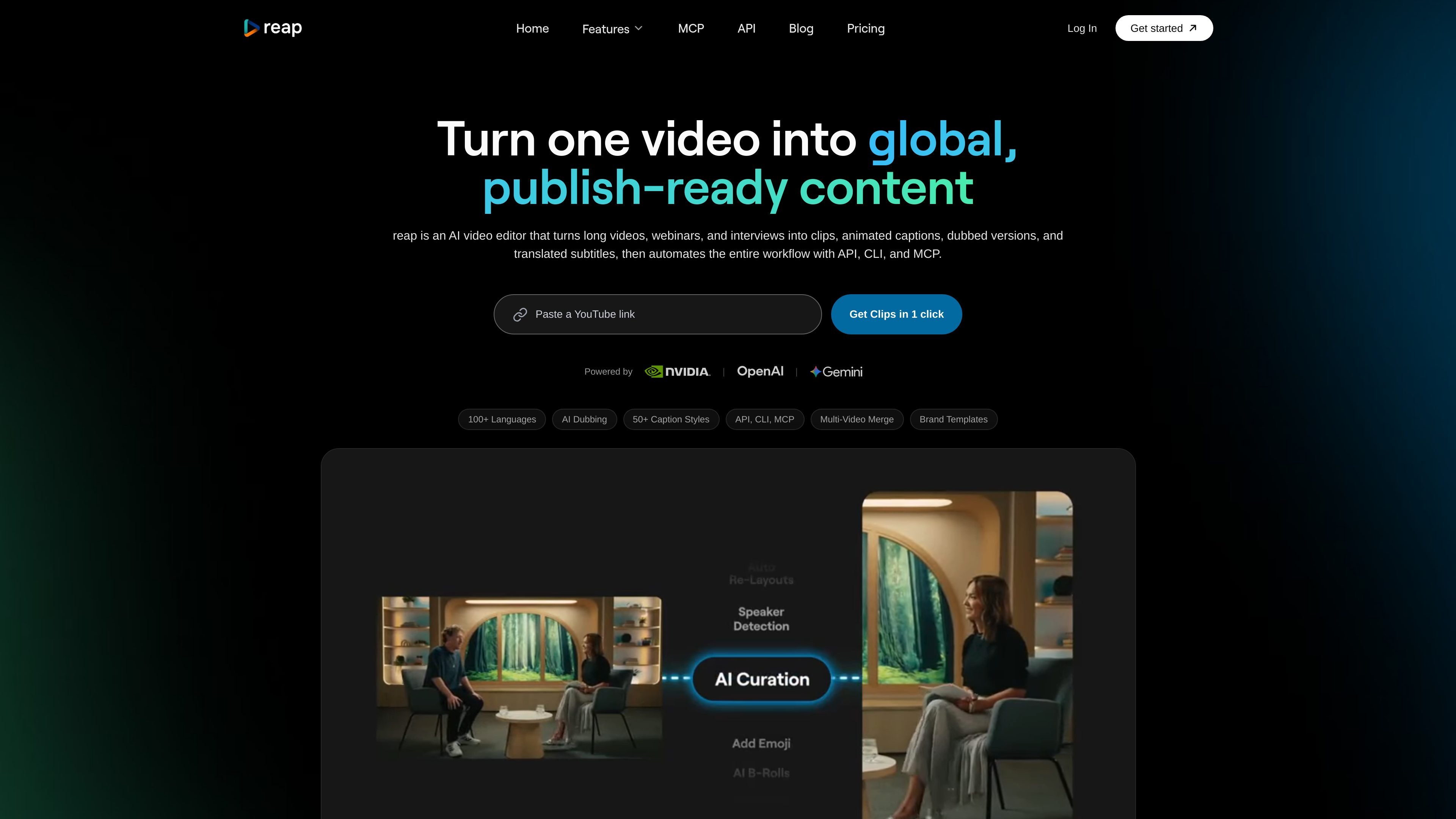
Prompt-first clipping
Specify topics, product mentions, or audience angles to guide clip selection. The AI analyzes facial expressions, vocal tone, pauses, and pacing, and assigns clips a virality score.

AI video editing, localization, and publishing for creators, teams, and developers.
reap is an AI video editor for turning long videos, webinars, and interviews into short clips and localized content. It combines clipping, captioning, reframing, dubbing, and publishing in a single workflow. Creators can refine videos in the editor, while teams and developers can automate processing through its REST API, CLI, and MCP support.
Specify topics, product mentions, or audience angles to guide clip selection. The AI analyzes facial expressions, vocal tone, pauses, and pacing, and assigns clips a virality score.
Apply 50+ caption presets, translate subtitles into 100+ languages, and generate romanized captions such as Hinglish, Romanized Urdu, and Arabizi. AI dubbing supports 80+ languages.
Track speakers and adapt footage to vertical, square, or landscape formats, with aspect-ratio access depending on the plan. Dynamic layouts include single crops, zoomed-out views, and split layouts.
Delete or rearrange transcript text to edit the corresponding video. Add logo overlays, intro and outro cards, and reusable brand caption templates.
Connect social accounts to publish clips directly and schedule posts with a content calendar. Supported destinations include TikTok, Instagram Reels, YouTube Shorts, LinkedIn, Facebook, and X, depending on the plan.
Use asynchronous REST endpoints for clipping, captions, dubbing, transcription, and reframing. Python and Node.js SDKs, webhooks, CLI access, and MCP support connect processing to applications and automation workflows.
Extract topic-specific segments from multi-speaker recordings and prepare captioned clips for social channels.
Create dubbed and subtitled versions of a launch video for different language audiences without recording each version separately.
Coordinate shared projects, apply consistent branding, and schedule content across accounts in a team workspace.
Build workflows that submit recordings for processing, monitor job status, and retrieve finished assets through the API.
The free plan includes up to one hour per month each of AI clipping and captioning, basic subtitle styles, and watermarked 720p exports. Free projects expire after seven days.
The displayed annual billing is $119.88 for Creator ($9.99 monthly equivalent) and $348 for Studio ($29 monthly equivalent). Creator lists 10 hours per month each of clipping and captioning with 1080p exports; Studio lists 20 hours each, 4K exports, and up to three users. Enterprise is custom-priced.
reap supports file uploads and direct imports from YouTube, Twitch, Twitter/X, and Vimeo. Upload limits are 5 GB on Free and 10 GB on Creator and Studio.
Every paid plan includes API, CLI, and MCP access. API jobs follow an asynchronous workflow: submit a request, poll for processing status, and retrieve the results.
Multi-video merge can combine clips from different sources into a finished video, including interviews, highlights, and B-roll. The website labels this capability as a private beta.
Purchased credits are available immediately and expire after 13 months. The pricing page allows additional credit purchases once existing credits run out.
Os dados de tráfego são apenas para referência.

gling.ai
AI video editing software for YouTube creators that cleans spoken footage and streamlines publishing.

kinemaster.com
A mobile video editor for creators, with layered editing, AI tools, and 4K export.

vmaker.com
AI video creation and editing platform for recording, repurposing, and publishing videos.

odysser.com
AI video editing for creators and teams producing talking-head and social videos.

clipchamp.com
A browser-based video editor for recording, editing, and sharing videos, with a Windows app option.

vyond.com
A business video creation platform for generating, editing, and localizing videos.