
Moment-based agent triggers
Timeless says conversations can trigger agents when a relevant moment is detected, such as agreeing to send a proposal. This is the core workflow behind its turn-from-talk-to-action positioning.

Plataforma de produtividade baseada em conversas que captura reuniões, redige acompanhamentos e aciona agentes.
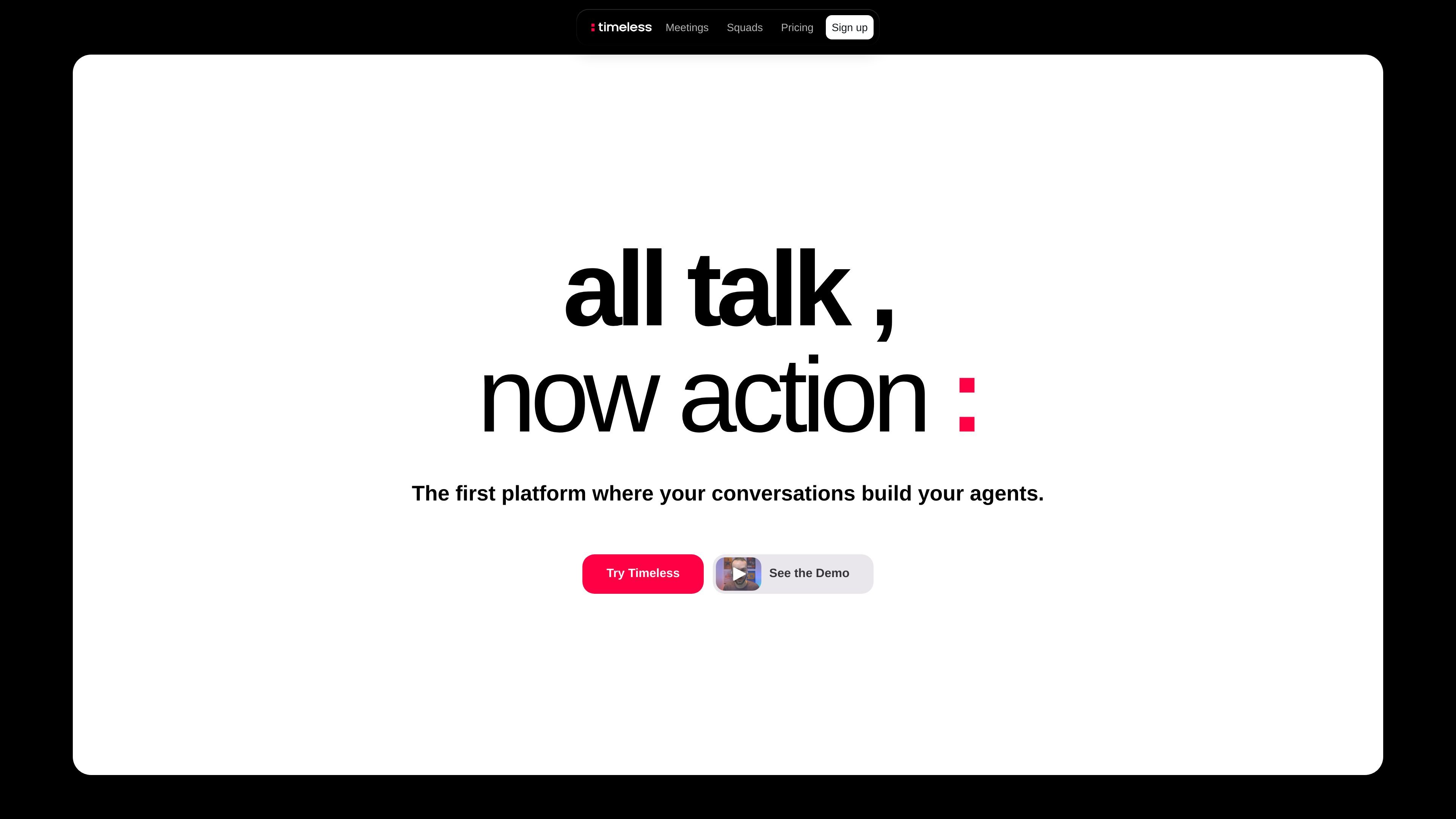
Timeless is a conversation-driven productivity platform that turns meetings and other spoken moments into actions. The homepage positions it as the place where your conversations build your agents, while the pricing page shows tools for meeting capture, follow-up, scheduling, and integrations.
The product appears to serve both individuals and teams. Public pages describe meeting notes, shared workspaces, automation features, and higher-tier API and webhook access, suggesting a workflow that starts with conversations and extends into task execution and team coordination.
Timeless says conversations can trigger agents when a relevant moment is detected, such as agreeing to send a proposal. This is the core workflow behind its turn-from-talk-to-action positioning.
The platform organizes conversations into rooms around a client, project, or topic so the right agents can wake up in the correct context.
On the pricing page, Timeless lists AI meeting notes in 60+ languages, giving the product a multilingual meeting-capture workflow.
Timeless can draft AI-powered follow-up emails that sound like the user, which is meant to reduce manual post-meeting follow-up.
The pricing page includes smart scheduling links and more than 15 integrations, including Notion and Google Drive, plus premium integrations on higher plans.
Higher tiers add API access, MCP server access, webhooks, real-time events, and advanced exports for teams that want to automate around Timeless.
Use Timeless after client or internal meetings to capture notes, generate follow-up emails, and keep decisions from staying buried in the transcript.
Use rooms to organize ongoing work around a project, client, or topic so related conversations and agent actions stay in one context.
Use the team plans when several people need shared billing, workspace sharing, permissions, and collaborative meeting notes.
Use Business or Max when you want to connect Timeless to external workflows through API access, MCP server access, webhooks, or real-time events.
Use the free plan to try core meeting capture and follow-up features before moving to a paid tier.
Timeless is presented as a conversation-driven platform where meetings and other conversations can trigger agents to take action. The homepage says the product turns moments in conversation into actions, and the pricing page includes meeting notes, follow-up emails, scheduling links, and agent triggers.
The public pages show download flows for macOS and Windows on the homepage, and a separate Mac download page with installation steps. The source does not provide a full setup guide beyond downloading and installing the app.
The pricing page shows a free plan with up to 5 AI meetings, plus paid Pro, Max, Team, Business, and Enterprise options. Team and Business plans support shared-workspace and API or automation use cases, while Enterprise is contact-sales custom pricing.
The pricing page says Timeless produces AI meeting notes in 60+ languages and AI-powered follow-up emails that sound like you. It also offers smart scheduling links and integrations, with more automation options on higher tiers.
The source highlights integrations and automation features, but it does not list a full supported-app catalog or detailed workflow limitations. Advanced API, MCP, and webhook access are reserved for higher plans.
Os dados de tráfego são apenas para referência.

noota.io
Ferramenta de produtividade com IA que transforma reuniões, chamadas e e-mails em resumos, acompanhamentos e registros pesquisáveis

flowtica.ai
Flowtica Scribe é uma caneta gravadora com IA que captura conversas enquanto você escreve e as transforma em resumos estruturados e ações para revisar reuniões, entrevistas, aulas ou consultas.

www.in-parallel.com
In Parallel é uma camada de contexto de AI para equipes que captura a memória organizacional compartilhada em reuniões e a disponibiliza para assistentes compatíveis com MCP, como Claude, Copilot e ChatGPT. Assim, as respostas dos agentes permanecem alinhadas ao contexto atual do workspace, não a documentos desatualizados ou prompts isolados.

www.hemory.com
Hemory é uma ferramenta de escuta e memória sempre ativa que transcreve conversas do mundo real, organiza tudo em atividades pesquisáveis e disponibiliza o conteúdo para agentes de IA integrados e externos. Transforme reuniões, notas de voz e outras experiências faladas em resumos, respostas e documentos.

amie.so
Ferramenta de notas com IA para reuniões, resumos e acompanhamentos

shadow.do
Shadow é uma interface de IA para Mac que captura reuniões e o contexto da tela, transformando-os em notas, respostas, resumos e outros conteúdos por meio de Skills personalizadas. Inclui um plano gratuito e um plano pago com recursos de IA ilimitados.