
Automatic meeting capture
Shadow can automatically start and end with your call, transcribe the conversation, and detect meeting screens to capture screenshots so context is preserved.

Shadow é uma interface de IA para Mac que captura reuniões e o contexto da tela, transformando-os em notas, respostas, resumos e outros conteúdos por meio de Skills personalizadas. Inclui um plano gratuito e um plano pago com recursos de IA ilimitados.
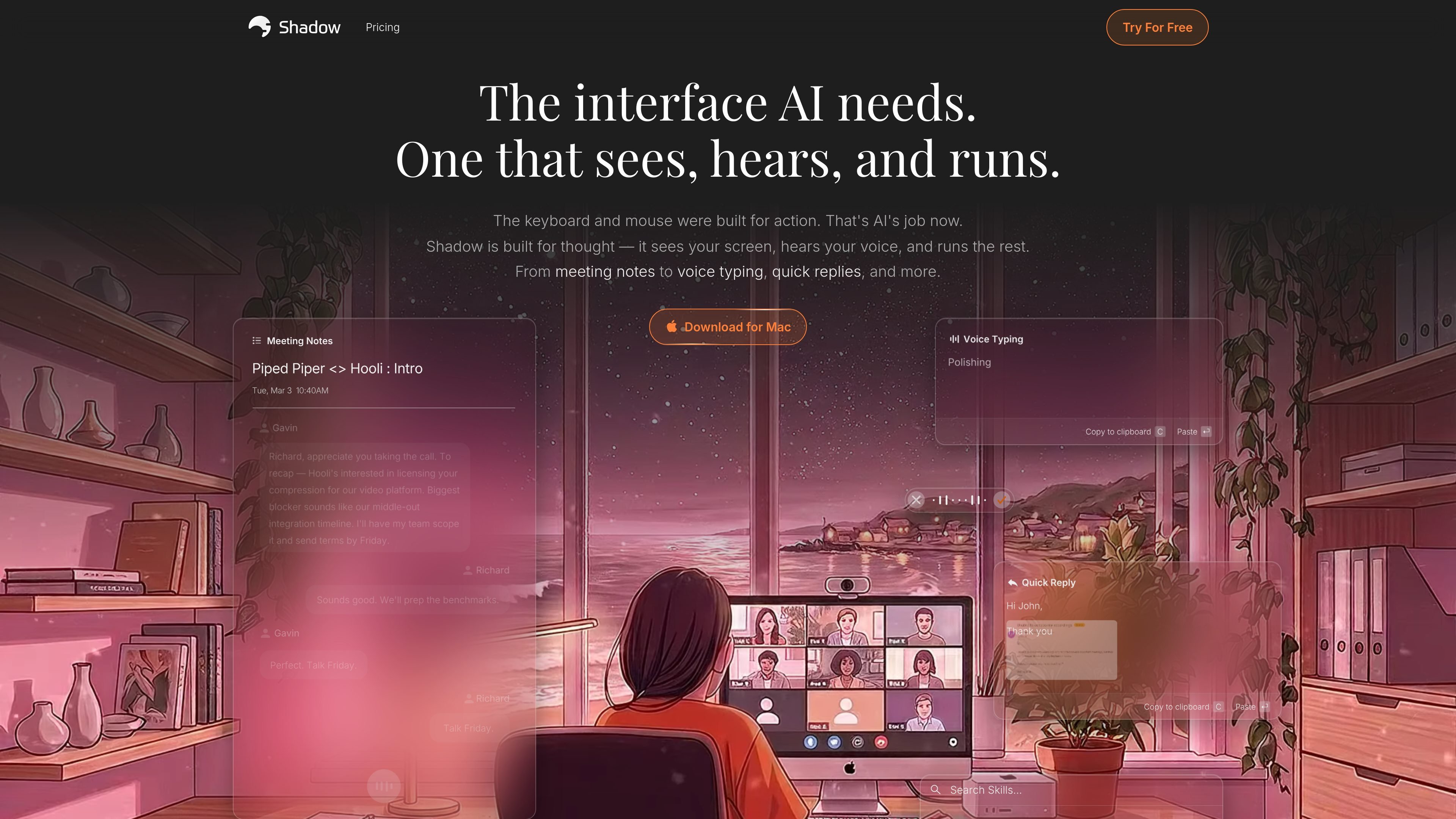
Shadow is an AI interface for capturing meetings and turning live context into usable output. It listens to what you say, sees what is on your screen, and runs user-defined Skills to produce things like notes, summaries, follow-up drafts, replies, and code.
The product is designed to work in the background on Mac without joining calls as a bot. Its meeting mode captures transcripts and screenshots automatically, while its action mode lets users trigger prompts from any screen with a shortcut, voice input, or selected text.
Shadow can automatically start and end with your call, transcribe the conversation, and detect meeting screens to capture screenshots so context is preserved.
Shadow can identify speakers in real time, helping users follow who said what during a conversation.
Every Skill is prompt-based and editable, so users can adapt meeting notes, BANT breakdowns, action items, follow-up emails, and similar outputs to their own workflow.
Action Skills can be launched from any screen with a keyboard shortcut, using screen context, selected text, and voice input to generate outputs such as emails, notes, or code.
Shadow can place results into the focused field or paste at the cursor, which supports workflows where the output needs to land directly in another app.
Shadow can send transcripts and Skill results to tools through webhook destinations such as Zapier, n8n, and Make, and can save outputs as Markdown files.
Use Shadow during meetings to capture transcripts, screenshots, speaker labels, and structured follow-ups without manually taking notes.
Turn live call context into a BANT breakdown, action items, or a follow-up email immediately after the meeting ends.
Use the shortcut-driven action mode to rewrite drafted text, generate a reply, or create notes from what is on screen and what you say aloud.
Record spoken instructions and convert them into polished text with formatting that removes fillers and preserves meaning.
Send transcripts and generated outputs into automation tools or save them as Markdown for downstream workflows.
Shadow is an AI interface that captures what you see and say, then runs custom Skills on that context. It can handle meeting notes, voice typing, quick replies, and other prompt-driven outputs without joining calls as a bot.
The source describes Skills as prompts you can edit or write from scratch. Shadow supports both Meeting Skills and Action Skills, which are triggered from calls or from any screen, respectively.
Meeting Skills are designed to run after a call and work from meeting context such as transcripts and screenshots. Action Skills run from a keyboard shortcut on any screen, capturing screen context and voice input to produce output in the app you are using or in a visible result.
Shadow’s site says it runs on Mac and that a Windows and other devices waitlist is available. The download page specifically offers a Mac download.
Shadow says your data stays on your Mac by default, transcription happens locally, and meeting content and Skill outputs are not used to train AI models. Skills only send data to LLM APIs when you trigger them.
Os dados de tráfego são apenas para referência.

www.hemory.com
Hemory é uma ferramenta de escuta e memória sempre ativa que transcreve conversas do mundo real, organiza tudo em atividades pesquisáveis e disponibiliza o conteúdo para agentes de IA integrados e externos. Transforme reuniões, notas de voz e outras experiências faladas em resumos, respostas e documentos.

www.in-parallel.com
In Parallel é uma camada de contexto de AI para equipes que captura a memória organizacional compartilhada em reuniões e a disponibiliza para assistentes compatíveis com MCP, como Claude, Copilot e ChatGPT. Assim, as respostas dos agentes permanecem alinhadas ao contexto atual do workspace, não a documentos desatualizados ou prompts isolados.

amie.so
Ferramenta de notas com IA para reuniões, resumos e acompanhamentos

sembly.ai
Inteligência agentiva para reuniões que transforma discussões em notas, tarefas, resumos e entregáveis para clientes.

flowtica.ai
Flowtica Scribe é uma caneta gravadora com IA que captura conversas enquanto você escreve e as transforma em resumos estruturados e ações para revisar reuniões, entrevistas, aulas ou consultas.

minuteslink.com
Notas de reuniões com IA para Zoom e Google Meet, com transcrições, resumos e organização.