
Shared context layer
Capture organizational memory from meetings and surface it as live context for AI assistants. The product is positioned as a shared context layer rather than a standalone chatbot.

In Parallel é uma camada de contexto de AI para equipes que captura a memória organizacional compartilhada em reuniões e a disponibiliza para assistentes compatíveis com MCP, como Claude, Copilot e ChatGPT. Assim, as respostas dos agentes permanecem alinhadas ao contexto atual do workspace, não a documentos desatualizados ou prompts isolados.
In Parallel is an AI context layer for teams. It captures shared organizational memory from meetings and connected work sources, then exposes that context to AI tools through MCP so assistants can respond from current business reality instead of stale prompts or isolated documents.
The product is built around workspaces, which act as permission boundaries for teams, projects, or other contexts. Each workspace gets its own MCP endpoint, so tools like Claude, Copilot, ChatGPT, and other MCP-capable systems can read the right context without leaking information across boundaries.
Capture organizational memory from meetings and surface it as live context for AI assistants. The product is positioned as a shared context layer rather than a standalone chatbot.
Expose workspace-specific context through MCP so agents can query current decisions, commitments, owners, and drift signals instead of relying on stale documents or chat history.
Use separate workspaces as trust and permission boundaries. Each workspace has its own MCP endpoint, audit log, and access scope.
Connect to MCP-capable tools and agent platforms such as Claude, Copilot, ChatGPT, Cursor, and other compatible systems without building a custom integration for each one.
Support cited answers and governed write-back. The build page says every answer carries its source and that write-back into the shared record is proposal-and-approval based.
Start from captured meetings and connected work tools. The source mentions calendar, email, and meeting tools as inputs used to build shared context.
A product, engineering, or leadership team can ask an assistant for the current state of projects and get answers grounded in decisions, scope changes, owners, and drift captured from recent meetings.
Sales, executive, and engineering users can keep their AI assistants aligned to their role’s current context, so prompts about priorities, trade-offs, blockers, or architecture reflect what was actually decided.
Teams building agents can use In Parallel as the memory backbone for vertical copilots, onboarding assistants, meeting agents, or internal automation without building capture, permissions, and provenance from scratch.
Organizations can separate context by workspace for customers, projects, board discussions, or exec sessions so one assistant does not mix confidential or unrelated information into a response.
Product teams can keep roadmaps, commitments, and meeting outcomes in sync so updates from standups or planning meetings are reflected in the shared record instead of being lost in the wiki.
No. The product is designed to plug into MCP-capable tools such as Claude, Copilot, ChatGPT, Cursor, and other compatible agents. The source also notes support for custom connectors and agent platforms, but the exact setup depends on the client you use.
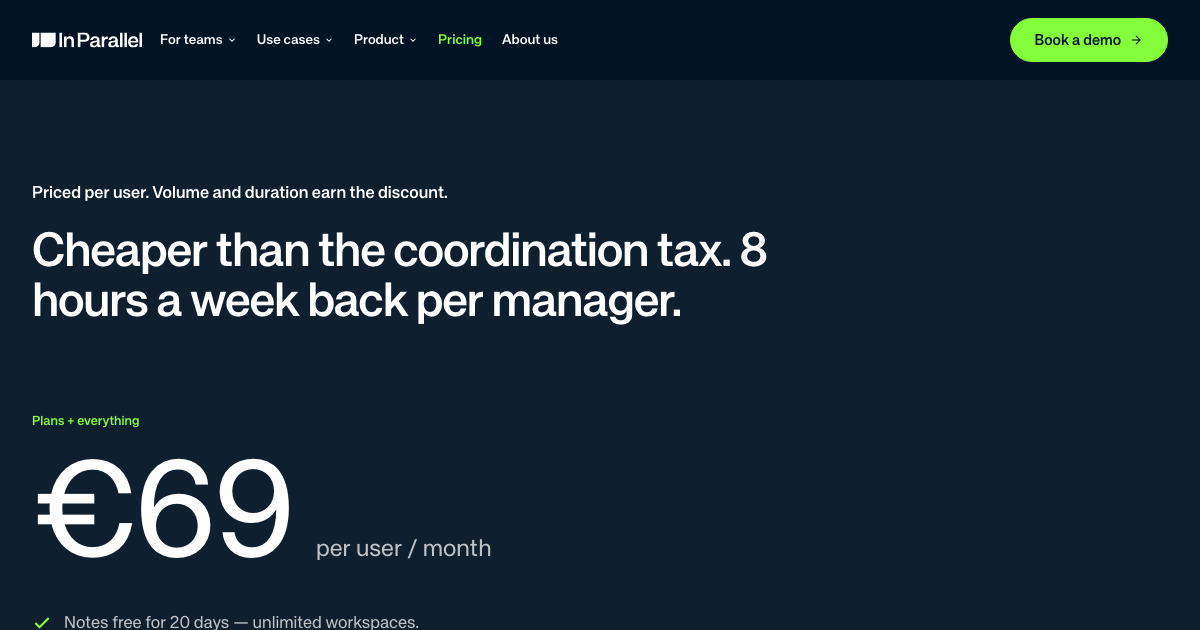
The pricing page says the full product is free for 20 days, with no credit card required. After that, you choose a paid plan.
The source says workspaces are the unit of trust, and each workspace has its own MCP endpoint and permissions boundary. That keeps context scoped to the right team or project.
The build page describes read access over MCP or the SDK, provenance on each answer, and governed write-back. The source also says write-back is proposal-and-approval rather than autonomous sending.
The source positions the product as an AI context layer for teams that captures meeting signals, decisions, commitments, owners, and drift, then exposes them to AI tools through MCP.
Os dados de tráfego são apenas para referência.

www.hemory.com
Hemory é uma ferramenta de escuta e memória sempre ativa que transcreve conversas do mundo real, organiza tudo em atividades pesquisáveis e disponibiliza o conteúdo para agentes de IA integrados e externos. Transforme reuniões, notas de voz e outras experiências faladas em resumos, respostas e documentos.

shadow.do
Shadow é uma interface de IA para Mac que captura reuniões e o contexto da tela, transformando-os em notas, respostas, resumos e outros conteúdos por meio de Skills personalizadas. Inclui um plano gratuito e um plano pago com recursos de IA ilimitados.

chit.zopcloud.zop.dev
Chit é um app de barra de menus para macOS que lê o histórico local de transcrições do Claude Code e o transforma em um recibo diário do trabalho, agrupado por projeto. Reconstitua o trabalho concluído para reuniões diárias, folhas de tarefas e planilhas de horas sem exibir seus prompts.

tryassistly.com
Assistly é um assistente para reuniões ao vivo no macOS e no Windows, que oferece orientação em tempo real durante as chamadas e prepara um resumo depois. Funciona diretamente no computador, sem entrar como bot, e disponibiliza o histórico de chamadas para apps conectados por meio de um servidor MCP.

sembly.ai
Inteligência agentiva para reuniões que transforma discussões em notas, tarefas, resumos e entregáveis para clientes.

lockedinai.com
LockedIn AI oferece respostas em tempo real, ajuda com código e coaching para entrevistas e reuniões.