
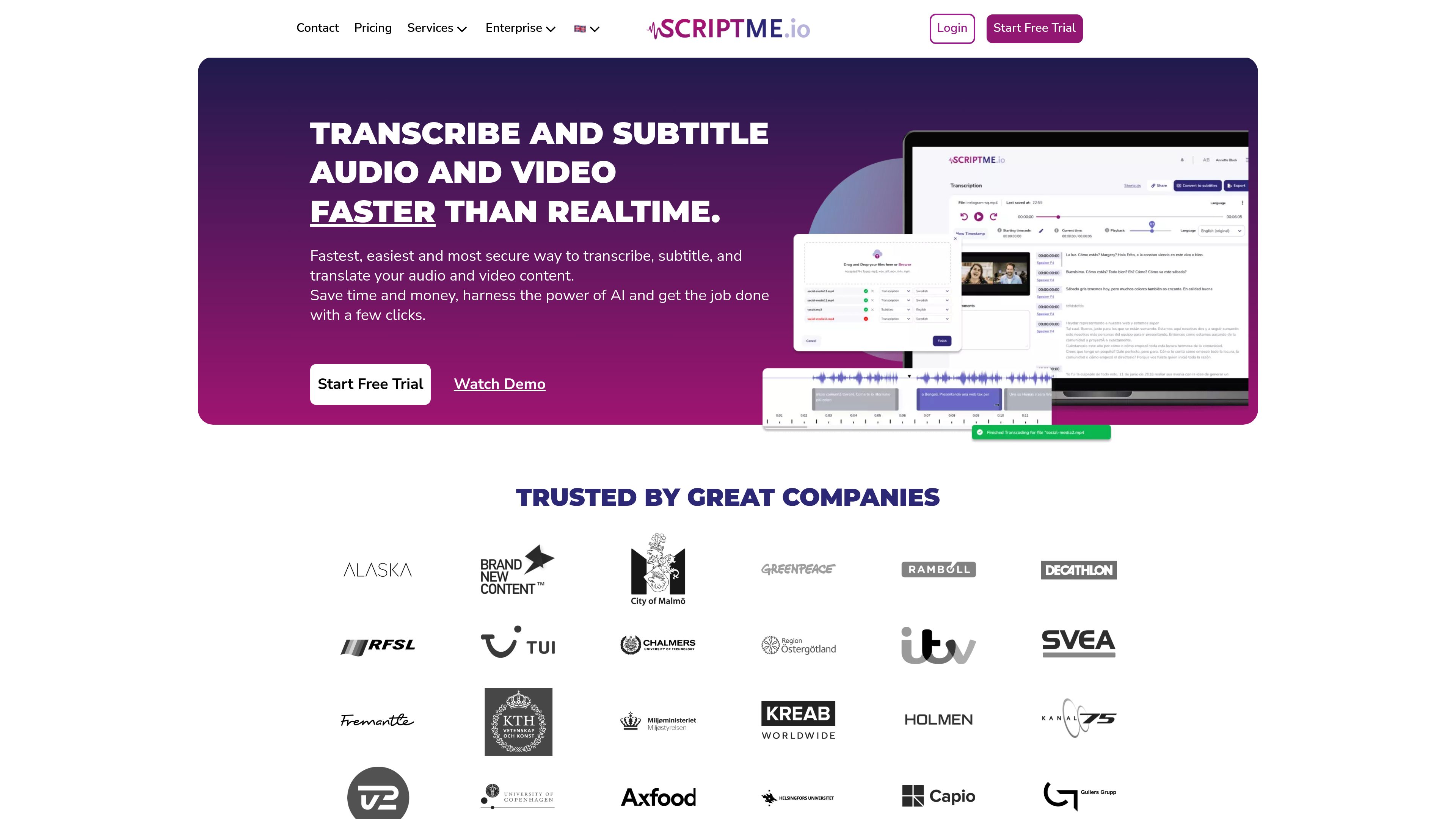
Automatic transcription with speaker identification
Upload audio or video for automatic transcription, with speakers identified in the transcript. Text is synchronized with playback so users can review the recording alongside its words.

AI transcription, subtitle editing, and translation for audio and video workflows.
ScriptMe is a web-based tool for turning audio and video into editable transcripts and subtitles. Its workflow combines automatic transcription, speaker identification, subtitle editing, translation, sharing, and exports for document, subtitle, and video use. It serves individual creators and recurring transcription users, as well as teams and organizations working with media, education, public information, research, or recorded conversations.
Upload audio or video for automatic transcription, with speakers identified in the transcript. Text is synchronized with playback so users can review the recording alongside its words.
Trim and edit subtitle text, then adjust design elements such as color, font, and background. This supports preparing subtitles to match a video's presentation.
Translate transcripts and subtitles into other languages. The site describes support for more than 31 languages for transcription and shows a translation interface with additional language options.
Export transcripts and subtitles in formats including TXT, Word, SRT, WebVTT, EBU STL, Avid markers, and formats for Adobe Premiere and DaVinci Resolve. Available formats depend on the selected plan.
Export video with subtitles overlaid; paid PRO exports remove the watermark. Transcripts can be shared, and PRO includes team sharing.
The Pay as you Go plan lists WAV, MP3, MP4, MOV, M4A, and M4V uploads.
Transcribe interviews, documentaries, news, films, or reality programming, then prepare subtitles and export files for editing workflows that use tools such as Avid Media Composer or Adobe Premiere.
Students, researchers, and universities can create transcripts from classes or recorded interviews and prepare subtitles for making lecture video content accessible.
Individuals can turn recorded conversations and spoken content into searchable text for review, sharing, or subtitle preparation.
Governmental and public bodies can use transcription and subtitling tools in work related to the EU Web Accessibility Directive. The site also describes GDPR-secure and on-premises solutions for this audience.
Telecommunications and sales teams can transcribe calls for later indexing and analytics; ScriptMe says it can offer customized solutions for this use.
The Pay as you Go plan lists WAV, MP3, MP4, MOV, M4A, and M4V.
Listed outputs include TXT, Word, SRT, WebVTT, EBU STL, Avid markers, formats for Adobe Premiere and DaVinci Resolve, and video with subtitles overlaid. Export options vary by plan.
Yes. Automatic translation is included with ScriptMe PRO, and the website describes transcription and translation across multiple languages.
Yes. The site describes sharing transcripts, while ScriptMe PRO includes sharing with a team. Enterprise adds shared workspaces and support for additional users.
The site lists Pay as you Go credits billed by the hour with no subscription, a monthly or annual ScriptMe PRO subscription, and an Enterprise contact-sales option. It states that prices exclude VAT.
Os dados de tráfego são apenas para referência.

getcapte.com
Online video editing for creators, with AI subtitles, translation, and short clips.

speechpulse.com
Offline speech recognition, dictation, translation, and transcription for Windows and macOS.

scribewave.com
AI transcription, subtitles, and translation for interviews, research, and content creation

vizard.ai
AI video editing and clipping platform for turning long videos into social-ready content.

recast.studio
AI video editing and repurposing for marketing teams working from long-form recordings.