
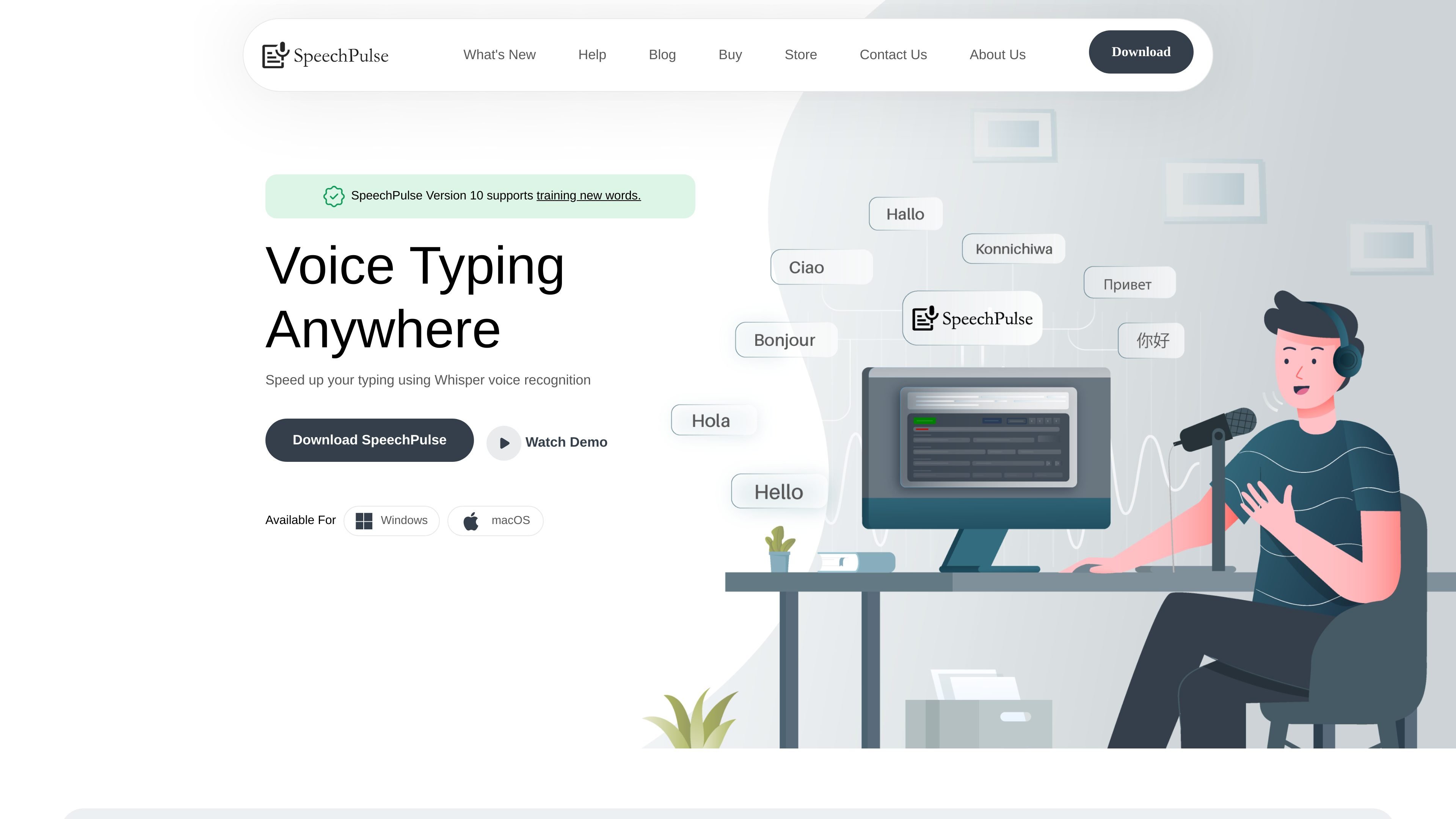
Voice typing across applications
Dictate into text editors, browsers, office applications, and other text input areas using real-time speech recognition.

Offline speech recognition, dictation, translation, and transcription for Windows and macOS.
SpeechPulse is desktop speech recognition software for Windows and macOS. It uses Whisper-based recognition to turn speech into text in text editors, web browsers, office applications, and other text input areas. It also supports translation, audio and video transcription, subtitle generation, and AI-assisted text processing. Speech recognition runs offline, keeping voice and text data on the user's machine.
Dictate into text editors, browsers, office applications, and other text input areas using real-time speech recognition.
Processes speech locally for privacy-sensitive workflows and supports transcription in 99 languages, including English, French, Spanish, Italian, German, Japanese, Chinese, and Russian. English translation is also supported.
Start transcription automatically after finishing a dictation or use customizable hotkeys for push-to-talk input, with pause support in push-to-talk mode.
Use AI language models and LLM APIs for grammar, spelling, and punctuation correction, summarization, and formatting for emails or notes.
Transcribe or translate audio files in formats including MP3, WAV, M4A, FLAC, OGG, and WebM, with speaker diarization support.
Generate subtitles for audio and video files with timestamps in SRT and VTT formats.
Speak directly into the application where the cursor is active instead of switching between a separate recorder and text editor.
Dictate drafts into office or text applications, then use AI-assisted correction, summarization, or formatting to prepare the text.
Transcribe speech in supported languages or translate English speech for multilingual document and communication workflows.
Process supported audio files into text and use speaker diarization to distinguish voices in the recording.
Create timestamped SRT or VTT subtitle files from audio or video content.
SpeechPulse is available for Windows and macOS.
Yes. It can type into text input areas in text editors, web browsers, office applications, and other apps.
Yes. The product supports offline speech recognition, and its website states that voice and text data do not leave the machine during that workflow.
The website lists MP3, WAV, M4A, FLAC, OGG, and WebM among the supported audio formats.
The website offers a 30-day free trial.
Os dados de tráfego são apenas para referência.

