
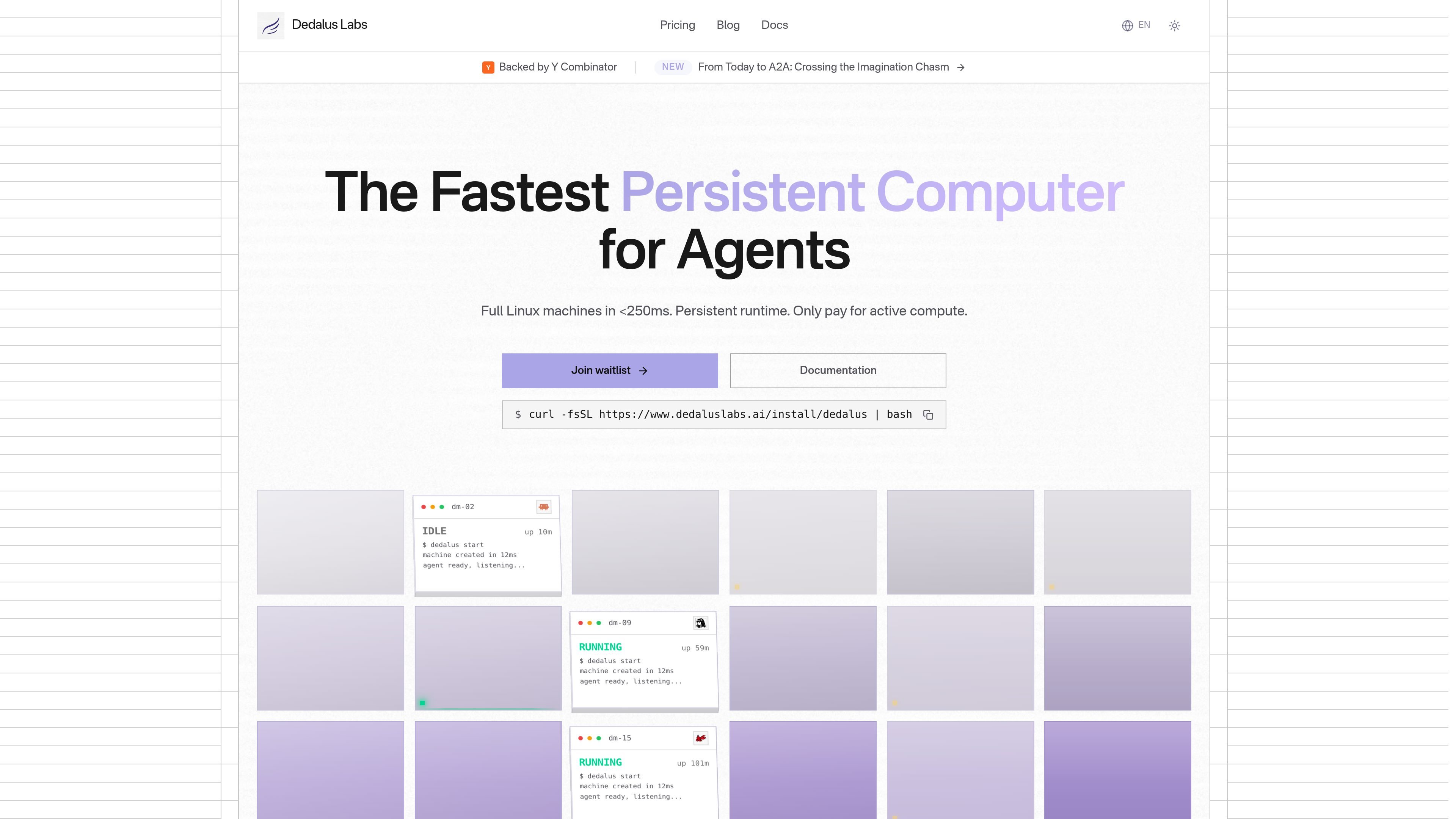
Fast machine startup
Machines are described as full Linux environments that start in under 250 ms, reducing waiting time compared with traditional sandboxes.

Dedalus Labs fornece máquinas Linux persistentes para fluxos de trabalho de agentes, com inicialização rápida, estado preservado e controle por CLI. A cobrança é pelo processamento ativo; tempo ocioso e armazenamento são gratuitos.
Dedalus Labs provides persistent Linux machines for agent workflows. The product positions these machines as starting in under 250 ms, with filesystem and memory preserved across sessions so work can continue without rebuilding the environment each time.
The site shows a CLI-first workflow for installing the Dedalus client, creating a machine, running commands, and SSHing into the environment. The pricing page adds per-second billing for active compute, free idle time, and storage that persists across sleep and wake cycles.
Machines are described as full Linux environments that start in under 250 ms, reducing waiting time compared with traditional sandboxes.
Filesystem and memory are preserved across sessions, so installed tools, environment variables, and background processes can remain available after sleep and wake cycles.
The product emphasizes full Linux access with root privileges, support for apt, pip, npm, cargo, and brew, plus GPU/CUDA and Docker support.
The pricing page states that compute is billed per second only while the machine is active, with idle time free and storage included in the plan.
The product shows a command-line workflow for installing the CLI, creating machines, running commands, and connecting through SSH.
The pricing page lists enterprise controls including SSO, RBAC, audit logs, SLA options, and dedicated support.
Run agents that need a machine to keep state between jobs, including installed packages, files, and background processes.
Create a Linux environment for tasks that require system packages, root access, or Docker instead of a limited sandbox.
Launch short-lived or intermittent workloads such as command execution, scraping, or code generation without paying for idle time.
Use a machine as a remote workspace when SSH access and command-line control are part of the workflow.
Standardize team infrastructure on a paid tier when centralized controls such as SSO, RBAC, audit logs, or dedicated support are needed.
The source shows a CLI for creating machines, running commands, and connecting over SSH. It also shows a documentation link and an API key page, but it does not fully document the API surface or integration catalog.
The pricing page says compute is billed per second only while a machine is actively running. Idle time is free, and storage persists across sleep and wake cycles.
The home page shows support for macOS, Linux, and Windows installation of the Dedalus CLI, with commands for creating machines and SSH access. It does not provide a broader platform compatibility list beyond the CLI instructions shown.
The pricing page says hobby, pro, and enterprise options are available. Hobby includes 50 compute hours per month and a one-time sign-up credit, Pro includes monthly compute credits, and Enterprise is custom with team controls such as SSO, RBAC, and audit logs.
The product is aimed at persistent agent workloads and other workflows that need full Linux machines, preserved state, and root access. The source explicitly highlights machine-based workflows such as command execution and SSH access.
Os dados de tráfego são apenas para referência.

maritime.sh
Maritime é uma plataforma para implantar, gerenciar e escalar agentes de IA com micro-VMs isoladas e um endpoint de API ativo. Crie agentes voltados ao cliente, fluxos de trabalho personalizados e implantações individuais por cliente.

www.cybedefend.com
CybeDefend é uma plataforma de segurança de código desenvolvida para fluxos de trabalho de programação com IA. A camada VibeDefend analisa prompts dos agentes e diffs, aplica regras do projeto e do negócio, protege contra ações arriscadas e combina análises de código, dependências, segredos, infraestrutura e CI/CD antes de um pull request.

www.cosmicjs.com
Um marketplace para instalar plugins de fornecedores no agente Cosmic responsável por uma tarefa. É voltado a equipes que usam agentes Cosmic, ferramentas MCP e fluxos de trabalho relacionados a conteúdo ou operações.

omlx.ai
oMLX é um servidor de inferência LLM nativo do macOS, baseado em MLX, para executar localmente no Apple Silicon modelos compatíveis de linguagem, visão-linguagem, embeddings e reranking. Criado para fluxos de trabalho com agentes de programação, funciona com Claude Code, OpenClaw, Cursor e clientes compatíveis com OpenAI.

weaveos.com
Weave Router é um roteador inteligente de modelos para agentes de programação. Ele avalia tarefas de código e direciona solicitações entre modelos abertos e fechados, ajudando desenvolvedores a manter os fluxos de trabalho atuais dos agentes e a gerenciar velocidade, qualidade e gastos com modelos.

air.dev
JetBrains Air é um ambiente de desktop para executar agentes de código em paralelo, isolar tarefas e revisar alterações em um único espaço de trabalho no macOS e Linux.