
Text-to-video generation
Creates video outputs from a text prompt, positioning the model for text-driven generation workflows.

Stable Video is Stability AI’s text-to-video model for generating short videos with configurable frame rates and self-hosted deployment under a license-based access flow.
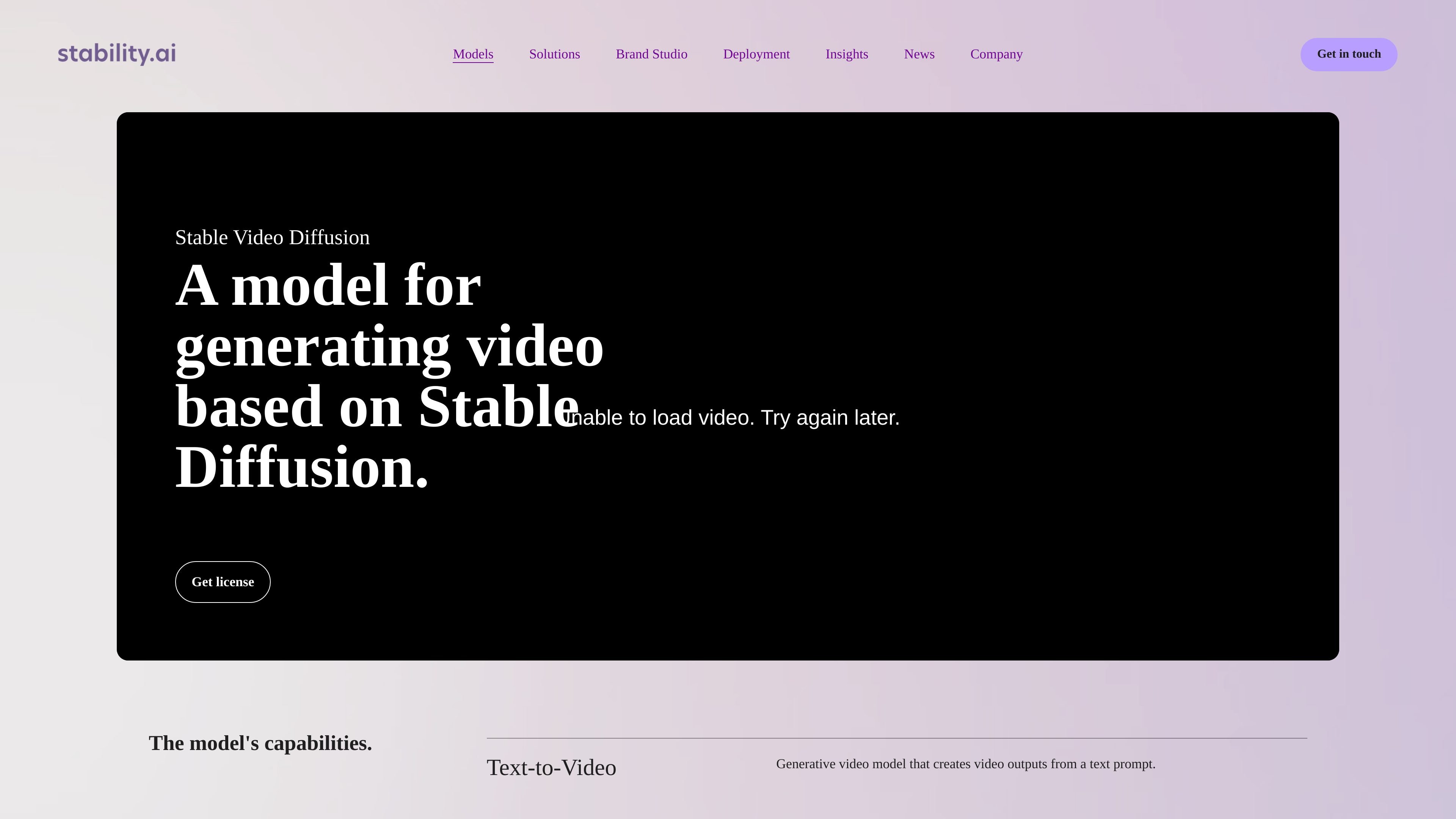
Stable Video Diffusion is Stability AI’s generative video model built on Stable Diffusion. The product page presents it as a model for generating video from text prompts, with a focus on direct video creation rather than editing or post-production tools.
The site highlights three core capabilities: text-to-video generation, configurable frame rates, and fast turnaround. It also says the model can be deployed on your own infrastructure under a self-hosted license, which makes it relevant for teams that want to run video generation within their own environment.
Creates video outputs from a text prompt, positioning the model for text-driven generation workflows.
Produces 14 or 25 frames and supports frame-rate control between 3 and 30 frames per second.
The site states that videos can be created in 2 minutes or less, which suggests a short turnaround for generated clips.
Offers a self-hosted deployment path so teams can run the model in their own environment.
Provides a license-based access flow through the site’s Get license call to action.
Generate short video clips from prompt text when you need an early visual concept or a quick motion-based draft.
Run the model within your own infrastructure when your team needs local control over the environment or deployment settings.
Produce short-form video outputs with a chosen frame rate when timing and clip length matter for experimentation.
Evaluate the model for fast-turnaround video workflows where the site’s stated two-minute-or-less processing time is relevant.
Stable Video Diffusion is described as a generative video model that creates video outputs from a text prompt. The source does not document broader input modes or workflow variations on the page text provided.
The source states that it can generate 14 and 25 frames and supports customizable frame rates between 3 and 30 frames per second.
The page says it creates videos in 2 minutes or less, but does not provide hardware requirements, queue behavior, or guarantees for every workload.
The site says you can deploy Stable Video Diffusion on your own infrastructure under a self-hosted license for advanced customization.
The pricing and license pages in the provided text indicate a license-based flow, but they do not expose explicit commercial terms or pricing amounts in the collected content.