
Prompt optimization
Turn rough ideas into structured prompts for image and video generation, with support for direct AI chat and web content analysis to improve prompt quality.

PixelPrompt is a browser-based AI image and video workspace for prompt optimization, text-to-image, and text-to-video generation. It supports ecommerce visuals, ad creatives, and short-form UGC-style content without requiring a local GPU.
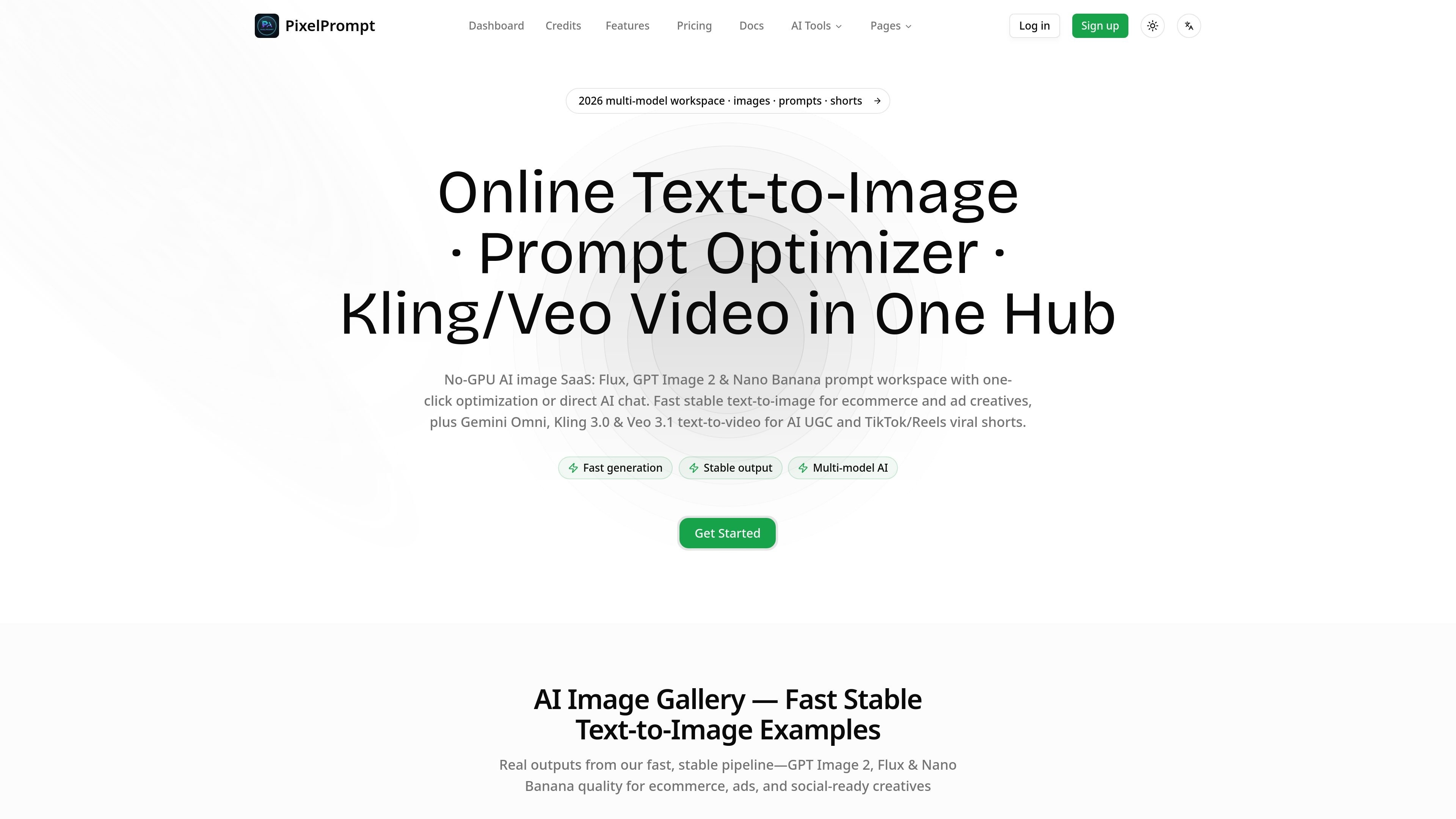
PixelPrompt is a browser-based AI image and video workspace centered on prompt optimization, text-to-image generation, and text-to-video generation. The site presents it as a no-GPU service for creating ecommerce visuals, ad creatives, UGC-style clips, and other short-form content.
The product brings prompt optimization and generation into one hub. On the pages provided, it supports image workflows for Flux, GPT Image 2, and Nano Banana, plus video workflows for Kling 3.0, Veo 3.1, and Gemini Omni, with reference-image support and credit-based usage across monthly and one-time plans.
Turn rough ideas into structured prompts for image and video generation, with support for direct AI chat and web content analysis to improve prompt quality.
Generate still images in the browser with text-to-image and image-to-image workflows, using reference images and multiple aspect or output options.
Create short videos from text or images for social media, ads, product demos, and branded storytelling, with reference-image support and duration choices shown on the video page.
Work across the model families named on the site, including Flux, GPT Image 2, Nano Banana, Kling 3.0, Veo 3.1, and Gemini Omni.
Use the product as a browser-based service, with the site emphasizing no local GPU requirement and stable generation in the browser.
Choose from credit-based plans, including monthly subscriptions and a one-time credit package with no expiration shown on the pricing page.
Use the prompt optimizer to turn a rough product idea into a more structured prompt before generating images or video.
Create ecommerce product shots, catalog visuals, and ad banners with the text-to-image and image-to-image tools.
Generate short-form social videos, including UGC-style clips and TikTok/Reels-style outputs, from text prompts or reference images.
Produce product demos and branded storytelling videos with the video workflow and optional reference-image input.
Use the browser-based workflow to iterate without installing local AI tooling or needing a local GPU.
PixelPrompt is a browser-based AI image, video, and prompt-optimization workspace. It is positioned for users creating ecommerce visuals, ads, UGC-style clips, and other short-form content without needing a local GPU.
The site presents PixelPrompt as a no-GPU SaaS with fast, stable text-to-image generation and support for multiple image and video model workflows, including Flux, GPT Image 2, Nano Banana, Kling, Veo, and Gemini Omni on the pages provided.
Yes. The product pages explicitly mention ecommerce product shots, ad creatives, product demos, branded storytelling, and AI UGC short videos as intended outputs.
The pricing page shows paid plans and credit-based usage, including monthly options and a one-time credit package. It does not show a free plan on the provided pages.
The provided pages do not include the cancellation, upgrade, or refund terms themselves. Those details appear to be handled through the pricing and policy pages rather than the product pages shown here.
Os dados de tráfego são apenas para referência.
| mai. | 0 |
|---|---|
| jun. | 0 |
| jul. | 399 |
As análises de tráfego ainda não estão disponíveis.
As análises de tráfego ainda não estão disponíveis.