
AI mastering with text prompts
Describe the sound you want, and the mastering engine applies signal-chain processing, revisions, and final polish in seconds. The site presents this as prompt-based mastering for detailed creative control.

SoundBoost.ai is an AI audio mastering platform for musicians, with prompt-based mastering, reference matching, stem splitting, and release-prep checks.
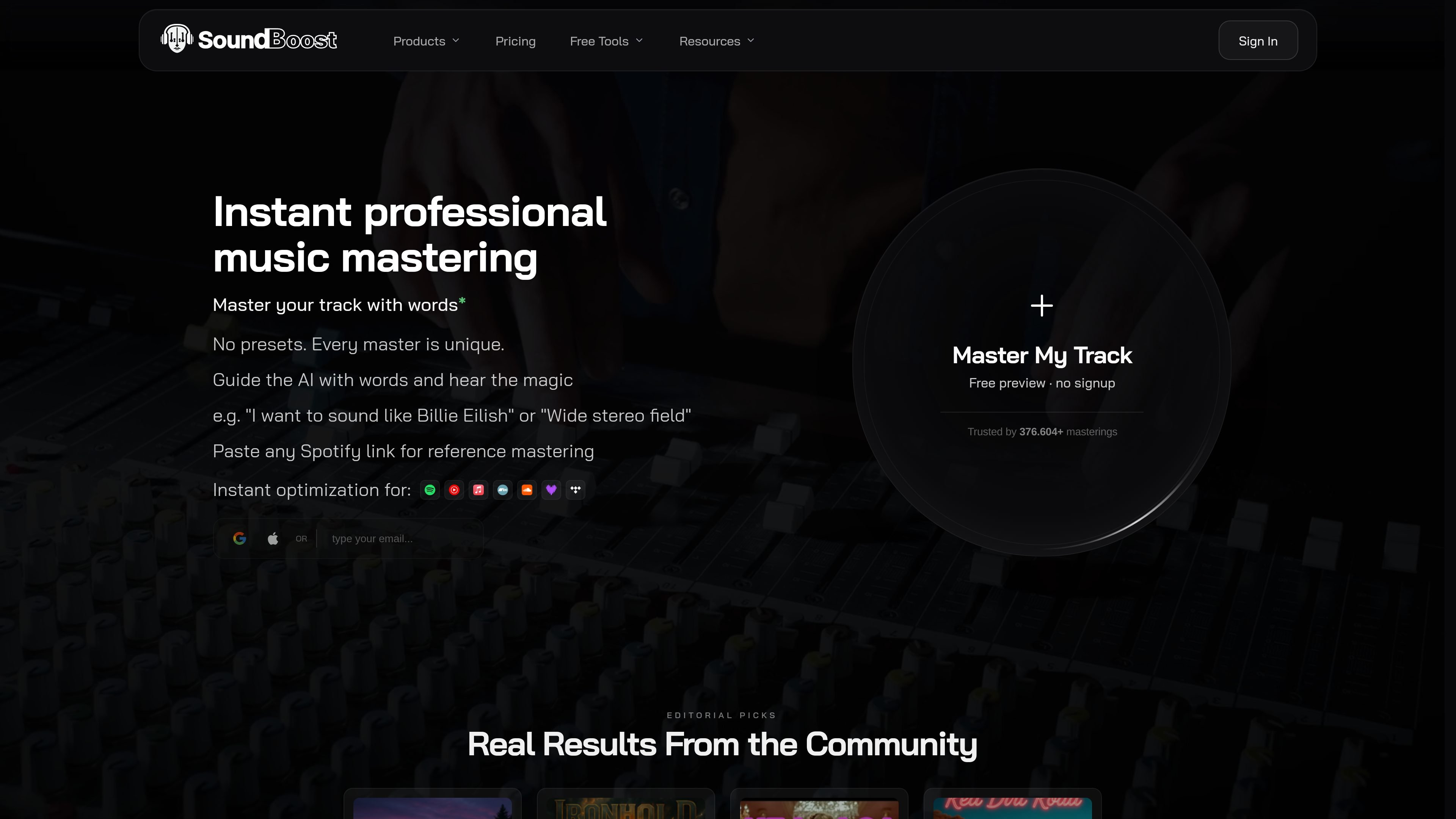
SoundBoost.ai is an online AI audio mastering platform from DIKTATORIAL that focuses on prompt-driven mastering, reference matching, and quick revision workflows. It is presented as a web and mobile service for turning mixes into release-ready masters and for exploring related audio tasks such as stem splitting, loudness analysis, and visual creation.
The product is aimed at musicians who want to move from mix to finished master without a traditional manual mastering chain. The site highlights natural-language prompting, reference-track guidance, multiple mastering styles, and export options for common delivery formats. It also positions the tool for mobile use and for projects that need stems, vocal removal, or playback translation checks.
Describe the sound you want, and the mastering engine applies signal-chain processing, revisions, and final polish in seconds. The site presents this as prompt-based mastering for detailed creative control.
Choose a reference song and match loudness, width, and tone against it. The site says this supports quicker revisions and more targeted mastering results.
Switch between different AI mastering engineer personas and sound profiles. The site gives examples such as Sophia for smoothness and clarity and Marcus for a heavier, Skrillex-inspired style.
Separate vocals, drums, bass, and instruments for remixing, rehearsal, and production workflows. The mobile app also includes a free vocal remover and stem splitter.
Preview loudness changes and speaker translation before release. The loudness penalty tool and car check features are positioned for checking how tracks behave on streaming services and consumer speakers.
Create music-related visuals such as album covers and Spotify Canvas-style videos. The site also describes an AI photo shoot studio and personal model training for artists.
Use text prompts to steer the sound of a mix when you already know the outcome you want but do not want to build a manual mastering chain.
Use a reference track when you want your song to align more closely with the loudness, width, and tonal balance of a specific release.
Split vocals, drums, bass, and other instruments to make backing tracks, rehearsal material, remixes, or performance stems.
Check how a track may translate on car speakers, phones, laptops, and streaming platforms before releasing it.
Work on masters and stem projects from a phone or tablet when you are away from a desktop setup.
SoundBoost’s FAQ defines mastering as the process of refining and polishing a song so it is ready for release. The site says the goal is to make the track feel more alive, loud, and satisfying across headphones, speakers, and other playback systems.
Yes. The source states that you can master on iPhone, iPad, Android, and web, and that the subscription covers one account across those platforms.
The site says you can guide mastering with natural-language prompts, choose reference tracks, or switch between AI mastering engineer personas and sound profiles. It also notes that you can still adjust options and prompts rather than leaving everything fully locked to the AI.
The pricing page says the membership includes unlimited mastering and stems, WAV/HD-WAV/MP3 exports, up to 15 revisions per track, and multiple mastering effects and algorithms. The page also offers a free trial path.
The site says your audio is not used to train the AI and is not shared with third parties. The loudness penalty page also states that its analysis happens in the browser and no data is sent to its servers.