
Networked notes with backlinks
Create linked notes that form a graph of connected ideas, making it easier to move between related thoughts and find context later.
Reflect Notes is a minimalist note-taking app for connected notes, fast capture, search, and AI-assisted writing. It suits users who want to link ideas, save web highlights, and sync notes across devices.
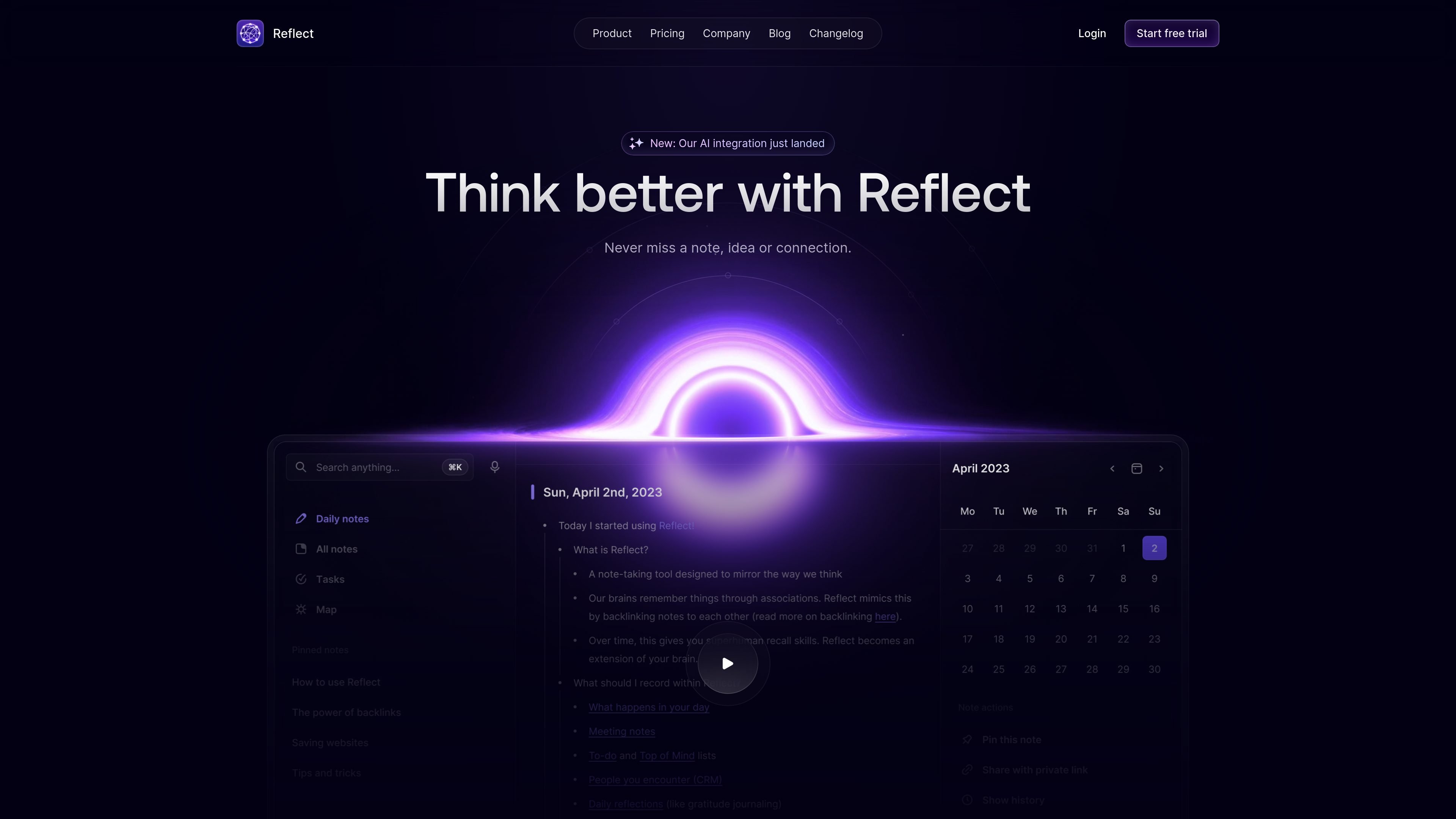
Reflect Notes is a minimalist note-taking app built around connected notes, fast capture, and search. The product positions itself as a way to mirror how you think by linking ideas with backlinks and keeping notes available across desktop, mobile, and web.
The site highlights end-to-end encryption, real-time sync, calendar integrations, web clipping, and publishing, along with a native AI integration. Reflect AI can transcribe voice notes, summarize or outline content, and help rewrite or organize notes, while privacy documentation says only text or audio you explicitly select is sent to AI providers for processing.
Create linked notes that form a graph of connected ideas, making it easier to move between related thoughts and find context later.
Capture ideas from desktop or mobile, including offline on iOS, and keep them synced in real time across devices.
Save snippets from your browser and Kindle, and bring highlights or links back into one place for later reference.
Search past notes and ideas quickly with frictionless search; the changelog also notes semantic search improvements for saved links and OCR support in PDFs.
Use the built-in AI assistant, powered by GPT-4 and Whisper according to the homepage, to transcribe voice notes, outline scattered thoughts, summarize meetings, and improve writing.
Connect meetings and external apps through Google Calendar, Outlook, Zapier, Readwise, Chrome, and Safari integrations, plus export and API access.
Use Reflect as a personal second brain when you want notes to stay linked by context instead of trapped in separate folders.
Capture meeting agendas, discussion points, and follow-ups by syncing calendar events from Google Calendar or Outlook into your notes.
Save web clips, Kindle highlights, and important links, then rely on search and backlinking to find them again later.
Draft outlines, clean up rough notes, or transcribe spoken ideas with the built-in AI assistant when you want a faster first pass.
Keep notes available when you are away from a connection by capturing on iOS offline and syncing across devices afterward.
Yes. The source includes a one-plan pricing page that offers a 14-day trial, but it does not provide additional tier details in the collected text.
Reflect is built for personal note-taking and knowledge work, with features like backlinks, synced capture, calendar integrations, publishing, and AI-assisted writing and transcription.
Reflect supports Google Calendar and Outlook for meetings, Chrome and Safari for web clipping, Readwise for reading highlights, Zapier for broader app connections, and export plus an API for access to notes.
The privacy policy says note contents are end-to-end encrypted. It also says text or audio used with AI features may be sent to OpenAI, Anthropic, or Google APIs for processing when the user explicitly selects it.
The changelog shows desktop, iOS, macOS, web, and iPad support, with offline capture mentioned for the iOS app and real-time sync across devices on the homepage.