
Text-to-prompt rewriting
The homepage describes the product as taking any text and turning it into a better prompt, rather than requiring users to write structured prompts from scratch.
Pretty Prompt is a Chrome extension from getdolphin.ai that turns rough text into clearer prompts for AI tools fast, right in your browser.
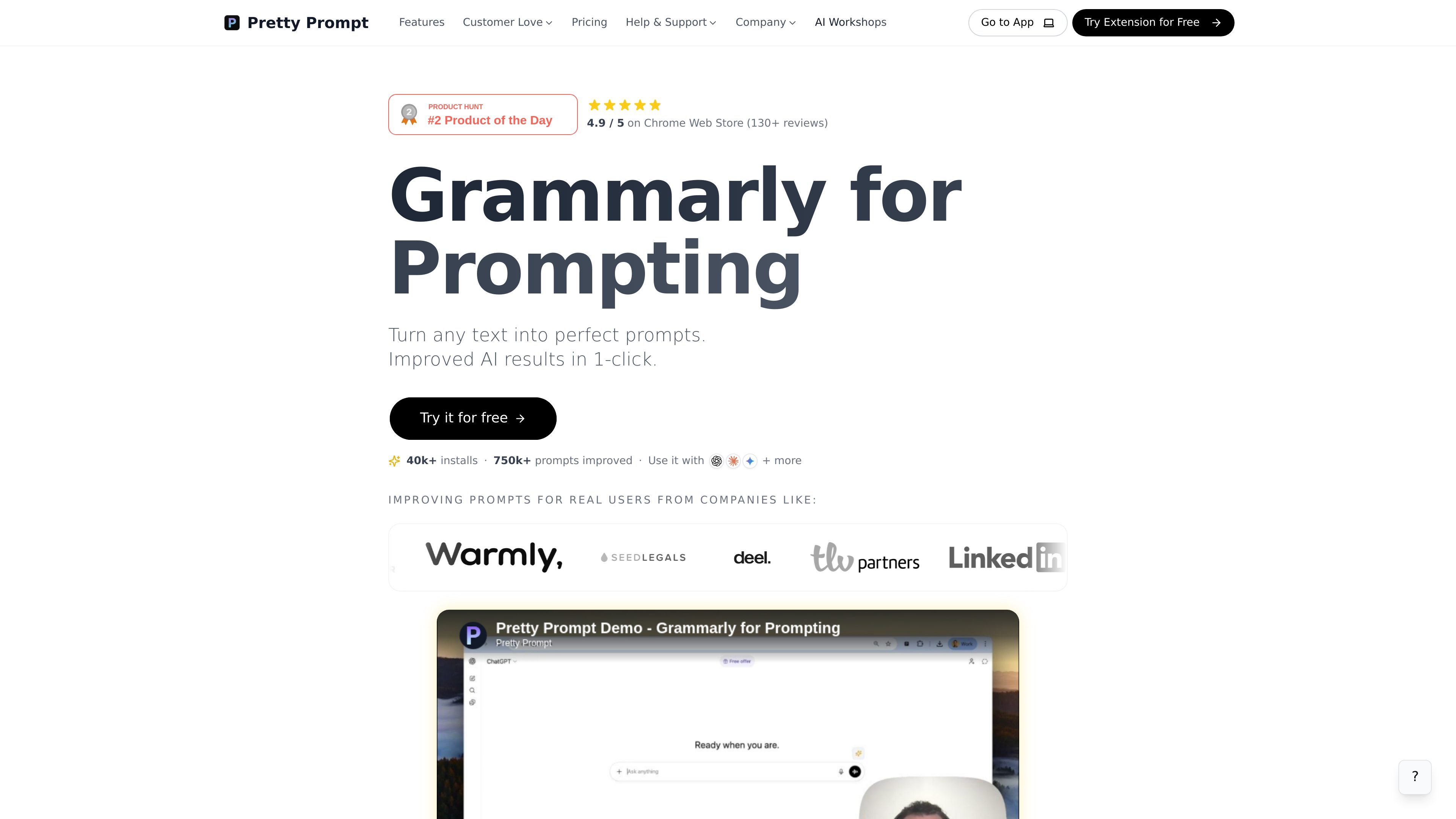
Pretty Prompt is a browser-based prompt improvement tool from getdolphin.ai. Its homepage positions it as “Grammarly for Prompting,” with the core job of turning rough text into clearer prompts that can produce better AI output.
The public site presents it as a Chrome extension that works in a 1-click flow. The main value proposition is speed: users can paste or draft text, then convert it into a more structured prompt without manually refining every detail.
The homepage describes the product as taking any text and turning it into a better prompt, rather than requiring users to write structured prompts from scratch.
The primary callout on the homepage is 1-click improvement, suggesting a fast conversion flow intended to reduce manual prompt editing.
The site says the tool improves AI results, implying the output is designed to be more specific and easier for AI systems to follow.
Chrome Web Store evidence and the site’s extension messaging indicate the product is delivered as a browser extension for prompt work inside the browser.
The homepage highlights use with major AI tools, but only general compatibility is visible in the source and no deeper integration list is provided.
Useful when you have a rough idea, an informal request, or a long paragraph and want it converted into a cleaner prompt before sending it to an AI model.
Helpful for people who use ChatGPT or similar tools and want to spend less time rewriting the same instruction multiple times.
Relevant for users who struggle to describe context or constraints clearly and want the browser extension to help structure the request.
Appropriate for browser-first workflows where prompt editing happens alongside the AI tool you are already using.
Pretty Prompt is positioned as a Chrome extension that helps turn rough text into more structured prompts for AI tools like ChatGPT. The homepage describes it as improving AI results in one click.
The available source only confirms a Chrome extension and a web experience on getdolphin.ai. It does not document broader native apps or other supported browsers.
The homepage says you can try it for free, but the pricing page is currently not available. No plan details, limits, or paid tiers are visible in the source.
The product copy emphasizes prompt improvement in a 1-click workflow. The public sources do not describe a step-by-step setup flow, so the exact onboarding process is unclear from the site text alone.