
Beat Packs built for arranging songs
Browse hundreds of Beat Packs made by professional producers, then combine loops that are designed to work together as arrangement building blocks.

Overtune is a beatmaking platform for recording artists, singers, rappers, and content creators to build songs fast with Beat Packs, loop arranging, and stem or master exports on iOS or web.
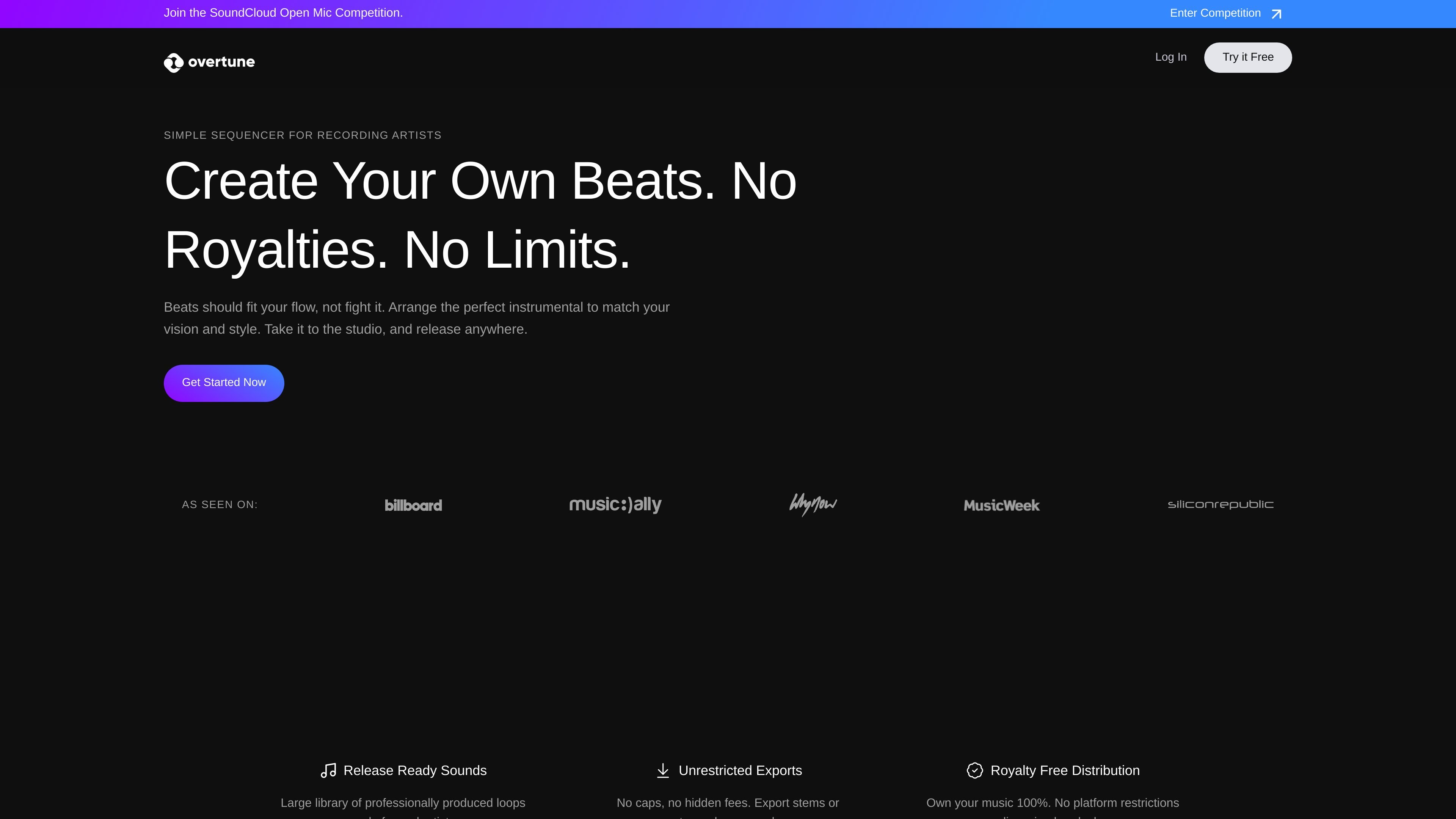
Overtune is a beatmaking platform for recording artists, singers, rappers, and other music creators who want to build songs quickly from pre-made loops. It centers on Beat Packs: collections of professionally produced sounds organized so the parts fit together when you arrange them into a track.
The product is designed for short-form music content and song ideas that need a simple workflow. Users can pick Beat Packs, adjust key and BPM, export stems or master audio, and take the result into another recording or production tool if needed.
Browse hundreds of Beat Packs made by professional producers, then combine loops that are designed to work together as arrangement building blocks.
Adjust key and BPM and choose instruments while mixing Beat Packs to shape the track around your idea instead of starting from a blank canvas.
Download ready-to-go WAV files or stems for mixing, mastering, or handing off to another producer.
Export without streaming caps or platform restrictions, and use the music under a simple license described as royalty-free for PRO users.
Create on iOS or in the browser, with the mobile app supporting beat creation and loop mixing, though browser/app syncing is not currently supported.
Start from curated Beat Packs, adjust the key and BPM, and assemble a track without needing to build every sound from scratch.
Export stems or a master file so a vocalist, producer, or mixer can continue the project in another tool.
Create beats and short-form music content for social platforms using a workflow that emphasizes speed and simple arrangement.
Use the iOS app to create on mobile when you want to work away from a desktop setup, keeping in mind that browser and app syncing is not currently available.
Overtune is available on iOS and in the browser, but the FAQ says syncing between the browser and app is not supported at the moment.
You can record vocals in another recording app, then download the master or stems from Overtune and continue production elsewhere.
Overtune lets you export stems or master audio files so you can keep working with a producer or mix in another tool.
Overtune PRO users can export royalty-free music. The FAQ also says Overtune provides a non-exclusive distribution license.
The FAQ says loops you downloaded while your subscription was active remain licensed to you, but stem and master exports require an active subscription and PRO Beat Pack projects are not accessible without one.