
Prompt-to-demo chord generation
Describe a vibe, genre, or prompt and ChordChord generates an editable chord progression quickly, without menu-heavy setup.

ChordChord is a browser-based chord progression generator for music makers, with editable progressions, arrangement tools, and exports to MIDI, WAV, MP3, or PDF.
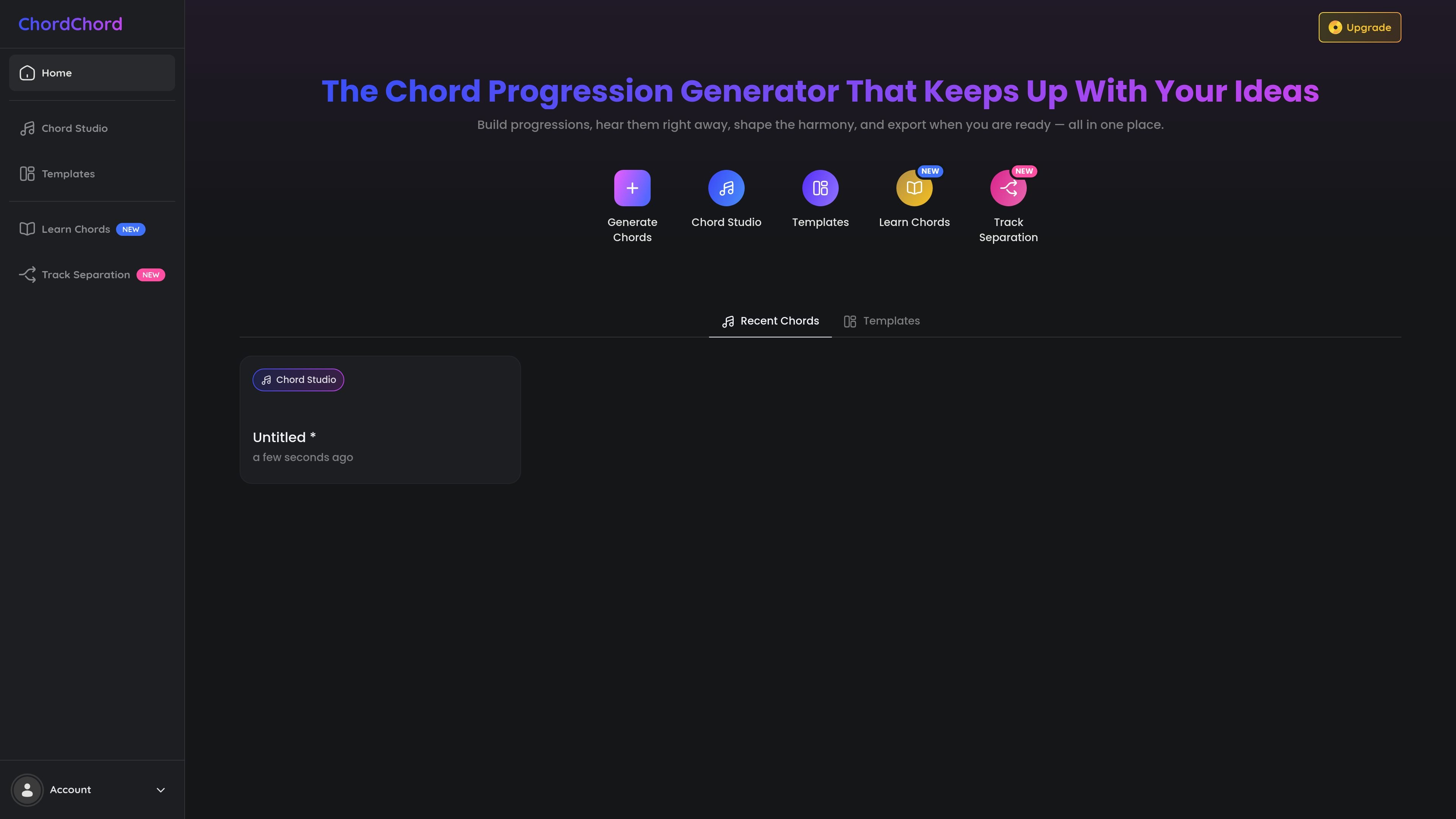
ChordChord is a chord progression generator for music makers who want to build ideas, hear them immediately, and refine them in one browser-based workspace. The product centers on fast chord creation with editable results, so users can move from a prompt, typed progression, or instrument input to a playable demo without leaving the app.
The site positions the tool around songwriting and arranging workflows rather than standalone theory study. Users can shape the harmony, add backing parts, and export material for DAWs or collaborators, while the education pages show a classroom use case with multi-seat pricing and onboarding for teachers and students.
Describe a vibe, genre, or prompt and ChordChord generates an editable chord progression quickly, without menu-heavy setup.
Paste chord symbols such as `D – Bm – Em – C`, pick from the chord palette, or input chords by playing guitar or piano.
Add genre-matched drums and melodies on top of chords, then change grooves or backing parts during the workflow.
Export MIDI, WAV stems, full-mix MP3s, or PDF chord charts for use in DAWs, notation software, or sharing with collaborators.
Use style templates, AI chord suggestions, real-time transpose, BPM controls, and support for charts for piano and guitar.
Start from a mood, genre, or lyric idea and get a playable chord progression quickly, then adjust voicings, tempo, or backing parts before exporting.
Paste a progression or enter chords by instrument input, then use the editor to refine the harmony and continue building the track.
Create chord charts, MIDI, or stems that can be moved into Ableton Live, Logic Pro, FL Studio, Pro Tools, Reaper, Studio One, Cubase, or GarageBand.
Use the education offering to give students a simple interface for experimenting with chord progressions, rhythm, melody, and lyric ideas.
Share a project link so collaborators can listen and make limited edits without needing the same full setup.
No. The product runs in modern browsers, including Chrome, Safari, and Edge, and the FAQ says there is no install required.
Yes. ChordChord supports standard MIDI and audio workflows, and the FAQ lists Ableton Live, Logic Pro, FL Studio, Pro Tools, Reaper, Studio One, Cubase, and GarageBand as compatible examples.
Yes. You can export MIDI, WAV stems, a full-mix MP3, and PDF chord charts, and the FAQ states exported files are royalty-free with no watermarks or licensing limits.
Yes. The FAQ says you can cancel at any time, and your projects remain in the cloud so you can still view and play them, with exporting and full AI generation paused until reactivation.
Yes. The education page says ChordChord offers discounted multi-seat memberships and personalized onboarding for schools, and the contact page invites institutions to request an offer by email.