
Daily and long-term notes
Create automatically generated daily pages for task planning and note-taking, with separate weekly, monthly, and yearly notes for longer-range planning.

NotePlan is a productivity workspace for notes, tasks and calendar planning in one place, with markdown, time blocking, bi-directional links and AI capture tools.
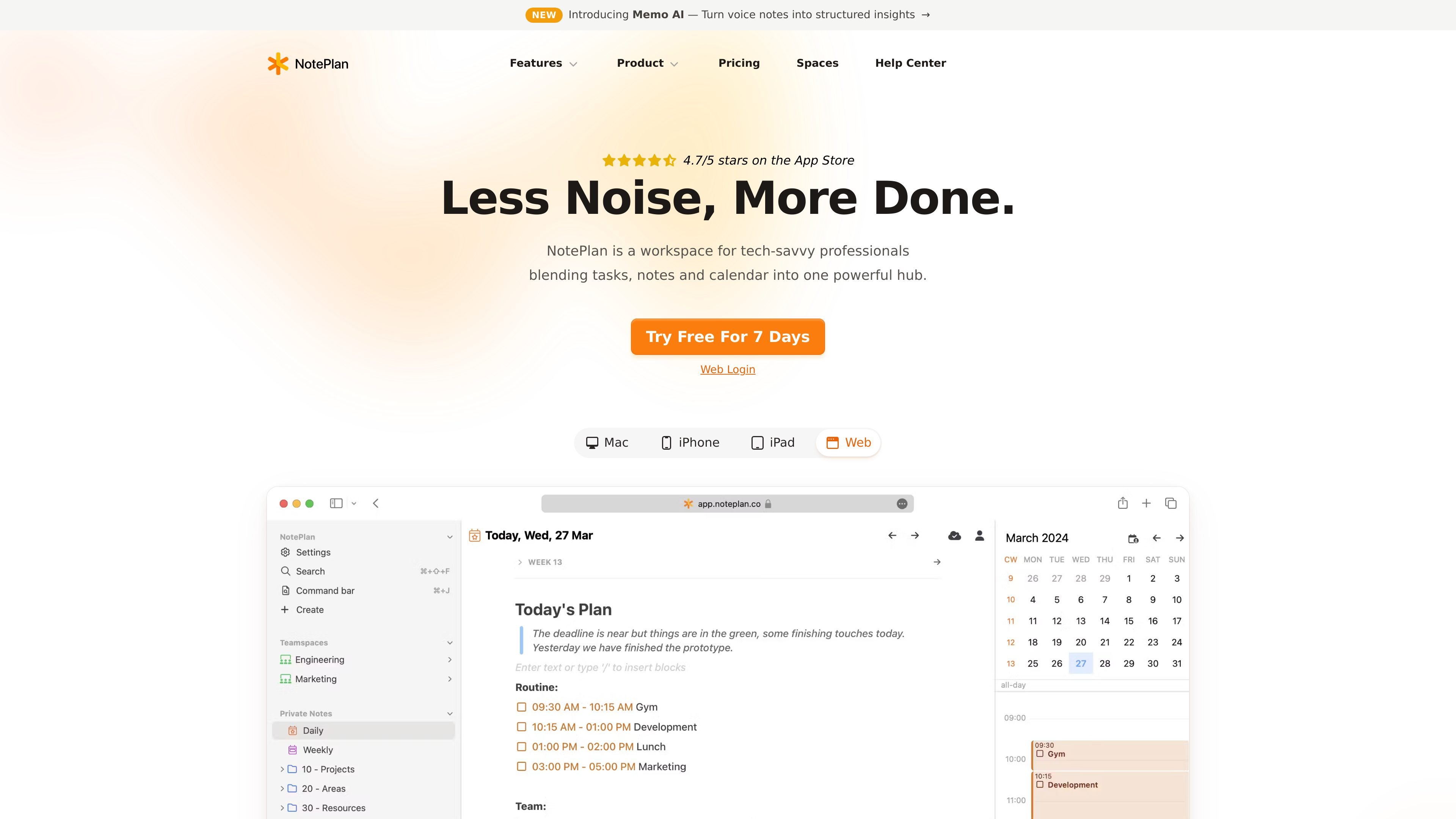
NotePlan is a productivity workspace that combines notes, tasks, and calendar scheduling in one app. It is aimed at people who want to plan work, capture ideas, and manage commitments in the same place instead of switching between separate tools.
The product centers on daily notes, task scheduling, and calendar-aware planning. It supports recurring tasks, time blocks, markdown-based note taking, bi-directional links, templates, plugins, and AI-assisted tools for summarizing, rewriting, transcription, and voice note capture.
Create automatically generated daily pages for task planning and note-taking, with separate weekly, monthly, and yearly notes for longer-range planning.
Keep tasks visible in a dynamic list, reschedule them with drag and drop, and filter by date, project, or tag.
Schedule focused work sessions with durations and reminders, and align those time blocks with the calendar view.
Link related notes and track references and mentions so connected information stays easy to follow.
Use markdown, folders, tags, mentions, templates, and plugins to structure notes and adapt the workspace to a personal workflow.
Use built-in AI tools to summarize, rewrite, and convert rough notes into structured text, plus voice notes and handwriting transcription on supported devices.
Use NotePlan to keep your agenda, meeting notes, and follow-up tasks in one daily page, then review the same material from weekly or monthly notes when planning ahead.
Use time blocks, reminders, recurring tasks, and calendar-aware scheduling to reserve focused work sessions and keep commitments visible.
Use markdown, folders, tags, and bi-directional links to build a connected personal knowledge base for projects, reference material, and meeting notes.
Use templates, plugins, and JavaScript-based templating to standardize repeating note structures and automate parts of your workflow.
Use Memo AI on iPhone to record voice notes, extract action items, and export structured notes for later review in NotePlan or other formats.
Yes. The pricing page says subscriptions can be cancelled anytime from Settings > License > Manage Subscription, and the app also notes you can cancel via email.
Yes. NotePlan says notes are available offline, and changes sync once you are back online.
With CloudKit sync or no sync, notes are saved in a local system folder under Library on Mac. When sync is enabled, notes are also stored on Apple’s servers.
The pricing page says all plans include full access across Mac, iPad, iPhone, and Web. Memo AI is available on iPhone and offers export to Markdown, PDF, or NotePlan.