
Multi-format summarization
Summarize YouTube videos, PDFs, articles, books, PPTs, audio, and text into concise notes that are easier to review and save.

NoteGPT is a web-based AI learning assistant for summarizing, transcribing, chatting, writing, and creating study or content outputs from videos, documents, meetings, and other source material. It includes a free plan and additional unlimited and team plans, with tools for students, educators, professionals, researchers, and creators.
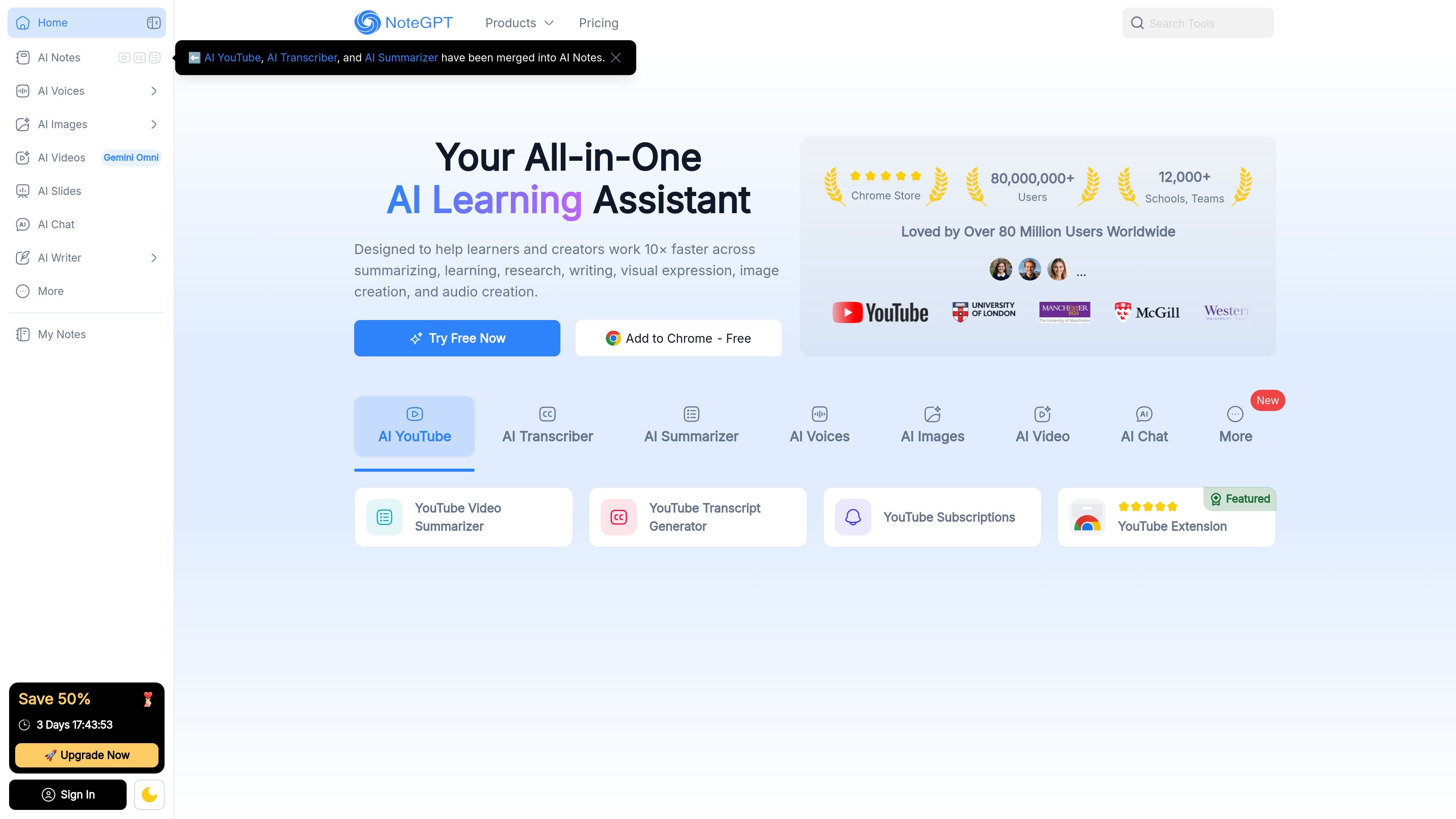
NoteGPT is an AI learning assistant that brings summarizing, transcription, chat, writing, audio, and visual creation tools into one web product. The site positions it for learners and creators who want to work with videos, documents, meetings, and other content more efficiently.
The product’s core workflow is to turn source material into something easier to review, search, and reuse: notes, summaries, transcripts, slides, audio, visuals, or chat-based answers. The homepage, AI Note Taker page, AI Chat page, and AI Tools page all point to this same general use model, while the pricing page shows a free plan, an unlimited plan, and a team plan.
Summarize YouTube videos, PDFs, articles, books, PPTs, audio, and text into concise notes that are easier to review and save.
Convert YouTube videos, lectures, meetings, and recordings into text, including cases without subtitles on YouTube.
Chat with several AI models in one interface, including ChatGPT, Gemini, Claude, DeepSeek, and GPT-5, for questions, drafts, and research support.
Create audio outputs such as text-to-speech, podcasts, voice cloning, and voice design for lessons or content workflows.
Generate and edit visual assets such as slides, infographics, mind maps, flowcharts, and images from text or source material.
Support study and writing tasks with AI essay writing, grading, homework help, math solving, flashcards, quizzes, PDF translation, AI detection, and humanizing tools.
Turn lectures, papers, and course material into shorter notes or summaries, then reuse them for exam review, flashcards, or writing.
Record or upload meetings, interviews, webinars, and client calls, then convert them into transcripts and searchable notes for follow-up.
Ask questions across multiple AI models while working on drafts, research, or problem solving without switching between separate tools.
Convert source material into slides, visuals, infographics, mind maps, or diagrams for presentations and teaching materials.
Create voice-based outputs such as podcasts, text-to-speech lessons, and cloned or designed voices for audio-first workflows.
NoteGPT provides AI summaries, transcription, chat, writing, and media tools in one place. The source highlights YouTube summarization, PDF summarization, note taking, and AI chat with models such as ChatGPT, Gemini, Claude, and DeepSeek.
Yes. The homepage and FAQ text say NoteGPT can handle YouTube videos without subtitles, and the AI Note Taker page says it can record, transcribe, and summarize meetings, videos, PDFs, and other online content.
The source says a free plan is available after login with 15 quotas per month and no credit card required. A separate unlimited plan and team plan are also listed, but the page text shown does not include their full limits or prices.
The site says Team Plan is intended for schools, research groups, and teams. It also presents the product as useful for students, educators, professionals, researchers, and creators.
The site lists AI Chat for chatting with multiple models and AI Tools for study, writing, PDF, diagram, and note workflows. It also notes that AI YouTube, AI Transcriber, and AI Summarizer have been merged into AI Notes.