
Meeting capture and note generation
Captures notes during meetings on desktop and turns calls in Google Meet, Zoom, and Teams into structured notes and action items.

TwinMind is an AI meeting assistant and memory tool that captures conversations, lectures, and voice notes into transcripts, summaries, notes, and email drafts.
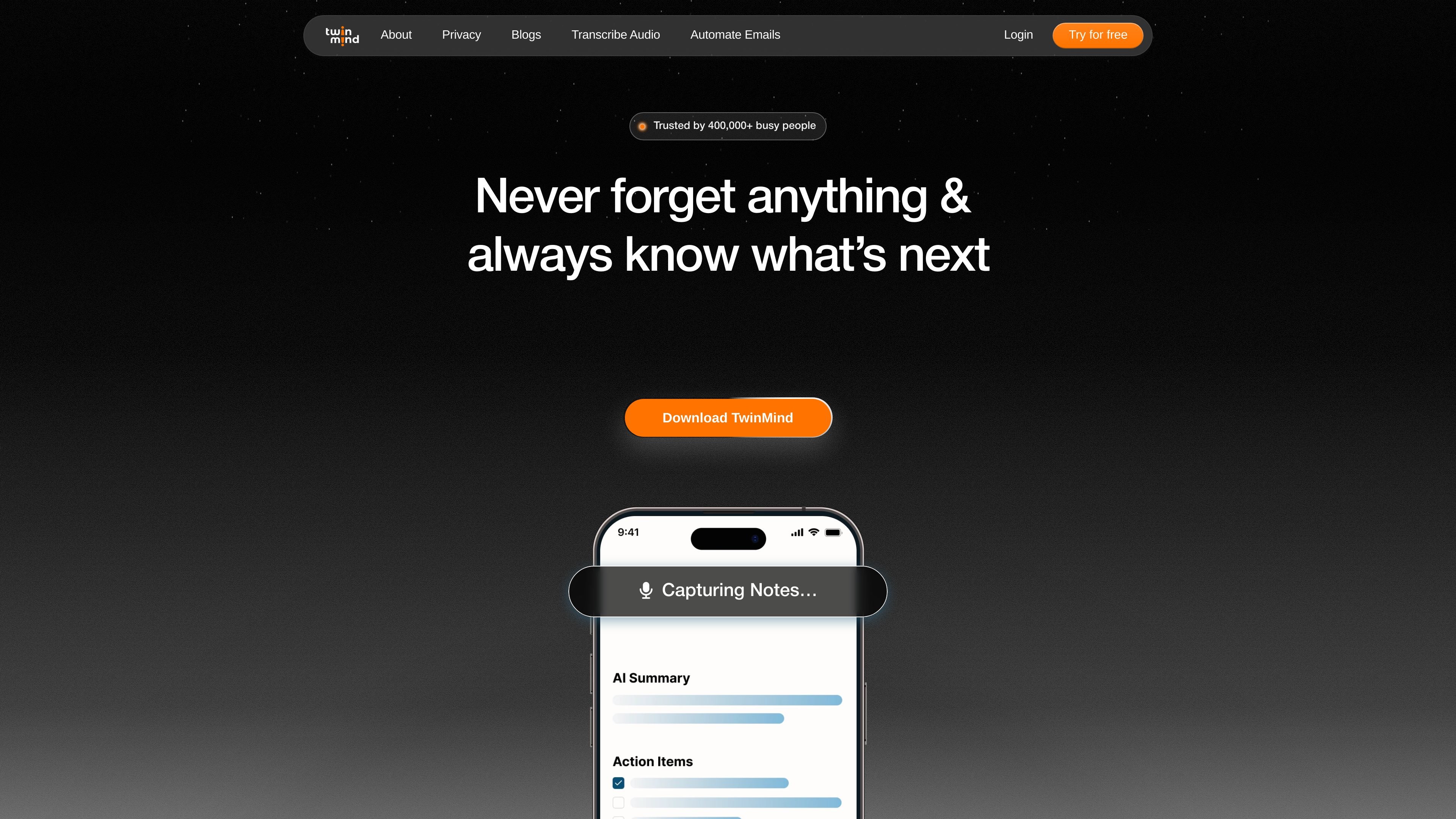
TwinMind is an AI memory and transcription product that captures conversations, meetings, lectures, and voice notes, then turns them into notes, summaries, transcripts, and follow-up drafts. The site positions it as a “trusted AI second brain” that remembers context and helps users ask questions about their own history.
The product is presented as a desktop, mobile, and Chrome-extension workflow with separate pages for email assistance and transcription. It supports real-time capture in 140+ languages, can generate structured notes and action items from calls, and offers local text storage with optional encrypted cloud backups.
Captures notes during meetings on desktop and turns calls in Google Meet, Zoom, and Teams into structured notes and action items.
Drafts replies using context from past emails and meeting memories, so responses can reflect the user's own phrasing and history.
Records or forwards voice notes on WhatsApp to produce both a transcript and a summary.
Transcribes in real time across 140+ languages and promotes high transcription accuracy through its Ear-3 transcription model.
Stores transcripts and chats locally, with optional encrypted cloud backups, and says audio is never stored.
Provides access to AI models inside TwinMind and highlights a free-forever entry point on the product pages.
Turn live calls into structured notes and action items for later review, especially when you need a written record of decisions and follow-ups.
Record lectures and study sessions, then use the transcript and summary to review material more efficiently.
Forward or record voice notes on WhatsApp to get a transcript and summary without manually typing them out.
Draft replies for busy inboxes by pulling context from previous emails and meeting memories.
Ask questions about prior conversations, meetings, or attached context when you need to recall details from past discussions.
TwinMind is designed to capture and recall information from meetings, lectures, conversations, and voice notes. Its email assistant also drafts replies using context from past emails and meeting notes.
The site shows TwinMind on desktop and mobile, plus a Chrome extension and WhatsApp voice-note workflow. It also mentions Google Meet, Zoom, and Teams for meeting capture, and Gmail for the email assistant.
TwinMind says it can transcribe and summarize in real time, produce structured notes and action items, and draft follow-up emails from captured context.
TwinMind says transcripts and chats are stored locally, with optional encrypted cloud backups, and that audio is never stored. It also says data is not sold or used to train AI models.
The pricing page was not available, but the email assistant page shows a subscription section with an annual/monthly toggle and a free trial call to action. Exact plan details are not fully visible in the provided sources.