
Multiple models in one place
Use multiple AI chat models in one workspace, including Claude, GPT, Gemini, Grok, Qwen, DeepSeek, Kimi, Meta, Mistral, Perplexity, Minimax, and Cohere as shown in the site navigation and model pages.

Lorka is a web-based AI platform that brings multiple chat models and tools into one workspace for writing, research, coding, and document analysis. The site also highlights web search, image editing, PDF chat, translation, humanizing, and voice mode.
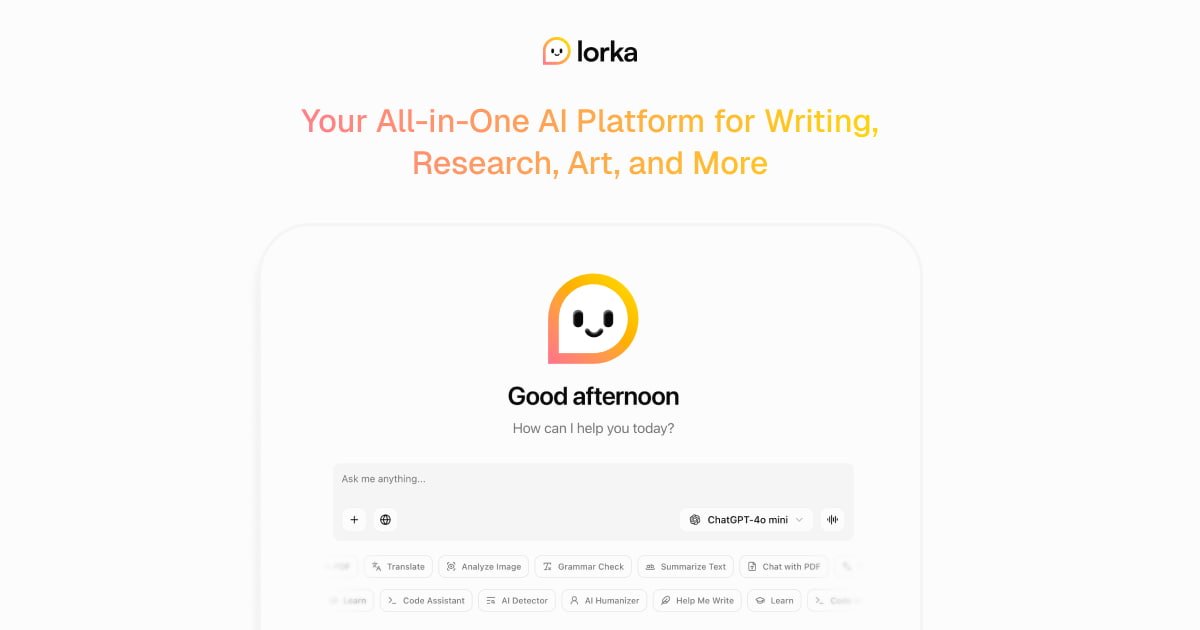
Lorka is an all-in-one AI platform that combines multiple chat models and AI tools in a single web-based workspace. The homepage and model pages present it as a place to access models such as Claude Sonnet 4.6, GPT-5.5, Gemini 3.1 Pro, DeepSeek, Grok, Qwen, and others without switching between separate services.
The product is positioned around practical work rather than a single chatbot. Source pages describe uses such as writing, research, coding, document analysis, web search, image editing, translation, PDF chat, humanizing text, and voice-driven prompting, which makes the platform most relevant for people who want several AI workflows in one subscription-based environment.
Use multiple AI chat models in one workspace, including Claude, GPT, Gemini, Grok, Qwen, DeepSeek, Kimi, Meta, Mistral, Perplexity, Minimax, and Cohere as shown in the site navigation and model pages.
Switch between model-specific pages and prompts for tasks such as writing, research, coding, analysis, and multilingual work without leaving the platform.
Search the web from within the product to quickly gather and summarize information for reports, essays, or fact-checking workflows.
Edit images, remove backgrounds, and generate visuals for presentations or social content using the platform’s image tools.
Work with PDFs, translate text, humanize writing, and use voice mode for hands-free prompting and note-taking.
Research users can move between models to compare answers, summarize sources, and handle longer documents or PDFs in one place.
Writers and content teams can draft emails, articles, outlines, and social content while choosing the model that best fits the tone or structure they need.
Developers can use the platform for coding help, debugging, refactoring, and technical explanations, with model pages specifically highlighting coding and reasoning tasks.
Students and analysts can ask for step-by-step explanations, translations, study notes, and help with data-heavy tasks such as spreadsheets or reports.
Teams working with visuals or quick production tasks can generate images, edit assets, remove backgrounds, and use voice prompting when typing is inconvenient.
Lorka is an all-in-one AI platform that lets you use multiple chat models and tools in one place. The source pages show chat models, AI web search, image editing, PDF chat, translation, humanizing, and voice mode.
The source pages position Lorka for people who switch between models or need several AI tasks in one workflow, including writing, research, coding, and analysis. The rendered testimonials and model pages mention researchers, developers, content strategists, students, and small business owners, but these examples should be treated as illustrative rather than a formal target list.
The site says you can use different AI models and tools from a single platform instead of juggling separate subscriptions or browser tabs. It emphasizes moving between models such as Claude, GPT, Gemini, DeepSeek, Qwen, Grok, and others inside one workspace.
The pricing page did not expose plan details in the collected source. It confirms a pricing section exists in the site navigation, but no concrete price or plan information was visible in the captured page text.
The collected source does not provide clear integration or device-compatibility details beyond web-based access to the Lorka site and its model pages. Supported platforms and external integrations are not stated explicitly in the captured content.