
Replay moment detection
Finds the moments worth sharing inside webinar replays so users do not have to review long recordings manually.

Livestorm AI Studio turns webinar replays into short clips for social and owned channels. Coming soon, it helps teams reuse recorded webinars as ongoing content.
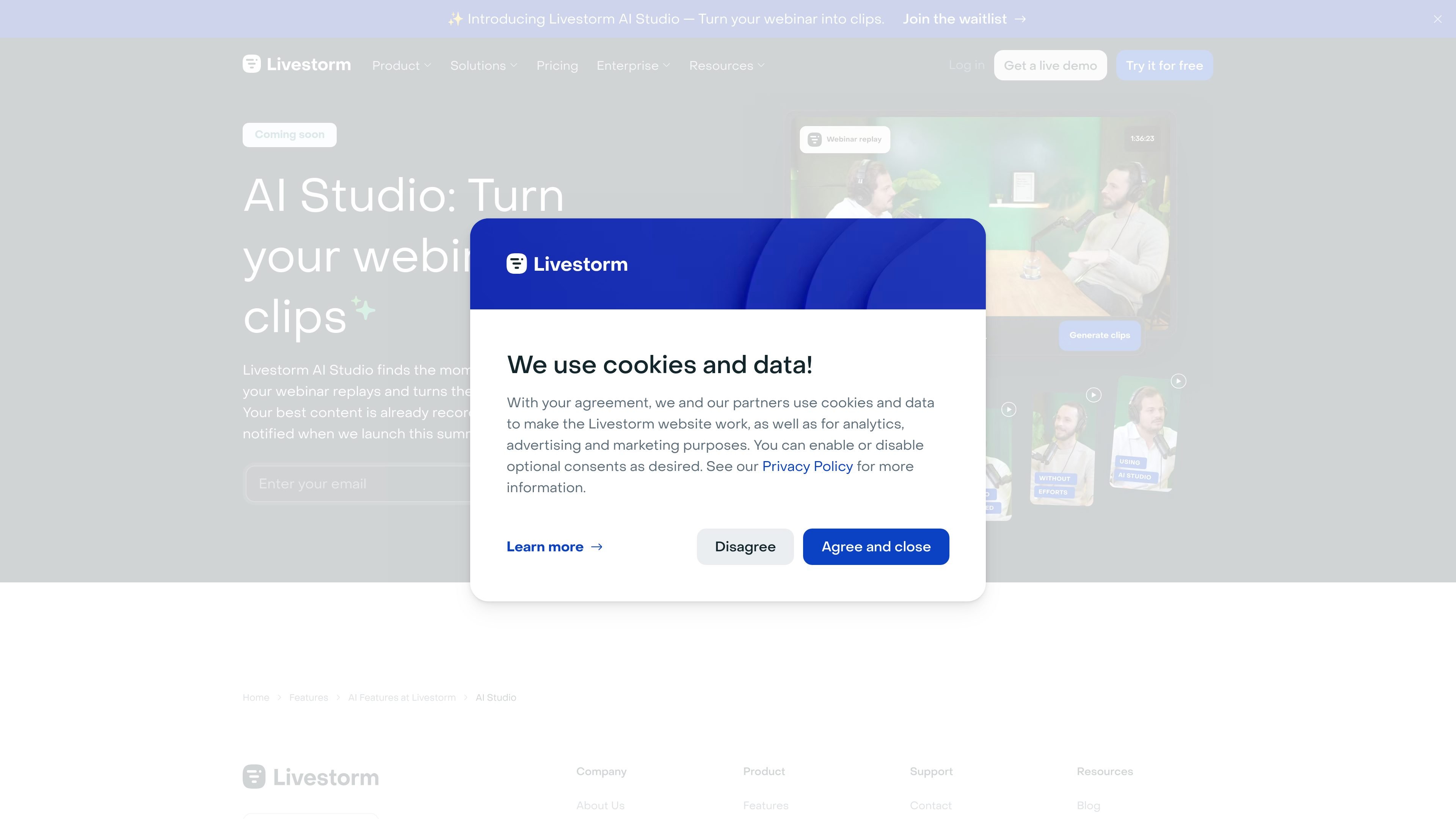
Livestorm AI Studio is a webinar repurposing product that turns recorded webinars into short clips. The site says it finds the moments worth sharing in webinar replays and packages them ready to publish for social, owned channels, and beyond.
Its core job is to help teams get more use from content they have already recorded. Instead of treating a webinar replay as a finished asset, the product reframes it as source material for ongoing clip production.
Finds the moments worth sharing inside webinar replays so users do not have to review long recordings manually.
Turns a single webinar into a stream of shorter clips that can be published over time.
Packages clips as ready-to-publish assets for social and owned channels, reducing the amount of manual editing described on the site.
Focuses on content already recorded in Livestorm webinars, making recorded sessions the source material for new clips.
Prompts visitors to join a waitlist for a summer launch, indicating an unreleased product rather than an active public app.
Convert a long webinar replay into shorter clips that can be scheduled across social and owned channels after the live event ends.
Extract the most shareable moments from a recorded session so marketing teams can reuse one event as multiple pieces of content.
Reuse existing webinar recordings as ongoing source material when a team wants to extend the life of a single event.
The site presents Livestorm AI Studio as a webinar-to-clips workflow: it finds shareable moments in webinar replays and packages them as clips ready for social and owned channels. The public pages do not spell out a longer setup flow.
The source indicates it is coming soon and invites visitors to join the waitlist to get notified when it launches this summer. No live-product onboarding details are shown on the public pages.
The public pages say it turns one webinar into weeks of clips, but they do not list export formats, file types, or publishing destinations beyond social and owned channels.
The collected pages do not name specific integrations or connected tools. The integrations page is present, but the rendered text available here does not provide product names or technical details.
The available pages do not describe team controls, seat limits, or collaboration features. Based on the source, it is safer to treat the product as a webinar content repurposing tool rather than a fully specified team platform.