
Photo to Ghibli-style conversion
Upload a photo and convert it into Studio Ghibli-style artwork. The create page shows image-to-image generation rather than a blank-canvas editor.

Ghibli Image Generator turns photos or text prompts into Studio Ghibli-style images with style controls, upload limits, and premium commercial-use plans.
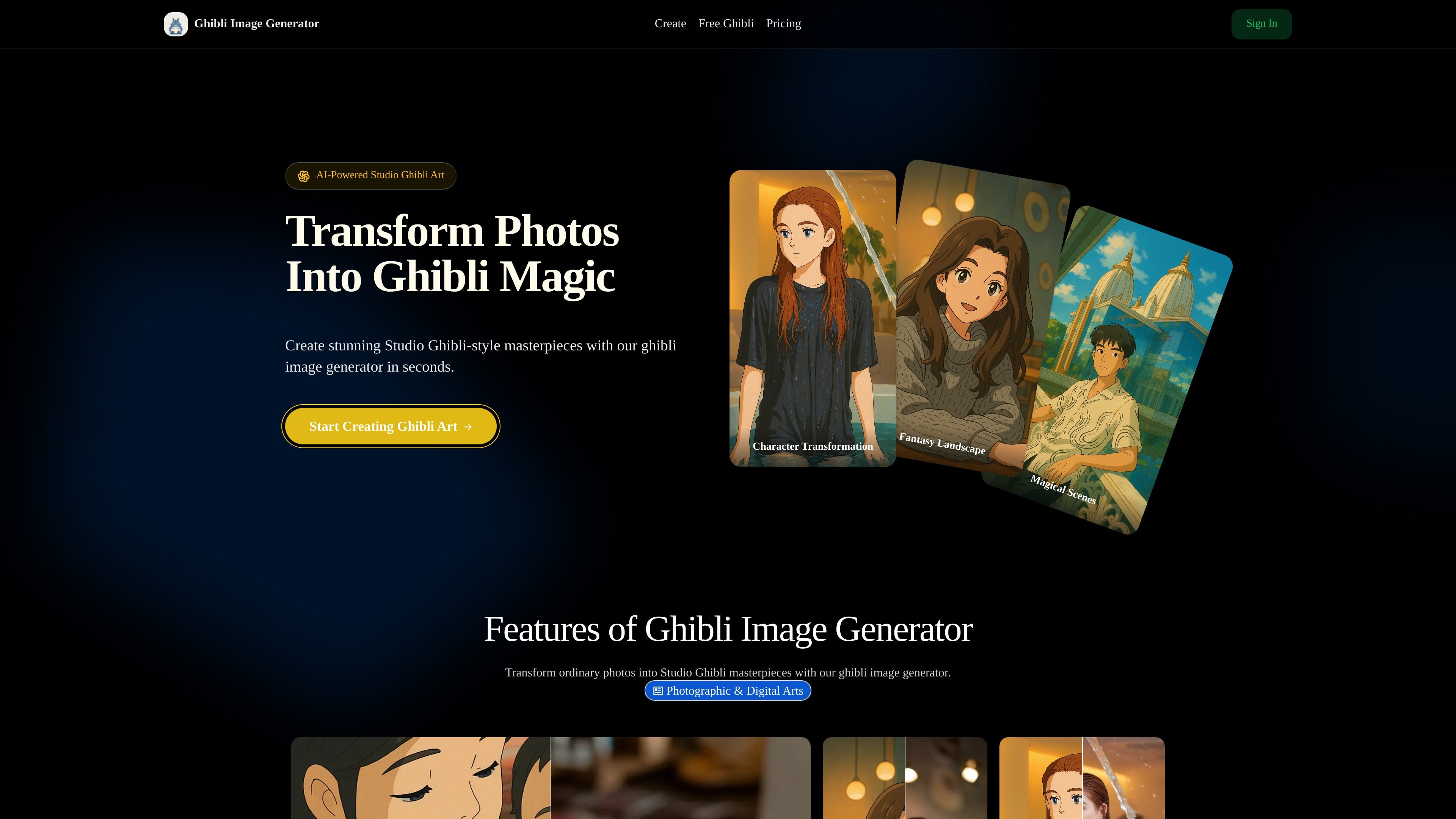
Ghibli Image Generator is an online image generator for turning uploaded photos or text prompts into Studio Ghibli-style artwork. The site positions it as a quick way to create Ghibli-inspired images with watercolor effects, soft lighting, and familiar fantasy aesthetics.
The create page shows a simple workflow: upload an image, choose a style, adjust the prompt if needed, select the number of outputs, and generate. The pricing page shows tiered subscriptions, with higher plans adding features such as private generations, commercial use, priority support, and more concurrent jobs.
Upload a photo and convert it into Studio Ghibli-style artwork. The create page shows image-to-image generation rather than a blank-canvas editor.
The tool applies a Ghibli-inspired look with watercolor-like color, soft lighting, and delicate linework based on the prompts and style controls shown on the site.
Users can choose styles such as Studio Ghibli, Anime, and Cartoon, and the create page includes a custom prompt field for more specific instructions.
The upload workflow accepts JPEG and PNG files up to 20MB and 4096 x 4096 pixels, which gives a clear boundary for supported source images.
The pricing page lists HD image resolution and 4K resolution in paid plans, indicating support for higher-resolution output.
The pricing page says the Premium plan includes commercial use, private generations, priority email support, and multiple running jobs at once.
Turn personal photos into Ghibli-inspired portraits or family images for sharing or printing.
Create fantasy landscapes, magical scenes, or concept art from text prompts or reference images.
Generate assets for commercial or promotional use on plans that include commercial rights.
Produce multiple themed outputs for creators who want consistent visuals for posts, thumbnails, or series artwork.
The source says it analyzes either text or images and applies Studio Ghibli-style elements such as soft watercolor effects, distinctive lighting, and characteristic designs. The create page also shows an image upload workflow and style options like Studio Ghibli, Anime, and Cartoon.
The pricing page shows subscription plans with monthly billing options, and all subscriptions can be canceled at any time. It does not present a traditional sales-contact flow in the provided material.
The create page says uploaded images can be JPEG or PNG, up to 20MB and 4096 x 4096 pixels.
The pricing page lists commercial use on the Premium plan, while the home page also mentions commercial-ready output and clear ownership certification. The source does not provide more detailed licensing terms.
The create page includes a field for output image number with options 1 to 4, and generation is priced as 2 credits per image. The source does not describe additional batch-processing controls beyond that.