
Text-to-image generation
Create images from text prompts with Deep Art Creator Pro, which the source describes as a local AI image generator for text-to-image workflows.

Deep Art AI offers web, desktop and mobile AI tools for creating, transforming and enhancing images. Desktop apps run locally; API and SDK support available.
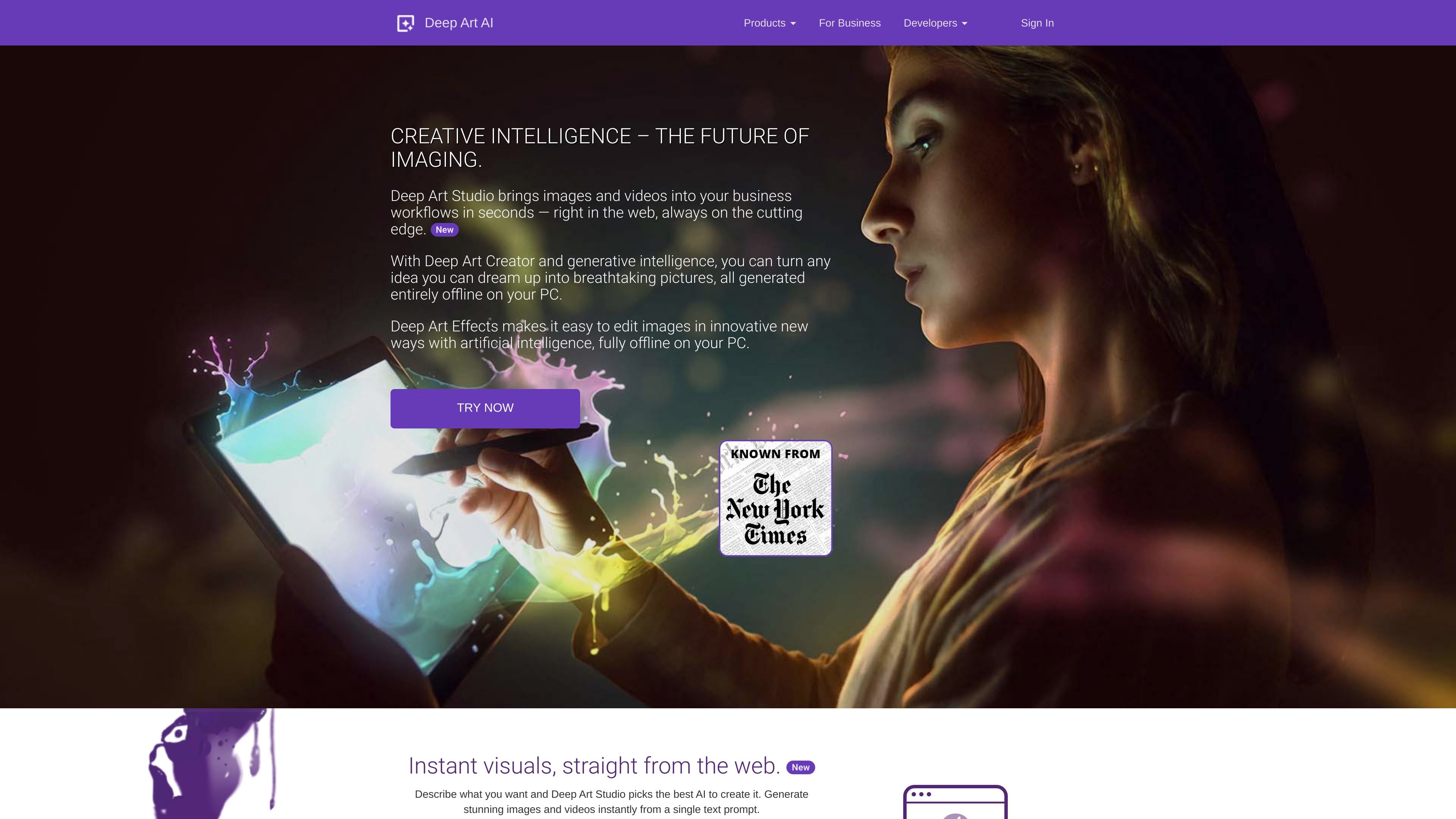
Deep Art AI is a family of image tools focused on neural style transfer, AI art generation, image enhancement, and offline processing. The site positions Deep Art Studio as a web-based option for generating images and videos from prompts, Deep Art Creator as a desktop generator for creating new artwork from text, and Deep Art Effects as a desktop image editor for transforming existing photos.
The product is aimed at people who want to create or edit visuals with AI while keeping work local when using the desktop software. The source emphasizes that desktop processing happens on the device, that creations remain with the user, and that businesses can integrate the technology through an API or SDKs.
Create images from text prompts with Deep Art Creator Pro, which the source describes as a local AI image generator for text-to-image workflows.
Transform and enhance existing images on a desktop device, including image transformation, detail enhancement, and art-style edits.
Upscale images with AI, including 2× and 4× magnification claims in the source material.
Process images locally on your computer so prompts and artworks stay on the device instead of being uploaded to a cloud service.
Use SDKs and a web API to add style transfer and image-processing functions to applications, websites, and online stores.
Choose from a large set of art styles, with the business page citing more than 100 styles and the home page describing predefined art filters.
Generate original visuals from a written idea using Deep Art Creator Pro or the web-based Deep Art Studio prompt workflow.
Edit existing photos with AI-driven style transfer, enhancement, automatic background cutting, or color adjustments.
Improve resolution and detail for images that need to be used in print or higher-quality output, using the source’s upscaling and enhancement pipeline.
Embed style transfer or image-processing functions into a product, website, or app with SDKs and a web API.
Use local desktop processing when privacy matters and images should stay on the user’s device rather than being sent to the cloud.
Deep Art Creator Pro is a desktop AI art generator for generating images from text prompts, transforming images, enhancing detail, and upscaling visuals. The source also points to Deep Art Effects for offline image editing and Deep Art Studio for web-based image and video generation.
The desktop products run locally on your device. The source says images, prompts, and creations stay on your device and are not uploaded to a server.
The business page says integration is available through SDKs and code examples for Java, Android, iOS, .NET, PHP, and JavaScript, plus a web API using HTTPS/JSON.
The source indicates a free version or free test plan is available, but it does not provide published prices or full plan limits in the provided text.
The business page says custom business and offline solutions are available, along with support for demanding imaging projects.